

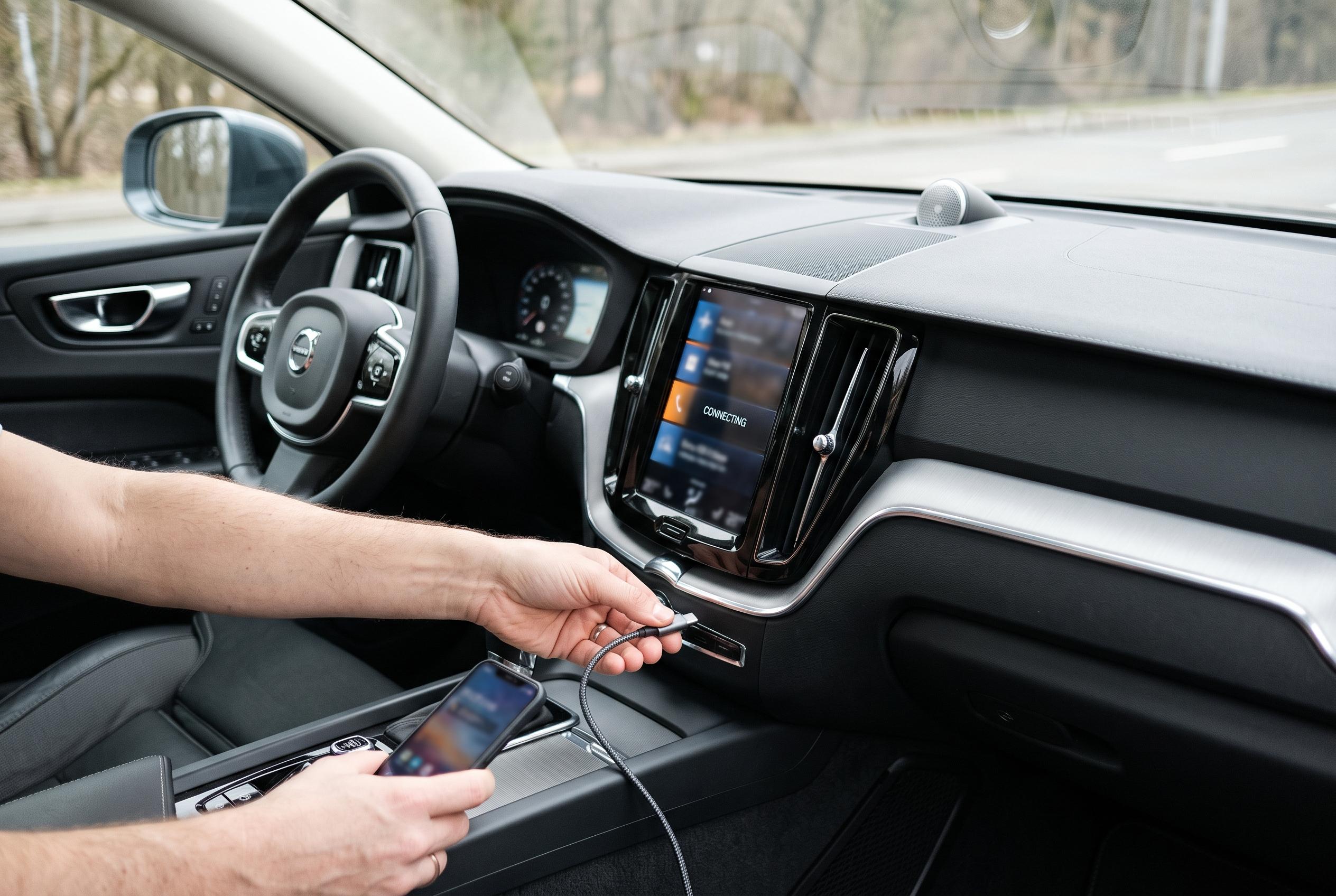

A second phone, a different cable and a clean wireless pairing can reveal whether a failed CarPlay connection is caused by the handset, the vehicle or the link between them.
When Apple CarPlay stops responding, the fault is not always with the iPhone. The most common causes sit elsewhere in the chain: an incompatible vehicle setup, a faulty cable, a wireless pairing problem, Siri or Screen Time restrictions, or a glitch in the car’s infotainment software. Apple’s own support guidance says the first step is to confirm that CarPlay is available in the relevant region, that the car supports it, and that the iPhone is running current software.
A careful diagnosis begins by separating the phone from the vehicle. One useful test is to connect a second compatible iPhone to the same car using the same method. If that device also fails, the evidence points more strongly to the car, its USB port, or the head unit. The reverse test is equally useful: if the original iPhone fails in more than one compatible vehicle, the problem is more likely to be on the phone side, such as its settings, operating system, port, or saved connection records.
For wired setups, the cable is often the weakest link. A phone can still charge even when the cable cannot carry data reliably, so a charging connection does not prove that CarPlay should work. Apple and vehicle makers such as Chevrolet and Cadillac both advise checking that the correct USB port is being used, since not every port in a car supports smartphone projection. They also recommend using a proper data-capable cable, avoiding hubs or splitters, and inspecting the connectors for damage, dirt, moisture or looseness.
Wireless CarPlay needs a clean Bluetooth and Wi-Fi handshake, so old pairing data can block a new session. Apple says users should remove the car from the iPhone’s CarPlay list, delete the iPhone from the vehicle’s saved Bluetooth devices, then restart both systems and pair them again. If another handset is already linked to the car, that may also need to be disconnected temporarily, because many infotainment systems will try to reconnect to the previously used device first.
Settings on the iPhone can also interfere. Apple’s support page says Siri must be enabled for CarPlay to function properly, and restrictions in Screen Time can prevent apps or features from appearing. If CarPlay only works after the phone is unlocked, the vehicle’s own settings may also need to be reviewed to allow use while the device is locked. In some cases, a VPN or device-management profile can complicate testing, so temporarily switching those off can help isolate the cause.
If none of the basic checks work, the next step is a clean restart of both the iPhone and the car’s infotainment system, followed by a search for updates. Apple recommends keeping iOS current, while vehicle makers advise checking for head-unit or firmware updates and following model-specific setup instructions. A full reset of all settings is usually a last resort, because it can change far more than the CarPlay configuration and may obscure the original fault. If several phones fail in the same car, the dealership or manufacturer should inspect the vehicle; if the same iPhone fails across multiple compatible cars, Apple Support is the more relevant next stop. The most efficient approach is to identify whether the failure sits with the phone, the cable, the pairing record, or the vehicle system, then act on that layer alone.
Disclaimer: This content is intended for informational purposes only. Readers are advised to exercise their own judgement, conduct due diligence, or consult a qualified expert before acting on any information provided.



