

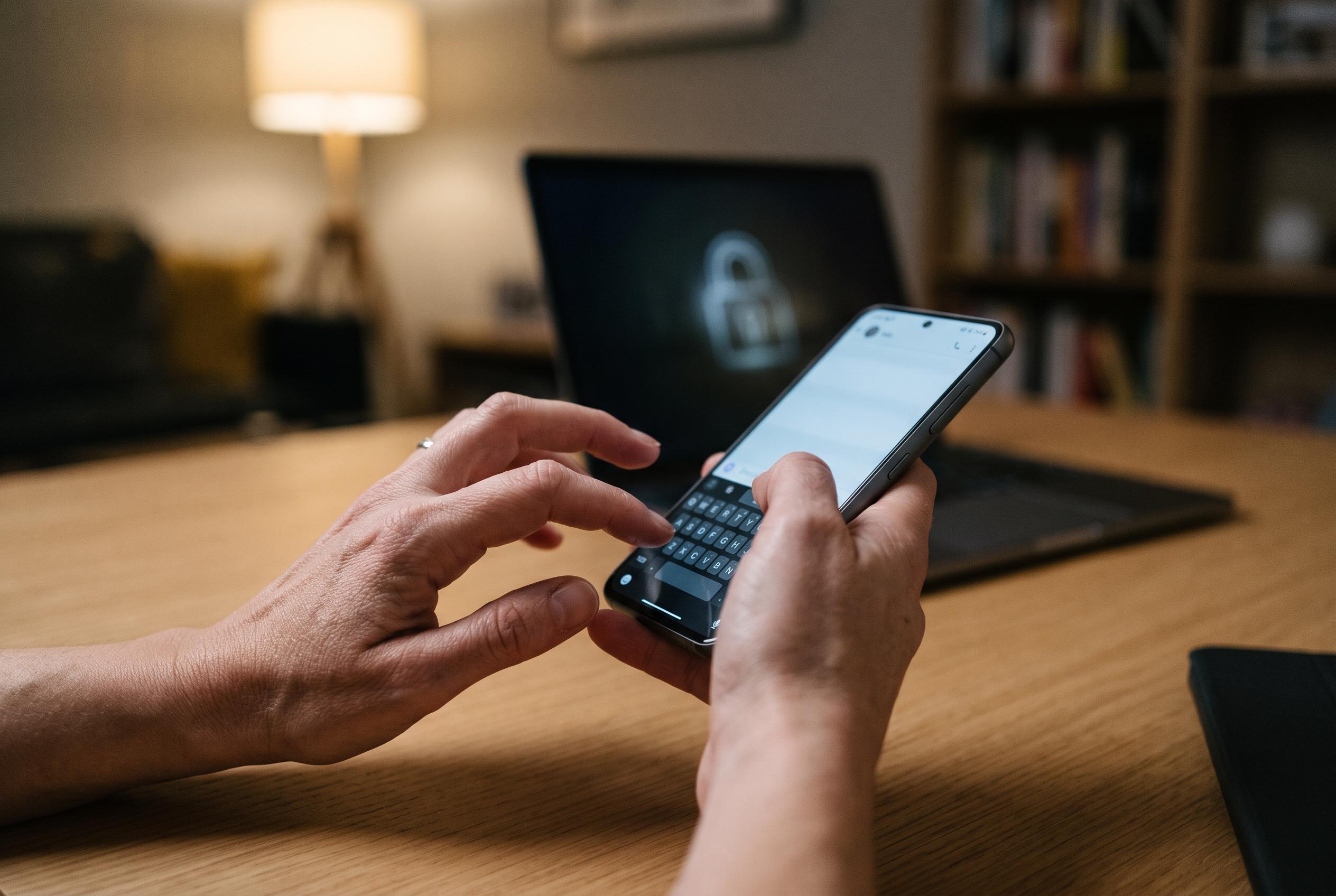

Third-party keyboards can access far more than what users type, with internet, clipboard, storage and accessibility permissions creating potential routes to passwords, PINs and financial data.
Smartphone keyboards have become one of the least examined security risks on a device. In Nigeria, where phones are used for banking, messaging and everyday authentication, a keyboard app can sit directly on the path between a user and their most sensitive data. Tribune Online warns that a malicious or over-permissioned keyboard can become a quiet channel for stealing passwords, pins and other private credentials, and cybersecurity researchers have long treated keyloggers and hostile keyboards as a serious threat.
The biggest danger is network access. A normal keyboard only needs to turn taps into text, but if an app has broad internet permissions it can send what a user types to an external server without drawing attention. Privacy specialists say this becomes especially risky when a keyboard offers cloud prediction, translation or similar features, because those functions can be used as cover for data exfiltration. In practice, that means a password, card number or bank PIN entered on the phone may leave the device before the user realises what has happened.
Clipboard access creates another weak point. Many people copy one-time passcodes, recovery phrases or account numbers from SMS messages and password managers before pasting them into banking or login forms. A keyboard that can read the clipboard does not need to wait for a user to type; it can scan copied text in the background and store it. That risk is not limited to what appears on screen, because the app may capture material the user assumes is private simply because it was never manually entered.
Storage and accessibility permissions make the problem more serious. According to security guides on third-party keyboards, there is rarely a legitimate reason for an input tool to inspect a phone’s photo gallery, document folders or internal storage. If those permissions are granted, the app may be able to search receipts, notes or saved files that contain passwords or financial records. Accessibility services are even more sensitive, because they can expose what is happening across the screen and may be abused to defeat password masking and read hidden characters in login fields.
Location tracking adds a different kind of exposure. A keyboard does not need to know where a user lives or works to function, yet some apps request precise location on the excuse of local suggestions or regional features. When that data is combined with typing habits and login activity, it can help criminals build a profile for targeted scams. Experts in mobile privacy also note that on iPhone and iPad, Apple blocks third-party keyboards in password fields by switching to the system keyboard, a design choice intended to keep sensitive entry away from apps that may have network access.
The safest approach is to audit the keyboard already on the phone and remove unnecessary permissions. Users should check the app management menu, review every permission, and revoke access to location, storage, contacts, microphone and anything else that is not essential. They should also prefer the default keyboard supplied by the operating system, and where a banking app offers its own secure keypad, use that instead of a third-party input tool. In a country where so much financial activity now happens on a handset, a cautious keyboard choice is a basic part of protecting digital identity.
Disclaimer: This content is intended for informational purposes only. Readers are advised to exercise their own judgement, conduct due diligence, or consult a qualified expert before acting on any information provided.



