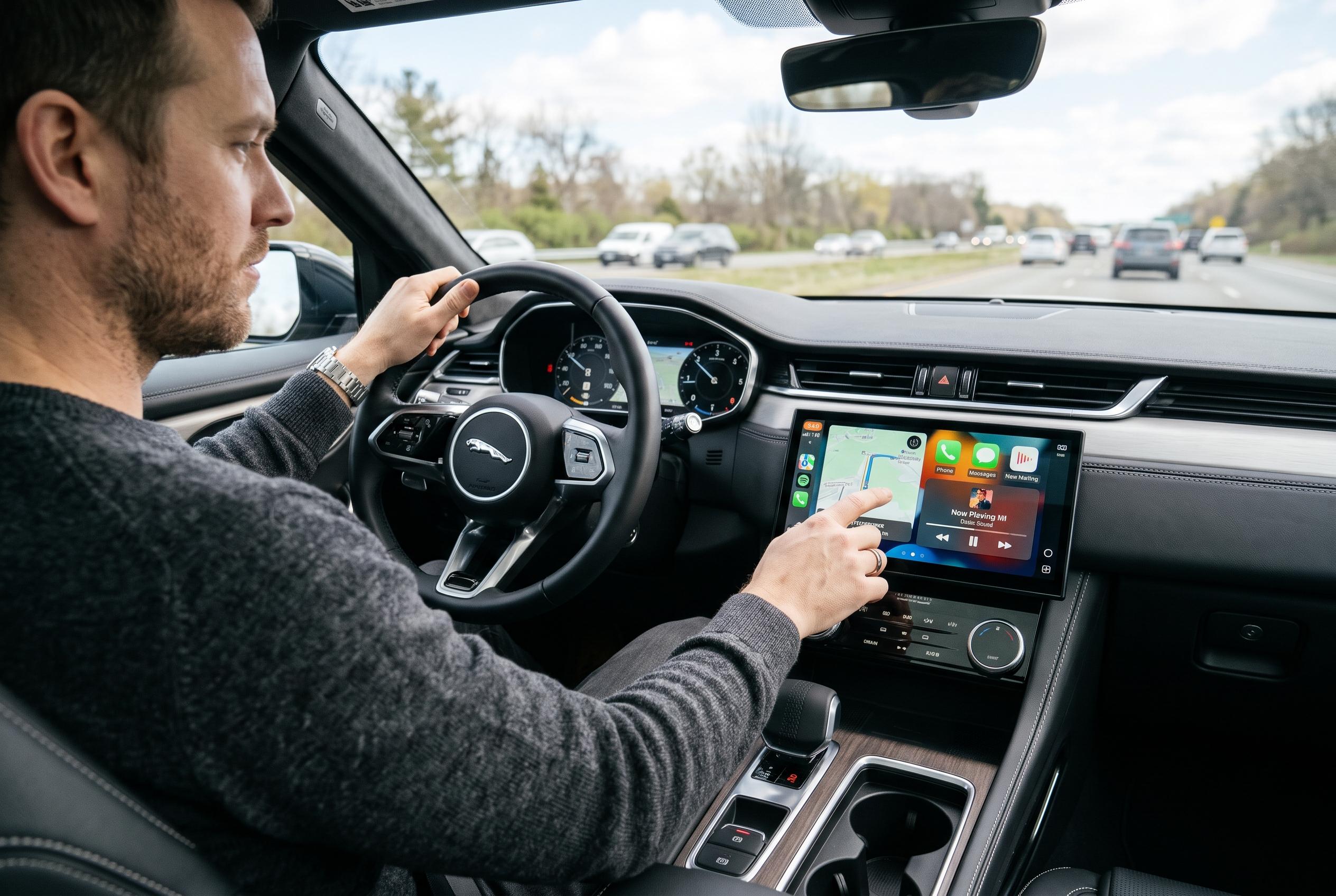

From wireless navigation and hands-free messages to music and Driving Focus, Apple CarPlay brings key iPhone features to the dashboard while limiting phone handling behind the wheel.
Apple CarPlay has become a standard bridge between the iPhone and the car dashboard, giving drivers a simpler way to use navigation, communication and audio apps without handling a phone. Apple says the system is designed to work with Siri and a curated set of compatible apps, while support can be wired or wireless depending on the vehicle. That makes it useful both for basic commuting and for longer journeys where quick access to maps, messages and music matters most. According to Apple’s official guidance, setup also depends on vehicle compatibility and the connection method supported by the car.
For most users, the initial setup is straightforward. Apple’s support documentation says CarPlay can usually be enabled by connecting an iPhone through a USB port or pairing it wirelessly, after which the interface appears on the car’s screen. Once connected, the iPhone can also be used to tailor the on-screen layout, so frequently used apps are easier to reach. In practice, that means drivers can place navigation, music or podcast apps where they are most visible, reducing the need to search through menus while on the move.
Navigation remains one of CarPlay’s strongest uses. Apple supports its own Maps service, but third-party navigation apps are also available, including Google Maps and Waze, as CARFAX notes in its buyer guide. That flexibility matters for drivers who prefer different mapping features, traffic data or route planning tools. Apple’s support material also points out that CarPlay can be used wirelessly in some vehicles, although that convenience may come with trade-offs such as faster battery drain on the phone during longer trips.
Communication is handled in a way that aims to keep attention on the road. Apple says Siri can be used to make calls, send messages and answer prompts hands-free, while the “Announce Messages” feature can read incoming texts aloud. That reduces the need to touch the screen and helps limit distraction. The system can also work alongside Driving Focus, which filters notifications so only selected alerts get through while the car is moving.
Audio playback is another major part of the experience. Apple highlights integration with Apple Music and other supported audio apps, while CARFAX notes that CarPlay can be used for music, podcasts and similar content. That makes the dashboard a central control point for in-car listening, whether the driver wants a saved playlist, a particular album or spoken-word content. Voice control is especially useful here, as Siri can start playback, skip tracks or search for specific content without manual input.
MacRumors says CarPlay continues to develop beyond the familiar in-dash interface, with Apple’s newer CarPlay Ultra aimed at a deeper level of vehicle integration. That points to a broader direction for the platform: moving from a phone mirror to a more complete part of the car’s software experience. Even so, the core use case remains practical rather than flashy. CarPlay is still mainly about giving drivers a cleaner interface for everyday tasks, not replacing the vehicle’s own controls or systems.
There are limits. Video apps such as YouTube and Netflix are not intended for use while driving, and some features depend on the make and model of the vehicle or on third-party app support. Chevrolet’s support pages also stress that keeping the car’s software up to date can help avoid connection problems. For most drivers, the real value of CarPlay lies in its restraint: it keeps essential functions close at hand while trying to reduce the temptation to interact with a phone directly.
Disclaimer: This content is intended for informational purposes only. Readers are advised to exercise their own judgement, conduct due diligence, or consult a qualified expert before acting on any information provided.