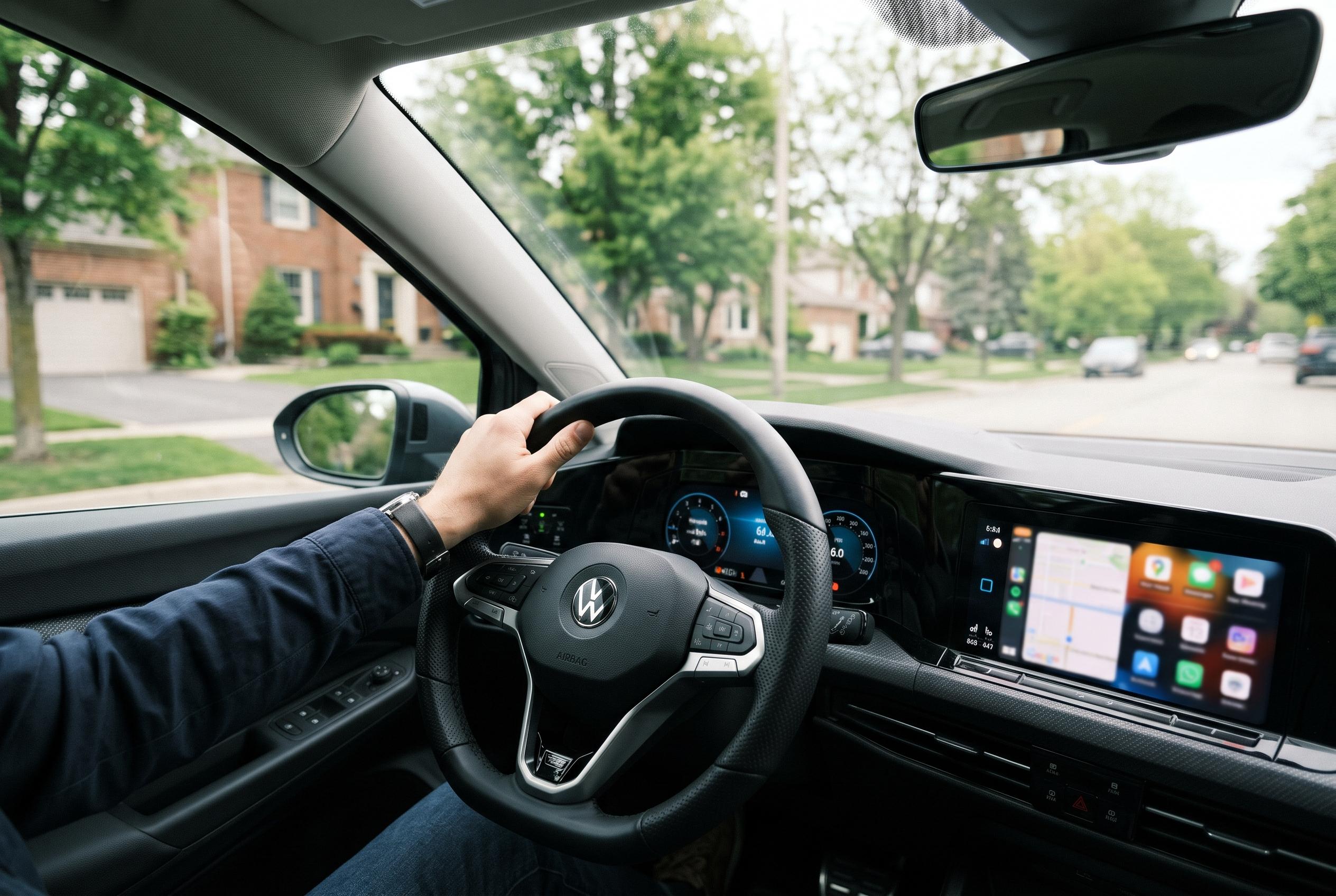

Home Assistant’s Android Auto integration can use a car connection, location and occupancy data to trigger smarter departure and arrival routines, turning journeys into useful signals for the connected home.
Home Assistant’s Android Auto support is less about tapping icons on a dashboard and more about giving the smart home a reliable signal that a journey is under way. The most useful element is not a shortcut to switches and lights, but the Android Auto connection sensor, which can tell Home Assistant when a phone has linked to the car. Combined with location data and household occupancy, that sensor lets automations react to departure, driving and arrival rather than simply to a person walking past a motion detector.
The feature arrives through the Home Assistant Companion app rather than a separate Android Auto download. Once the phone is connected to a Home Assistant server and authorised for Android Auto, the app can expose selected entities inside the car’s interface. Home Assistant recommends keeping that list short and deliberate, with a few controls that are genuinely useful while parked, such as lights, garage doors, locks, scenes, scripts and some sensors. The Companion app documentation also notes that the mobile app integration is already part of the Home Assistant ecosystem and can share location, notifications and sensor data, which is what makes these automations possible in the first place.
The departure use case is where the connection sensor becomes genuinely valuable. A sensible routine can wait for a user to leave the home zone, confirm that Android Auto is connected and check that nobody else is still at home before taking action. That makes it possible to switch off forgotten lights, adjust the thermostat and lock the front door without accidentally plunging the rest of the household into darkness. It also gives Home Assistant a way to distinguish between someone simply stepping outside and someone actually setting off in a vehicle.
That extra context can work in the opposite direction when returning home. A trigger can be set for re-entering the home zone, while the Android Auto state confirms that the arrival is by car. Add a sunset condition and the system can decide whether to turn on a driveway light, illuminate a hallway or leave the house unchanged because it is still bright outside. The same approach can be used to pre-condition a room before arrival, so that a climate system is already comfortable by the time the door opens.
Scripts make the feature more capable than the dashboard’s limited list of directly supported controls suggests. Android Auto can launch a script, and that script can then run several Home Assistant actions in sequence, which is useful for a “heading home” routine that adjusts the temperature, switches on selected lights and sends a notification to someone inside the house. Because scripts can also use conditions and choose blocks, they can vary their behaviour by time of day or other circumstances, such as using dimmer lighting in the evening. Home Assistant notifications can also be sent to Android Auto if the message data includes car_ui: true, although they should be used sparingly because the driving interface does not support every notification feature and not every alert belongs on a car display.
The broader point is that Android Auto turns the car into a context source for the smart home, not just another remote control. Open-source projects such as HomeCar go even further by offering a full-screen WebView path into Home Assistant from Android Auto, showing how much interest there is in extending the platform beyond its default controls. But for most users, the practical value lies in careful automation design: start small, test thoroughly and avoid giving location-based routines unrestricted access to locks and doors. Used that way, the drive home becomes part of the home automation system rather than a separate event.
Disclaimer: This content is intended for informational purposes only. Readers are advised to exercise their own judgement, conduct due diligence, or consult a qualified expert before acting on any information provided.