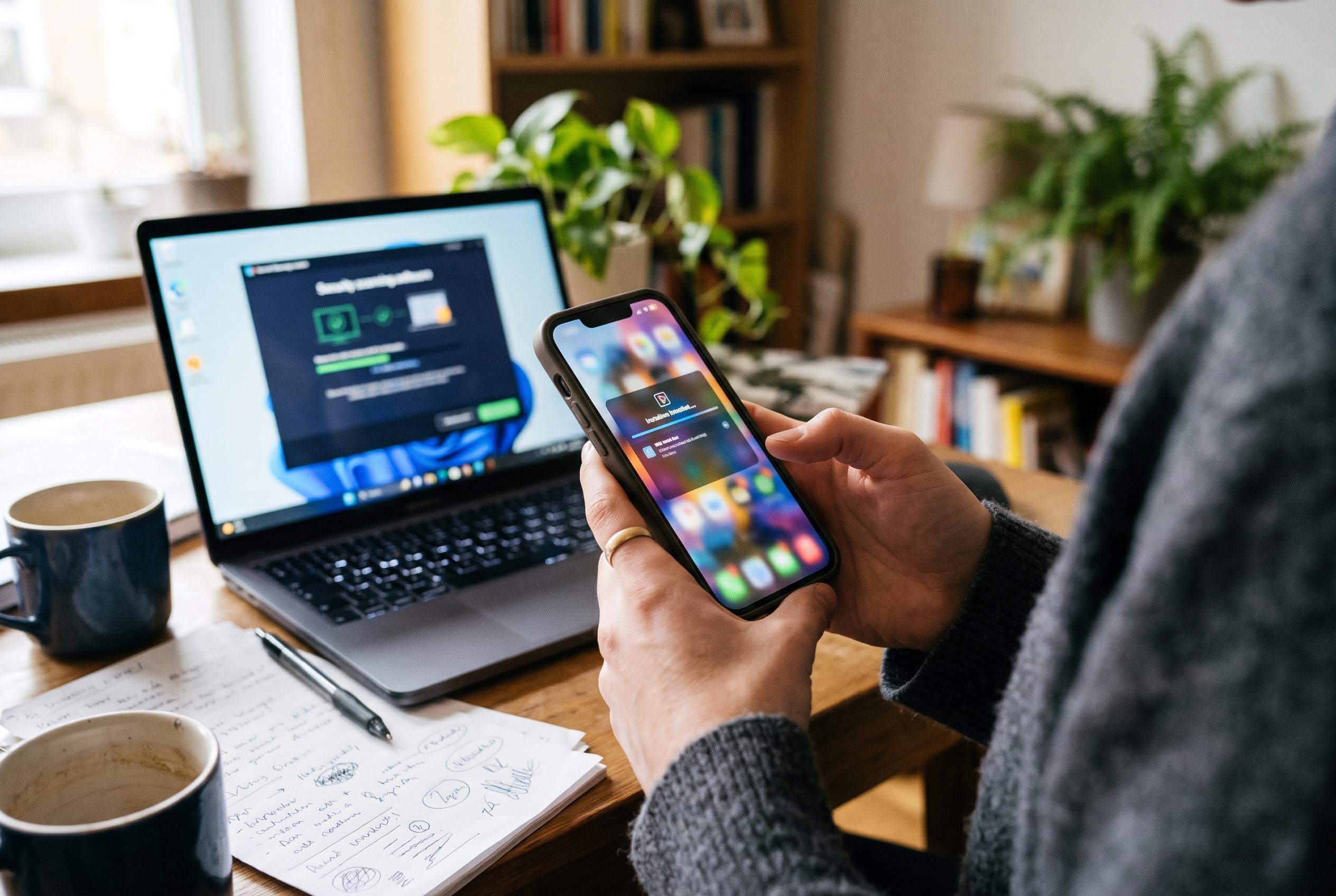

Checking an APK’s source, developer, permissions and behaviour can help users avoid malware, but no single scan or security tool guarantees that an app is safe.
Before installing an Android APK, the safest approach is to treat the file as untrusted until it has been checked from several angles. Security guides from APKBA, PSafe and iTechGuides all stress the same core point: the source, the developer identity, the permissions, and the file’s behaviour all matter, and no single check proves that an app is harmless.
The first test is provenance. A download page should make clear who is offering the file, what the app does, and how to contact the operator. If a site is filled with aggressive pop-ups, deceptive buttons, or redirects that do not match the page’s stated purpose, that is a warning sign rather than a minor annoyance. A polished design alone does not make a download trustworthy, and a familiar-looking page can still host a tampered file.
Developer details deserve equal scrutiny. Several safety guides advise comparing the app name, publisher name, and signing information with the developer’s official site or a legitimate store listing, where one exists. Misspellings, brand impersonation, or claims that cannot be independently confirmed should be treated with caution. Guides from GPT to APK and iTechGuides also note that checksum and signature checks can help verify authenticity, although they are evidence rather than a guarantee.
Permissions are another important indicator. An app should ask for access that matches its purpose: a camera tool may reasonably need the camera, but not necessarily contacts, messages, or location. PSafe and other security advisers recommend stopping if the request set looks excessive, unexpected, or unrelated to the app’s function. Sensitive permissions such as Accessibility, device administrator rights, or SMS access deserve particularly close inspection, because they can be abused if granted without clear justification.
Scanning the APK adds another layer, but it should be seen as a risk check rather than a verdict. Multi-engine scanning services and reputable mobile security tools can help identify known malware or suspicious behaviour, yet a clean result does not prove the file is safe. Privacy also matters: confidential files should not be uploaded to public scanning services unless the user is comfortable with that exposure. Google Play Protect, where enabled, can provide an additional warning signal, but it too has limits.
Compatibility checks matter as well. Readers should confirm that the APK supports the device’s Android version and hardware before installing, and they should be wary of modified or “premium-unlocked” builds that promise free paid features, unlimited rewards, or other unrealistic benefits. Those versions are frequently highlighted by safety guides as higher-risk downloads. Once an APK has been installed, best practice is to revoke the permission to install unknown apps, keep Android and security software updated, and avoid entering passwords, payment details or verification codes into software that has not been properly verified.
In practical terms, the rule is simple: if the file’s origin cannot be verified, the publisher looks doubtful, or the permissions do not make sense, do not install it. For users who want to reduce avoidable risk, caution before installation is far more effective than trying to respond after something has already gone wrong.
Disclaimer: This content is intended for informational purposes only. Readers are advised to exercise their own judgement, conduct due diligence, or consult a qualified expert before acting on any information provided.