

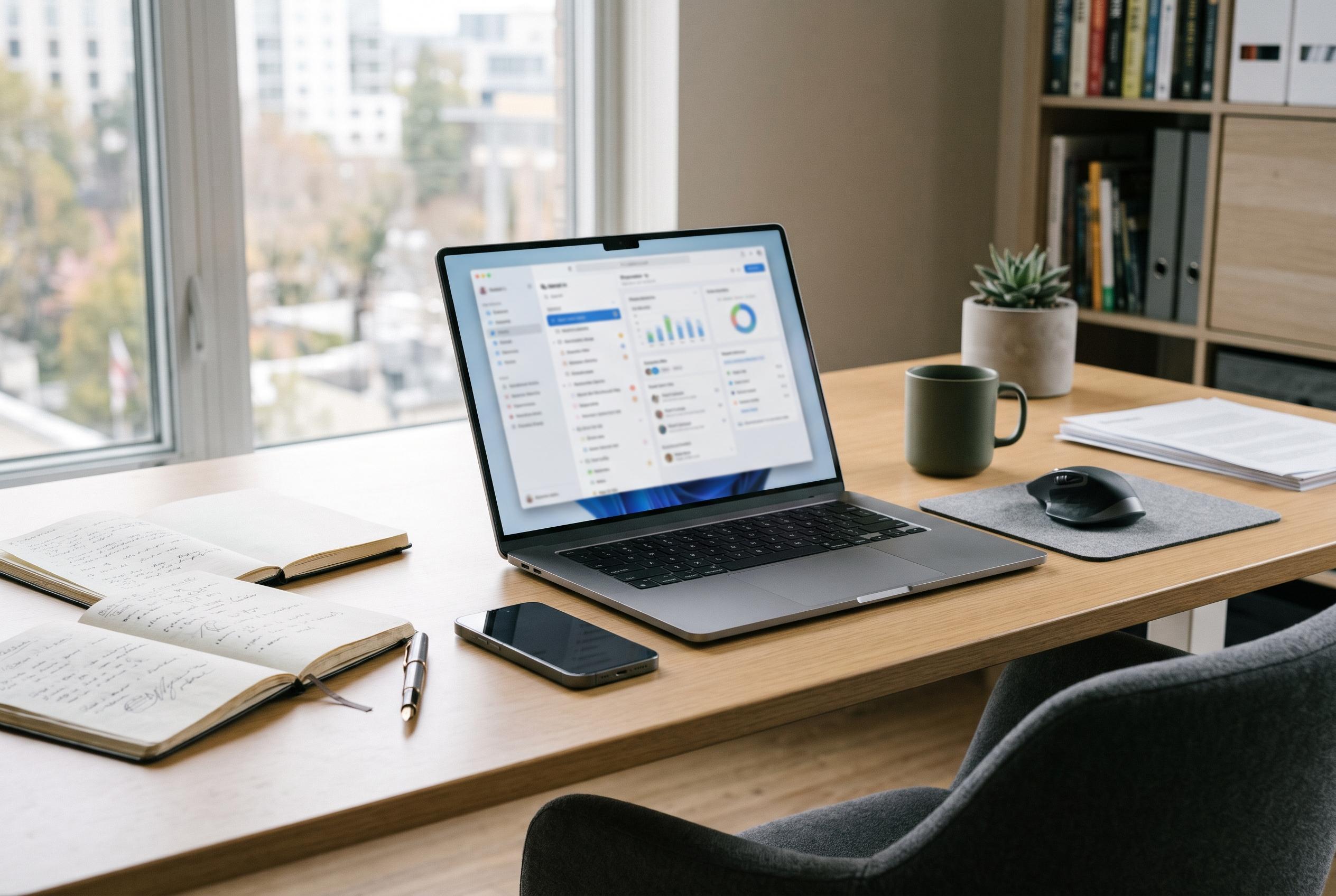

Memory, storage, screen quality and battery life are emerging as better long-term measures of a work laptop than headline processor speeds or AI branding.
Buying a work laptop in 2026 is less about chasing the fastest processor and more about choosing the parts that shape day-to-day use. Reviews and buyer guides increasingly point to the same conclusion: memory, storage, display quality and battery life matter more than headline CPU claims for most office buyers. That is especially true now that many machines ship with soldered components and AI branding that does not necessarily translate into faster real-world performance. TechRadar notes that Microsoft’s Copilot+ PC label has specific minimum requirements, including 16GB of memory and 256GB of storage, but also cautions that those specifications do not guarantee better everyday use.
For most people, 16GB of RAM is the sensible baseline. Newegg’s 2026 memory guide says 16GB is the recommended floor for modern work, while 32GB is more appropriate for analysts, designers and developers who keep heavier workloads open. It also warns that 8GB can become restrictive and that many thin laptops no longer allow memory upgrades after purchase. That matters because a machine that feels adequate on day one can age badly if the RAM is fixed to the motherboard.
Storage deserves the same attention. Although 256GB remains the minimum on some machines, it can become cramped once the operating system, applications and cached cloud files begin to accumulate. TechRadar’s guidance says 512GB is the more practical choice for most buyers, with 1TB better suited to large local files, games or AI tools. For users who work with big media projects or datasets, speed matters as much as capacity: high-end PCIe 4.0 drives such as Samsung’s 990 Pro can deliver very high sequential read and write speeds, which is why TechRadar describes it as well suited to demanding professional workloads.
The screen is the component you will notice every hour you use the laptop, so it should not be an afterthought. A 14-inch panel below 1920 x 1200 is likely to look soft for long stretches of text work, while brightness around 500 nits is a sensible target for bright offices or work near windows. Tom’s Hardware’s 2026 laptop roundup backs that view indirectly by favouring machines that combine light weight, strong battery life and good display quality over raw specification sheets. Its top picks include the MacBook Air M5 for all-round use and the MacBook Neo as a value option, while Windows buyers are steered towards premium and budget models depending on budget and portability needs.
Battery claims should be treated as best-case figures rather than promises. Tom’s Hardware says the MacBook Air M5 can last more than 15 hours in testing, while the 16-inch MacBook Pro M5 Pro reached more than 21 hours, but real-world endurance still depends on video calls, browser tabs and brightness settings. Windows machines can vary widely, and some newer Qualcomm-based laptops advertise very long runtimes, such as the HP OmniBook 3, which Windows Central says is marketed at up to 41 hours and ships with 16GB of RAM and a 512GB SSD. Even so, the practical checklist remains the same: choose 16GB of memory, at least 256GB of storage, a sharp and bright screen, and a keyboard and trackpad that feel comfortable over years of use.
The final decision is mostly about operating system and workplace compatibility. Tom’s Hardware highlights the MacBook Air M5 as the strongest all-rounder and the MacBook Neo as the value choice for macOS users, while Windows remains the safer route for businesses that depend on proprietary software or specific hardware support. ChromeOS still makes sense for browser-based work, but it is a poor fit for specialist desktop applications. In practice, the right machine is the one that matches your workload for the next three to five years, not the one with the most impressive specification on the shelf.
Disclaimer: This content is intended for informational purposes only. Readers are advised to exercise their own judgement, conduct due diligence, or consult a qualified expert before acting on any information provided.



