

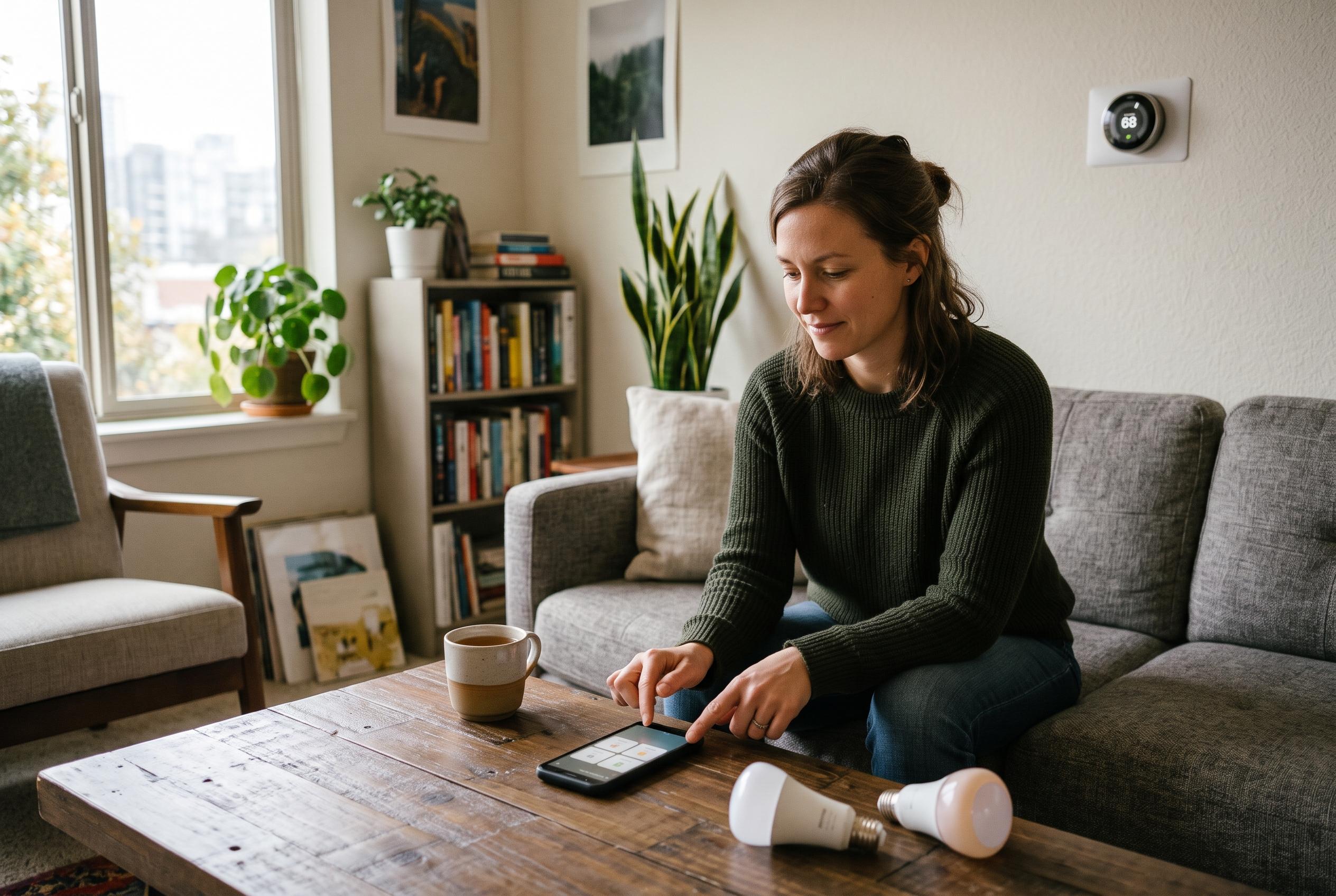

A stripped-back Home Assistant dashboard, locked down with Fully Kiosk Browser, gives visitors simple control of lights, heating and entertainment without exposing the wider smart-home system.
A smart home that works well for its owner can become confusing for visitors. Automations, custom remotes and hidden quirks often make sense only after months of use. In this case, an elderly relative sitting in for a family member managed the basics only because the household had already built clear workarounds for lights, television control and heating. According to How-To Geek, the aim was not to give guests access to every function, but to make the common tasks obvious and safe. The challenge was to avoid the kind of error that can happen when a single misplaced button press disrupts an entire system.
The solution was to repurpose an old Android handset as a guest-friendly control panel. Rather than handing over a conventional remote with unclear labels and hidden functions, the phone could present a simple screen with clearly named controls. That approach also solved a practical problem: anyone can recognise how to charge a phone, whereas many dedicated smart-home remotes are less self-explanatory. Guidance from Home Assistant shows why this kind of device works well, since its dashboard system can be tailored for a specific room, a particular set of functions, or a stripped-down guest interface. More recent third-party tools such as CasaBoard and Dashable follow the same idea, offering local-first dashboard building with custom layouts for smart-home control.
Home Assistant was the software foundation for the project. Its dashboard system allows users to build visual panels made up of buttons, sliders and status tiles for connected devices. In this case, the layout was intentionally limited to the controls guests were most likely to need: lighting, climate adjustment and media playback. That simplicity matters. A guest does not need the full complexity of a smart home, only a small set of actions that are easy to identify and hard to misuse. The result was a dedicated interface that could be understood at a glance rather than after an explanation.
To keep the phone locked to that dashboard, the setup combined Fully Kiosk Browser with Android’s app pinning. Fully Kiosk Browser removes the usual browser chrome so the screen stays uncluttered, while app pinning prevents casual exits to other apps or menus. On modern Android devices, that kind of lock-down is a useful safeguard for any shared tablet or phone used as a control surface. It ensures the guest can operate the interface without accidentally reaching the home screen, opening settings or wandering into unrelated apps. In practice, that makes the handset behave much more like a purpose-built control panel than a general-purpose phone.
The arrangement worked in real use. According to How-To Geek, an elderly family member was able to operate it without difficulty while babysitting, and even used it to watch Netflix without needing a separate account. That is the value of the approach: it lowers the barrier to entry without weakening the wider smart home. For households that have built elaborate automations, a repurposed Android phone can be a practical compromise between flexibility and simplicity, especially when visitors need only the most common controls.
Disclaimer: This content is intended for informational purposes only. Readers are advised to exercise their own judgement, conduct due diligence, or consult a qualified expert before acting on any information provided.



