

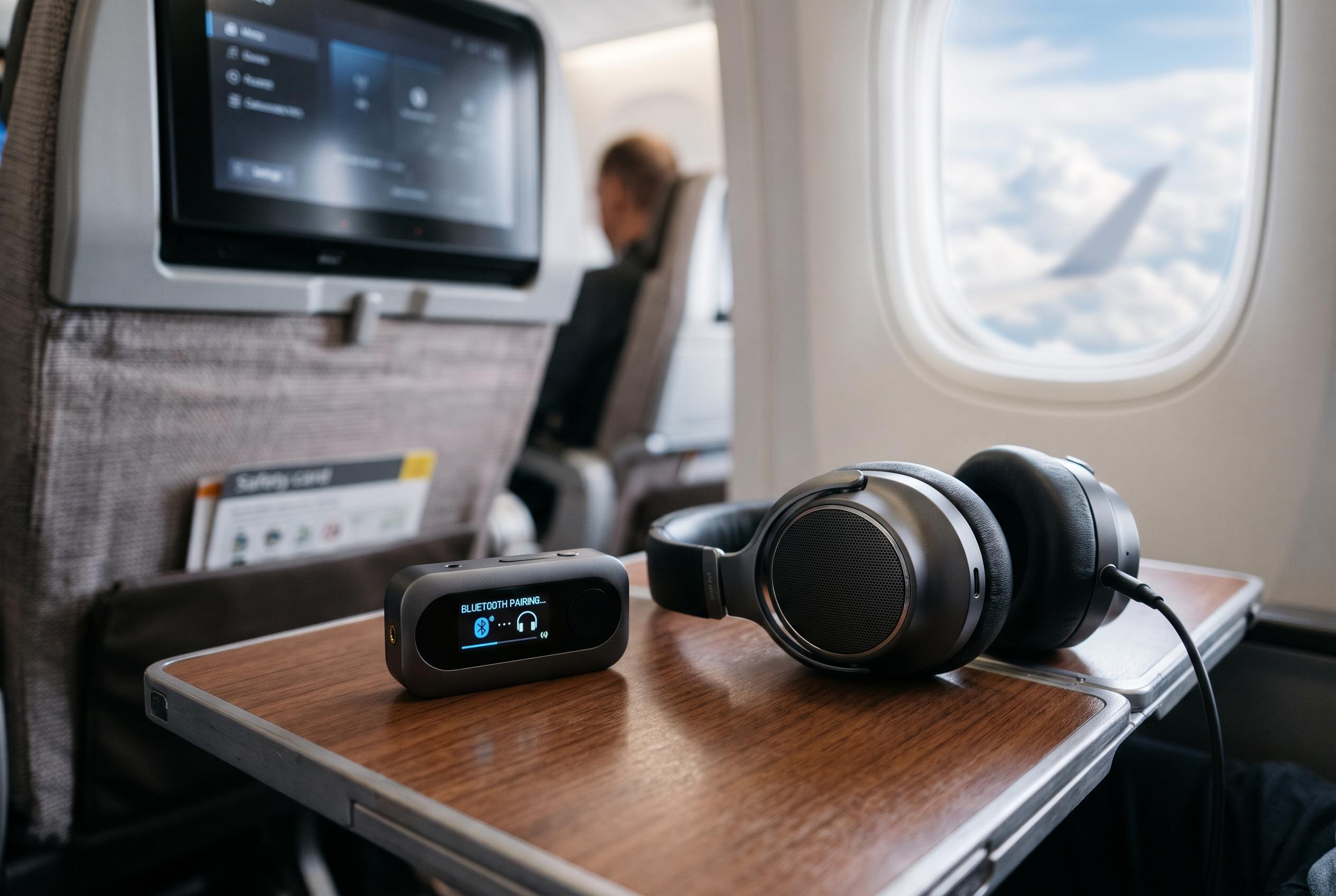

The AirFly View adds an on-device screen, 24-language setup instructions and dual-headphone streaming to Twelve South’s wireless audio adapter for aircraft entertainment systems.
Twelve South has unveiled a new version of its AirFly wireless audio dongle that replaces the usual guesswork of pairing with a small on-device display. According to The Verge, the AirFly View shows step-by-step instructions on screen rather than relying on blinking lights alone, and it does so in 24 languages, including Japanese, Arabic, Portuguese and Polish.
The accessory is aimed at travellers who want to use their own wireless headphones with equipment that still relies on a 3.5mm audio output, most notably aircraft entertainment systems. Twelve South says the AirFly View ships with a carrying case and an airline adapter for split headphone jacks, and is on sale now for $79.99. That places it at the more expensive end of the company’s AirFly range, but the added screen is intended to make setup and troubleshooting easier on the move.
Beyond pairing guidance, the display shows battery status and the connected headphone name, which should help in situations where several people are using similar devices at once. Twelve South says the battery lasts up to 16 hours, and the dongle can stream audio to two pairs of wireless headphones at the same time. The company also says it is prepared for Auracast broadcast audio, the emerging Bluetooth feature that should allow a single source to reach more listeners, although compatible headphones remain relatively uncommon.
The broader appeal of the AirFly line has long been its simplicity: it lets travellers avoid airline-issued wired headphones and use the earbuds or over-ear headphones they already own. Twelve South’s earlier versions were already designed for that purpose, but the AirFly View adds a more explicit interface for people who do not want to consult a manual mid-flight or interpret a pattern of lights while boarding, watching a film or switching between devices.
Disclaimer: This content is intended for informational purposes only. Readers are advised to exercise their own judgement, conduct due diligence, or consult a qualified expert before acting on any information provided.



