

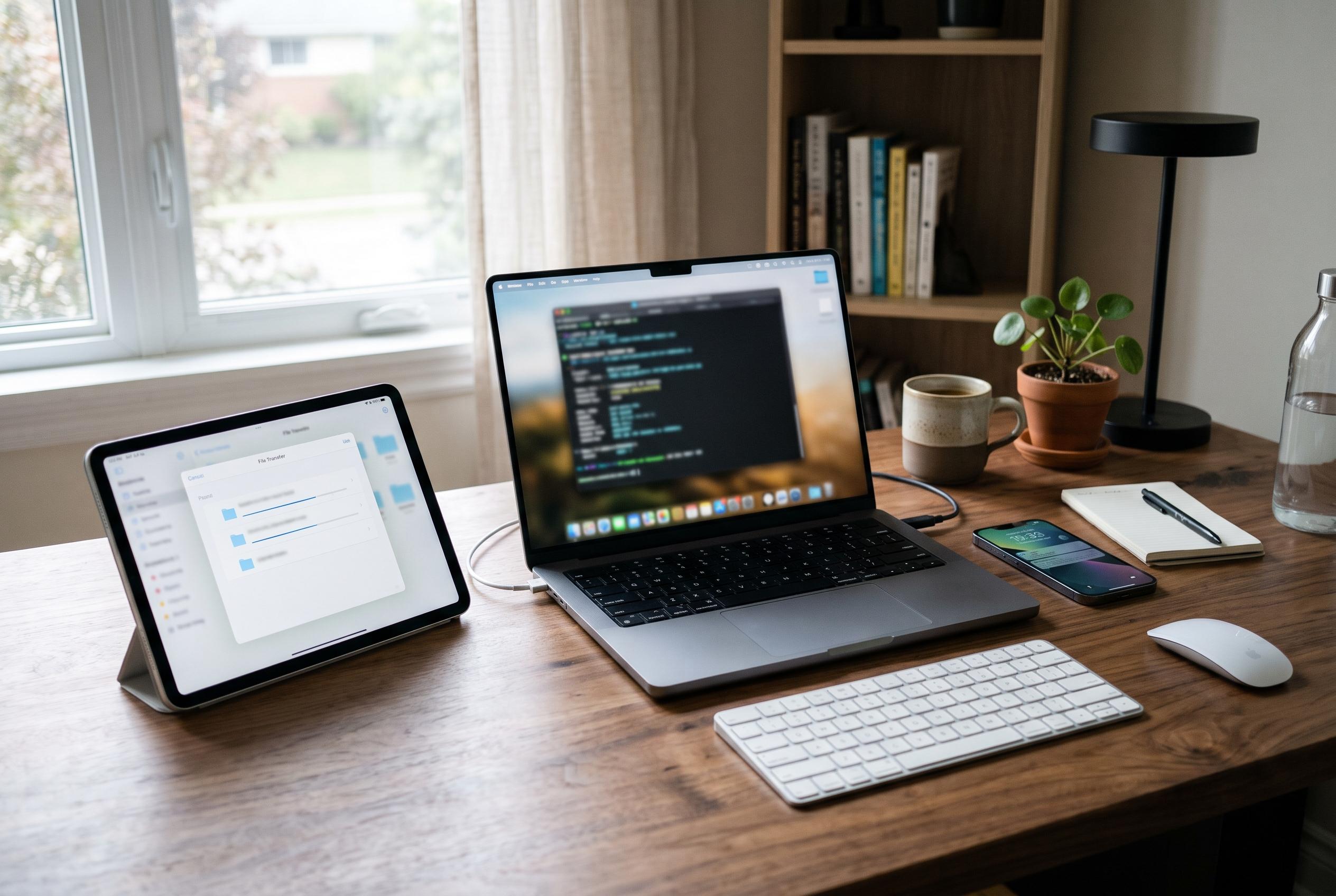

Workbench 1.4 lets users switch between remote desktop and terminal sessions, transfer files between Macs and continue tasks across Apple devices.
Astropad has updated its remote desktop app for Mac with a set of tools aimed at users who move between devices while managing systems remotely. Workbench 1.4 adds a built-in terminal, native support for iPhone Duo and a new file-transfer workflow for Mac-to-Mac connections, according to the company’s release notes and the report from 9to5Mac.
The most significant change is the tighter integration between the remote desktop view and the terminal. Users can now switch between the two without ending the session and reconnecting, which makes it easier to inspect logs, edit scripts or restart processes from within the same app. On Mac, the terminal opens in its own window, while terminal sessions continue across devices, so a task started on an iPad can be resumed later on an iPhone or another Mac, according to 9to5Mac and the release notes.
Astropad has also extended voice input to the terminal, allowing commands and prompts to be dictated rather than typed. For Mac-to-Mac connections, the update adds drag-and-drop file transfer during terminal sessions, which should reduce the need to move between separate tools when managing files and commands at the same time. Several reports describing the update say this is positioned as a more practical workflow upgrade than a cosmetic one, particularly for users who already rely on Workbench to monitor unattended systems or AI agents remotely.
The company says Workbench now runs natively on iPhone Duo as well, with support for keeping an agent visible in one pane while using the rest of the screen for other tasks. The app remains free for 20 minutes of daily use, with unlimited access priced at $14.99 a month or $79.99 a year. Astropad says Workbench requires macOS 15 or later, iOS 26 or later, or iPadOS 26 or later. Workbench first launched in April, and version 1.3, released in August, added faster streaming, a privacy curtain, picture-in-picture support and tools for keeping unattended Macs reachable.
Disclaimer: This content is intended for informational purposes only. Readers are advised to exercise their own judgement, conduct due diligence, or consult a qualified expert before acting on any information provided.



