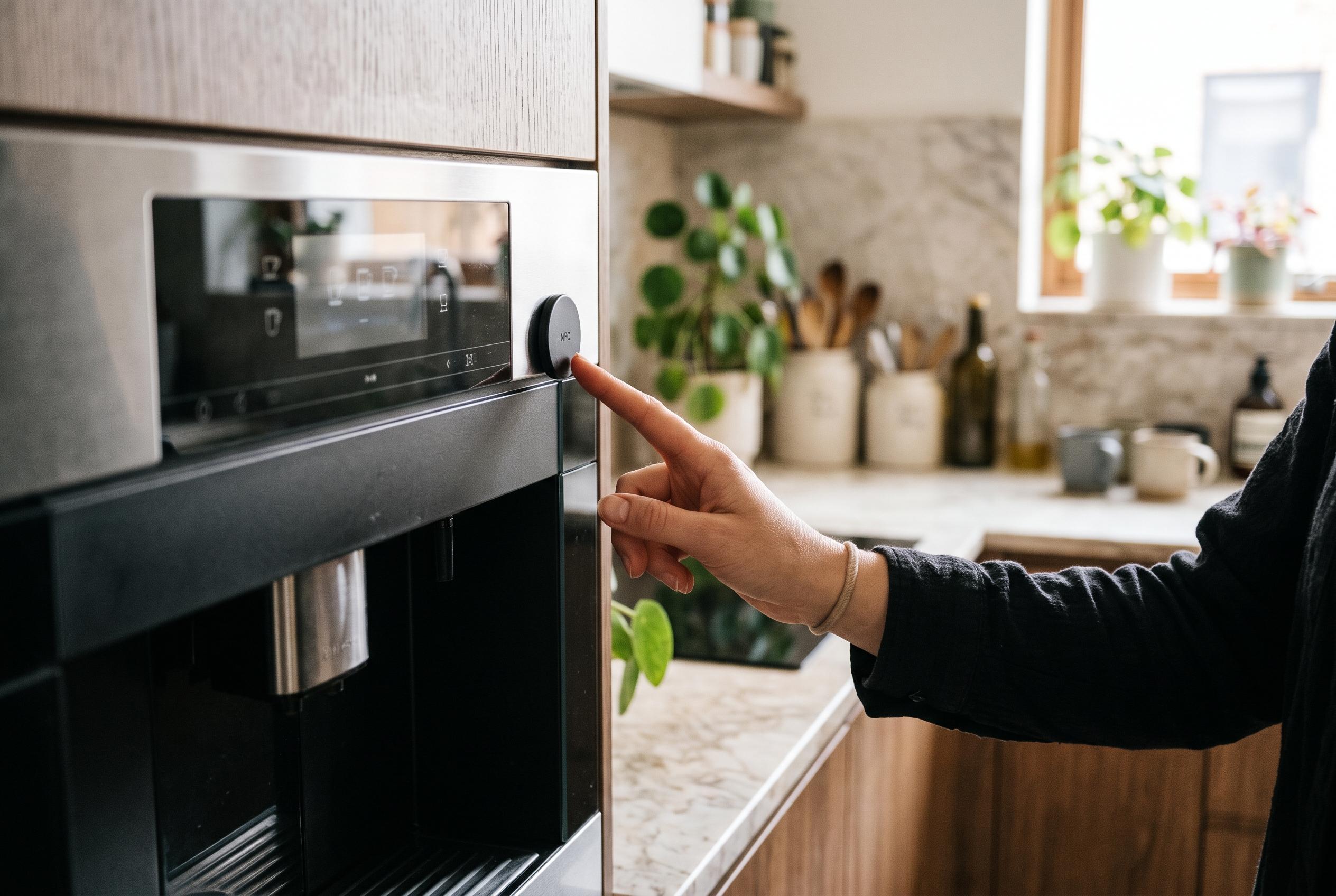

A tap on an NFC tag can open the right appliance manual in seconds, replacing a cluttered drawer or unwieldy folder of PDFs with a point-of-use guide.
A growing stack of appliance manuals can become more than clutter; it can turn a simple task into a search exercise. In the case described by How-To Geek, the problem started with a drawer packed with paper booklets, then continued after the manuals were digitised, because a folder of PDFs was almost as awkward to navigate. The point was not simply to store documents, but to reach the right one quickly when a cooker, dishwasher or bread maker actually needed attention.
The more practical answer was to attach NFC tags to the appliances themselves. In the article, the writer used an iPhone Shortcuts automation triggered by a tag scan, with each tag linked to a specific manual stored in the Files app. On paper, the idea is straightforward: tap the appliance, and the relevant document opens immediately. That approach matches broader NFC use cases already seen in other sectors, where tags are used to surface product information, manuals and support pages with a single scan, rather than forcing people to search through folders or rely on printed inserts. Kitetags, for example, describes NFC tags as a way to provide instant access to product specifications and manuals, while Webzido frames similar systems as a digital product passport for documentation and service details.
The first version of the shortcut did work, but it was not especially elegant. According to the article, using Shortcuts’ Open File action introduced a long delay before the PDF appeared, making the workflow feel unreliable. Replacing that step with a File action followed by Quick Look made a marked difference, bringing the manual up almost immediately. The writer also added a vibration at the start of the shortcut for feedback, which is a small but useful detail: when a tap is supposed to trigger a task, a physical confirmation helps the user know the automation has registered. That sort of rapid, low-friction interaction is central to many NFC deployments, including IKNX Tag’s home automation tools, which are designed to launch actions quickly from a tag scan.
The result was less about novelty and more about removing a persistent friction point. Once several tags had been duplicated and assigned to different appliances, the manual drawer could be cleared out altogether. In effect, the appliance itself became the index to its own instructions. Similar logic appears in NFCore’s NFC guides for gym equipment and classroom assets, where tags are used to surface instructions, logs or check-out information at the point of use. The advantage is obvious: the information stays attached to the object, even when the paper copy disappears, and the user no longer has to remember where anything was filed.
Disclaimer: This content is intended for informational purposes only. Readers are advised to exercise their own judgement, conduct due diligence, or consult a qualified expert before acting on any information provided.