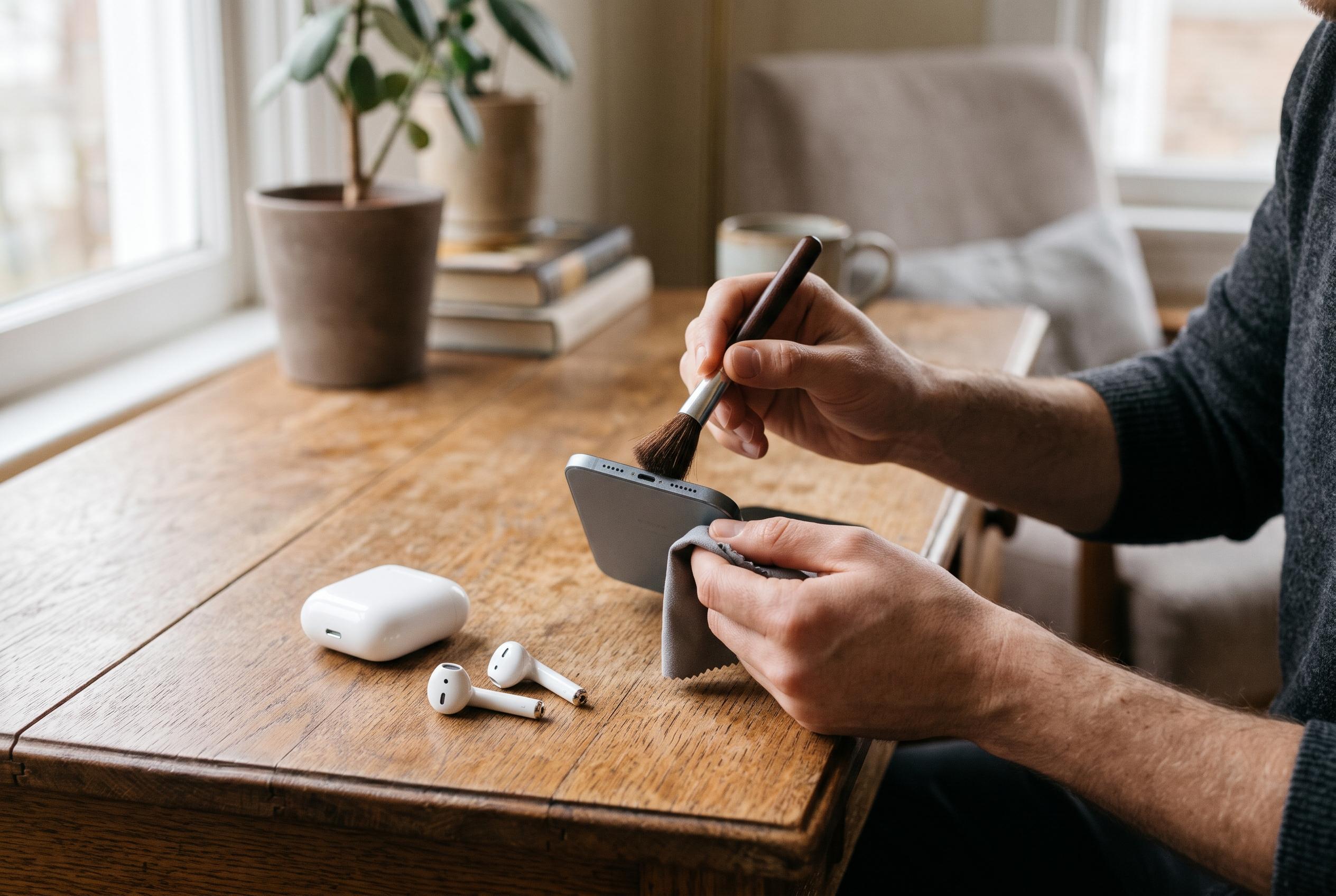

Dust, lint and moisture can dull audio, but aggressive cleaning may cause more damage. Here is how to clear speakers and earbuds safely at home.
Dust, lint, earwax and moisture can all make a phone speaker sound subdued or leave earbuds noticeably dull. The basic causes are straightforward: particles build up around grilles and mesh, accessories can partially block openings, and software settings can also affect playback. Consumer Reports says that a soft, dry brush is the safest first step for clearing visible debris from speakers and headphones, provided the device is handled gently and no liquid is introduced into the opening.
Before cleaning, it is sensible to isolate the problem. Check whether the volume is set correctly, whether Bluetooth audio is being sent to the right device and whether a case, cover or accessory is restricting the speaker outlet. Soundlevel notes that removing a phone case can help reveal whether the obstruction is external rather than internal, while Consumer Reports recommends a careful visual inspection before any physical cleaning begins. If sound remains muffled after those checks, the issue may be more than surface dirt.
For the speaker itself, dry methods remain the safest option. A clean, soft-bristled brush can loosen dust from the grille without forcing debris further inside, and both Android Authority and Consumer Reports caution against sharp tools, heavy pressure and excess moisture. Several guides also mention low-adhesion tape or putty for lifting embedded lint, but only with care and never deep inside the opening. The consistent advice across the sector is to avoid metal pins, harsh chemicals and close-range compressed air, which can damage delicate components.
Headphones need a slightly different approach because the design varies. Consumer Reports recommends removing detachable ear tips when the manufacturer allows it, cleaning those parts separately and letting everything dry fully before reassembly. For over-ear models, the advice is to wipe the exterior with a dry cloth, keep moisture away from the earcups and check cables and connectors for wear. In practical terms, the aim is to remove sweat, oils and debris without soaking foam, mesh or driver housings.
Water-related sound problems call for extra caution. Soundlevel advises leaving a wet phone to air-dry and avoiding heat, rice and aggressive cleaning methods, while Consumer Reports warns that moisture inside speakers or charging ports should not be treated with improvised tools. Some Android apps and audio sweeps claim to help dislodge minor moisture around a speaker opening, but their effect is limited and they cannot repair damage or guarantee full drying. If a device has been submerged, remains visibly wet or continues to crackle after cleaning, manufacturer guidance or professional repair is the safer option.
The most practical routine is also the simplest: inspect speakers and earbuds regularly, remove loose debris when it appears, keep devices dry and treat unexplained audio changes as a troubleshooting problem rather than assuming the hardware is failing. Clean maintenance can preserve sound quality, but it works best when combined with careful handling and realistic expectations about what a home cleaning method can and cannot fix.
Disclaimer: This content is intended for informational purposes only. Readers are advised to exercise their own judgement, conduct due diligence, or consult a qualified expert before acting on any information provided.