

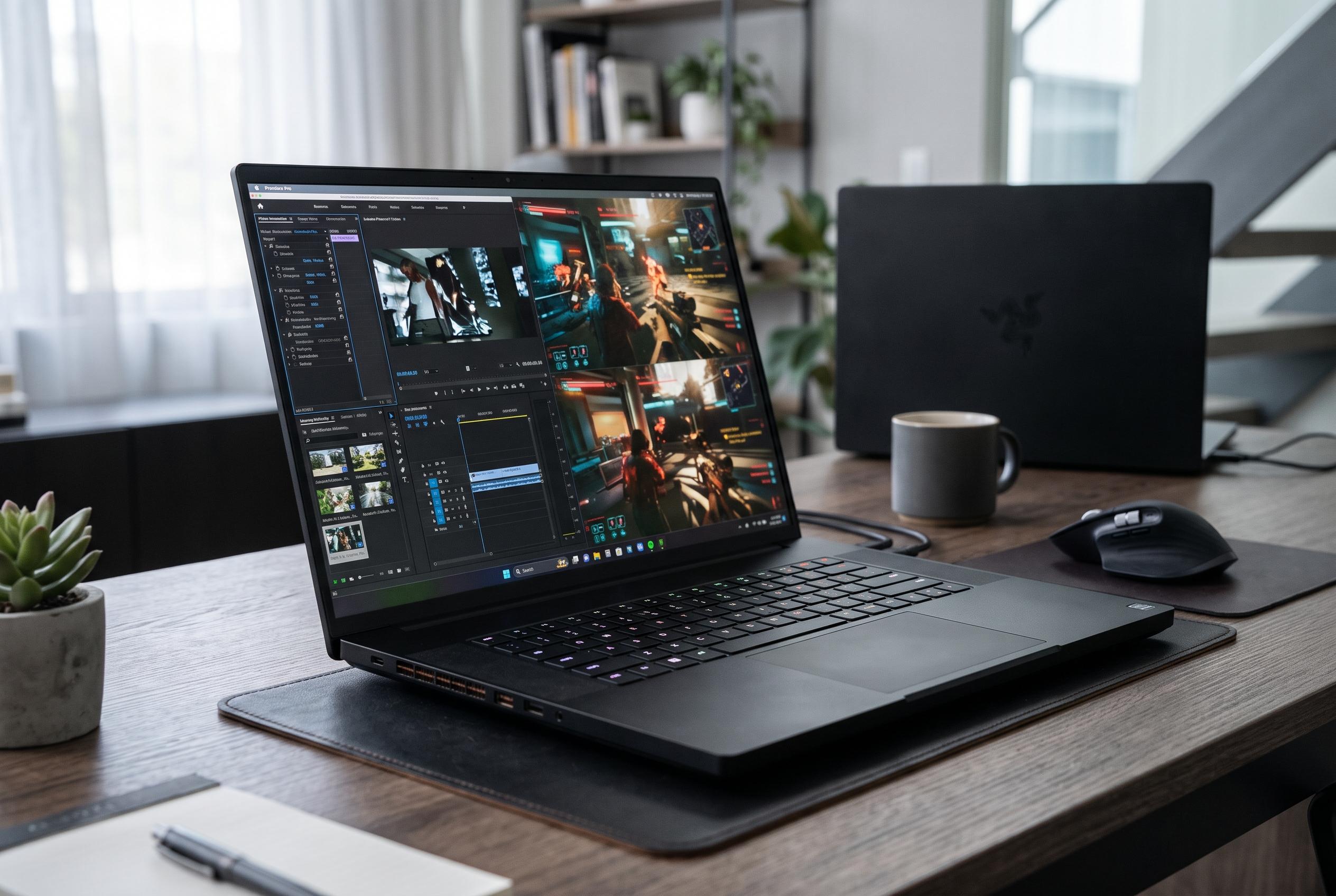

Razer’s slim 18-inch flagship combines an RTX 5090 with a striking dual-resolution display, but its performance gains over cheaper rivals are modest.
Razer’s latest Blade 18 reinforces the company’s long-held position at the premium end of the gaming laptop market. TechSpot’s review of the 2026 model describes a machine that combines Nvidia’s flagship GeForce RTX 5090 Laptop GPU with Intel’s Core Ultra 9 290HX Plus, 32GB of DDR5-6400 memory, a 2TB SSD and a 99Wh battery. Razer’s own product materials confirm the 24GB RTX 5090 option and the laptop’s positioning for gaming, creative work and AI tasks, while Nvidia lists the chip as a 24GB mobile part built on its latest laptop GPU line-up.
The hardware is housed in a chassis that is unusually slim and relatively light for an 18-inch machine, at 15.74 x 10.84 x 1.10 inches and just over 7 pounds. TechSpot says the aluminium shell feels exceptionally rigid, with no obvious flex, a smooth finish and a restrained exterior that avoids the decorative lighting often found on rivals. The result is a design that looks far closer to a luxury workstation than a typical gaming notebook.
Razer also gives the Blade 18 a broad set of ports. TechSpot lists three USB-A 3.2 Gen 2 ports, one Thunderbolt 5 USB-C port, one Thunderbolt 4 USB-C port, HDMI 2.1, 2.5Gb Ethernet, an SD card reader, a 3.5mm audio jack and a Kensington lock slot. The review notes that both USB-C ports support DisplayPort 2.1 and up to 100W USB Power Delivery, although the Thunderbolt 5 connection carries display output directly from the RTX 5090, while the Thunderbolt 4 port routes through integrated graphics. By comparison, Lenovo’s Legion 9i Gen 10 documentation shows a similar dual-mode 18-inch display, but with two Thunderbolt 5 ports and higher USB-C charging support.
The display is one of the Blade’s most distinctive features. TechSpot describes a 3840 x 2400 IPS panel that can switch to 1920 x 1200 at 440Hz, with 600 nits of brightness, a 3ms response time, G-Sync support and full DCI-P3 coverage. Lenovo’s Legion 9i Gen 10 uses a very similar dual-resolution concept, but the Blade’s matte finish gives it a practical advantage in bright rooms and outdoors, where reflections are less of a problem than on the glossy Legion. The compromise is familiar: the panel is excellent by IPS standards, but it is still not OLED or mini-LED.
Performance is strong, but the gains from the RTX 5090 are not dramatic. In TechSpot’s gaming tests at 2560 x 1600, the Blade 18 generally led a comparable Legion 9i Gen 10 with an RTX 5080 by about 9%, a result that suggests the jump between the two mobile GPUs is narrower than the price gap implies. At the native 3840 x 2400 resolution, some demanding games remained playable, although others clearly benefited from lower settings or upscaling. Tom’s Hardware and TechRadar reached similar broad conclusions in their own reviews: the Blade 18 is very fast, but the premium on the top-spec configuration buys only incremental improvements over less expensive high-end alternatives.
Thermals, noise and storage show the same pattern of strength with caveats. TechSpot recorded surface temperatures that became noticeable under load, even though the machine stayed usable, and the CPU hit thermal limits in sustained multi-core testing. The company also found that the Blade’s PCIe 4.0 SSD was markedly slower than the PCIe 5.0 drive in the Legion, though still quick enough that most users would not feel the difference day to day. On the other hand, the Blade ran more quietly than many rivals and delivered better battery life than the Legion in video playback tests. That combination makes it one of the more portable and less obtrusive 18-inch gaming laptops available, even if the price remains hard to justify for anyone not specifically chasing the thinnest possible flagship.
Disclaimer: This content is intended for informational purposes only. Readers are advised to exercise their own judgement, conduct due diligence, or consult a qualified expert before acting on any information provided.



