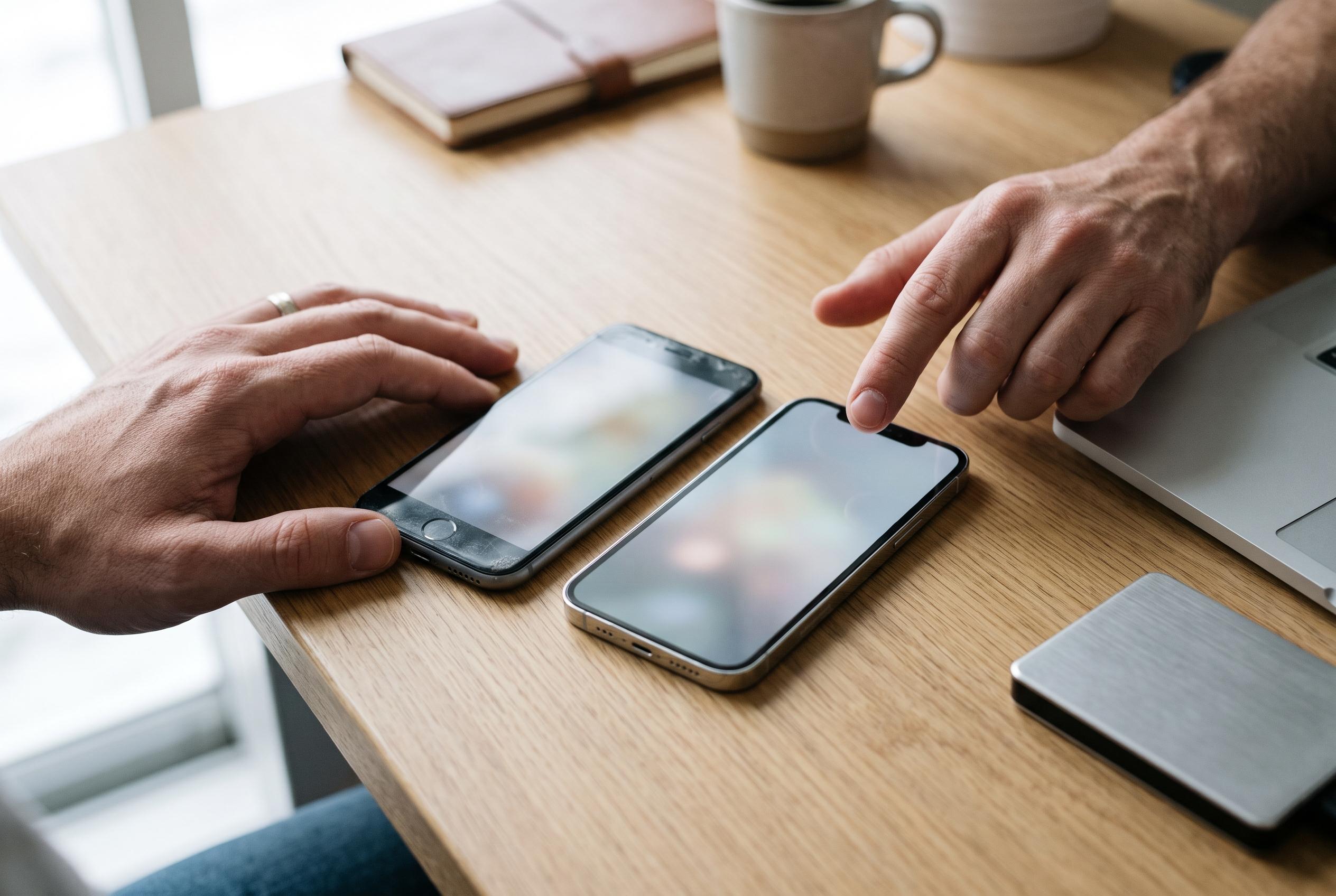

Android and iPhone tools can move much of your data, but chats, locally stored files and security apps may need extra steps. Back up both devices and check everything has arrived before resetting your old phone.
Switching to a new phone is usually straightforward at the level of setup, but the real work begins when users have to move years of personal data without losing anything important. Contacts, photos, messages, app settings and WhatsApp histories do not all move in the same way, and the safest approach is to back up both devices before any transfer begins.
Google advises Android users to start by making sure the old phone has a current backup in their Google Account, with enough storage available and both devices connected to power. Its transfer guide says the process can be done with a compatible cable or wirelessly during setup, and that users should keep the phones connected until the copying stage is fully complete. Apple gives similar advice for iPhone users, recommending that both devices remain charged and nearby while the transfer runs.
For Android-to-Android migration, Google’s setup assistant is usually the simplest route. During initial configuration, the new phone can copy apps and data from an older handset, either over a cable or through a wireless link. Google says the exact duration depends on the volume of data and may range from a few minutes to more than an hour. If the old device is unavailable, the new phone can restore information from a Google Account backup instead.
Samsung offers its own route for Galaxy devices through Smart Switch. According to Samsung, the app can move information from another Android phone or from an iPhone, using either a cable or a wireless connection. The receiving Galaxy scans the old device first, then lets the user choose what to bring across. Samsung says this is especially useful when transferring a large amount of data, because the devices can remain on charge while the process runs.
Contacts are often the easiest item to recover, but only if they are properly synced. Google says contacts stored in a Google Account appear automatically after sign-in, while numbers kept only on the phone or SIM may need to be exported and restored separately. Its contacts guidance also explains how to save an address book as a VCF file, which can then be imported on another device. That makes the format a useful fallback when moving between different brands or when a full migration is not possible.
Cross-platform transfers require more care. Apple’s Move to iOS tool is designed to copy content from Android to a new iPhone during the iPhone’s first setup, and it can move contacts, messages, photos, calendars and WhatsApp data. Google’s Android migration guidance for iPhone users likewise says the process may be wireless or cable-based, depending on the handset, and notes that some transfers can include additional items such as passwords or eSIM information. Both companies stress that the old and new phones should remain close together and powered on throughout.
WhatsApp needs special attention because chat history does not always follow the same path as the rest of the device. Google says chats can be restored from a cloud backup if one was enabled on the old phone, while Apple and Google both point to dedicated transfer steps for moving WhatsApp between Android and iPhone. In practice, that means users should check the messaging app’s own backup menu before they erase the old handset. Banking apps, authentication tools and digital wallets are often less portable and may require fresh sign-in or reactivation on the new device.
Not every file is guaranteed to move automatically. Google and Apple both note that some music, books, PDFs, downloads and locally stored files may need to be copied manually, and photos kept only in iCloud or another cloud service may require separate handling. The practical rule is simple: confirm that contacts, photos, messages and key apps are present on the new phone before resetting the old one. Only then is it safe to wipe the previous device for resale, disposal or storage.
Disclaimer: This content is intended for informational purposes only. Readers are advised to exercise their own judgement, conduct due diligence, or consult a qualified expert before acting on any information provided.