


From Blender’s production-ready 3D tools to LocalSend’s private file transfers, these capable free apps show how far Windows open-source software has come.
Windows has become one of the strongest platforms for open-source software, and the calibre of the best applications now available makes that difficult to ignore. In several categories, free tools are not simply adequate substitutes for paid products; they are among the most capable options on the market. Blender, OBS Studio, VLC, LocalSend and ShareX illustrate how far the ecosystem has matured, with each one combining broad functionality, active development and wide real-world adoption.
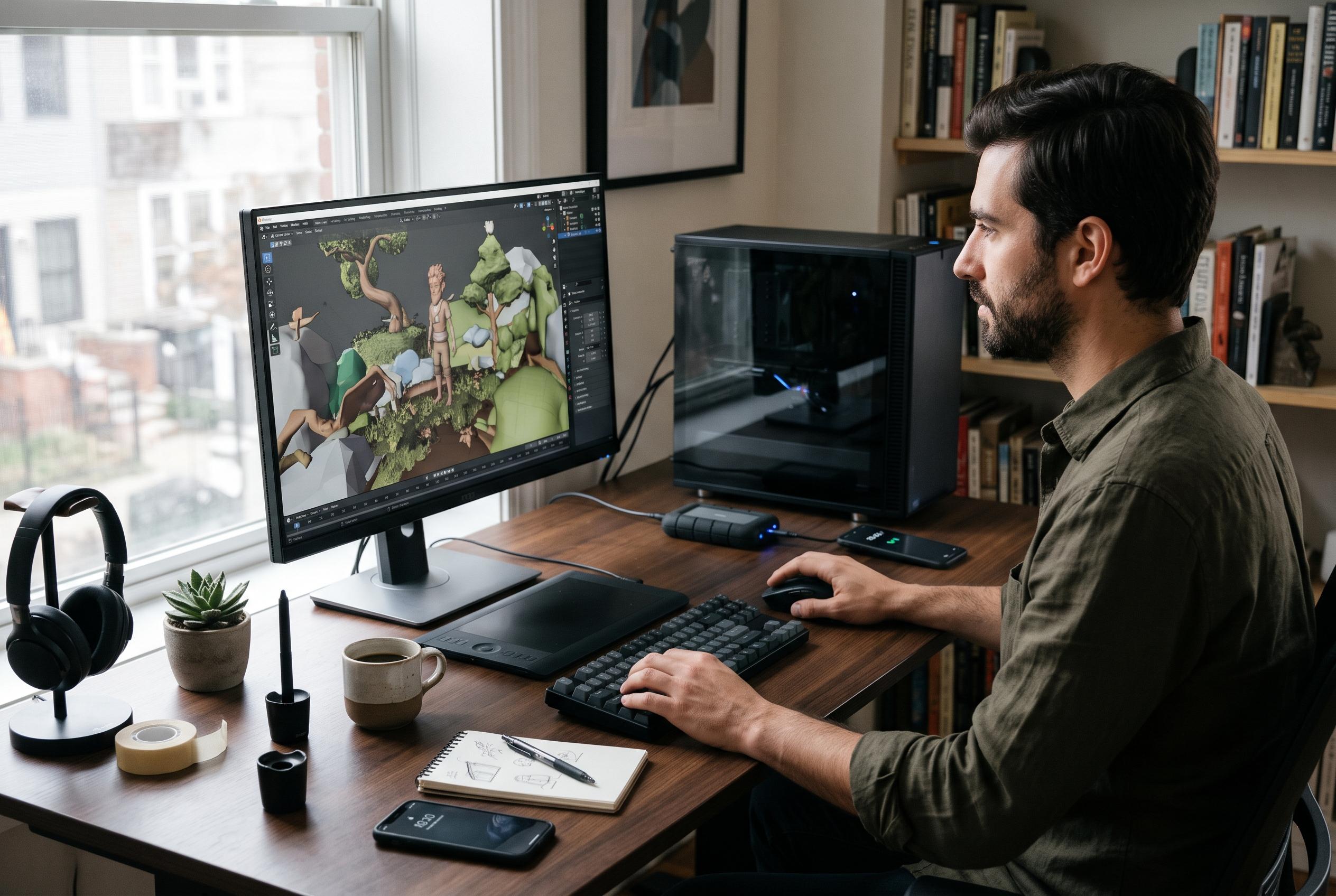
Blender is the clearest example of open-source software that can stand alongside major commercial packages. According to Blender’s own feature documentation, it covers the full 3D creation pipeline, including modelling, rigging, animation, simulation, rendering, compositing, motion tracking, video editing and game-asset work. It runs on Windows, macOS and Linux, supports Python scripting for custom tools and extensions, and has been used in award-winning short films and features. Recent releases have continued to refine the package, including broader colour-management support and newer experimental simulation features, which helps explain why many artists treat it as a serious production platform rather than a compromise.
OBS Studio has reached a similar status in streaming and recording. The project describes it as free, open-source software for capturing, mixing and broadcasting video and audio on Windows, macOS and Linux. Its scene-based workflow, flexible source handling, transitions, hotkeys and plugin support make it suitable for both casual creators and professional streamers. It also works with major hardware encoders and supports scripting and an API, which gives it a level of customisation that would be expected from expensive production software. Its long-standing dominance in live streaming is not just a product of its price; it is also a result of its technical depth.
VLC remains one of the most broadly useful media players ever made. VideoLAN’s feature documentation shows that it can handle an unusually wide range of file types, discs, webcams and network streams, while also offering subtitles, synchronisation controls, filters and conversion tools. That breadth makes it valuable for ordinary playback and for more technical tasks. Its reputation has been built over many years through stability, compatibility and a lack of the ad-heavy or locked-down behaviour that often affects rival software.
LocalSend is a newer name, but it fills a gap that many users have long felt on Windows: simple, local file sharing without a cloud service. The project says it works across Windows, macOS, Linux, Android, iOS and Fire TV, using local-network discovery and encrypted transfers rather than internet-based syncing. That means users can move photos, documents, large videos and plain text between devices without accounts, subscriptions or external servers. In practice, that combination of cross-platform support, privacy and convenience makes it one of the most practical utility apps available for mixed-device households.
ShareX shows how far an open-source utility can go when it expands beyond a single job. Its official site lists screen capture, video and GIF recording, annotation, image editing, OCR, QR-code tools, upload automation and configurable post-capture actions. It can capture full screens, windows, specific regions and scrolling pages, then route the output through custom workflows. That flexibility gives it a steeper learning curve than a basic screenshot tool, but it also explains why so many users rely on it for work that would otherwise require several separate applications. Taken together, these apps show that the Windows open-source scene is not only healthy but often ahead of the commercial alternatives in usefulness, flexibility and value.
Disclaimer: This content is intended for informational purposes only. Readers are advised to exercise their own judgement, conduct due diligence, or consult a qualified expert before acting on any information provided.



