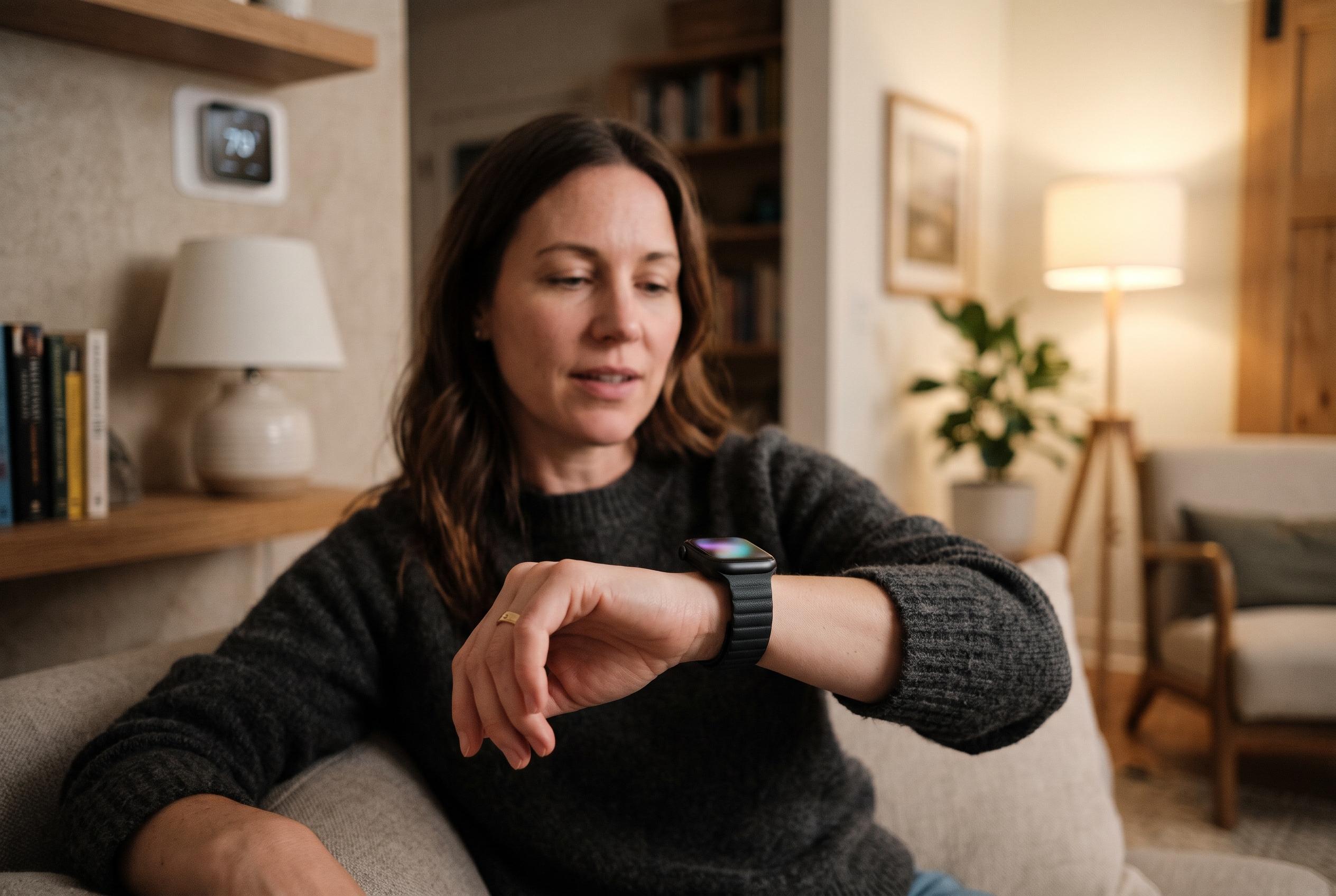

Home Assistant’s Assist feature lets users control lights, thermostats and automations from their wrist, with voice options that can be tuned for privacy or convenience. It complements rather than replaces Siri, and requires a compatible watch and Home Assistant setup.
Apple Watch users do not have to rely solely on Siri for voice control, especially if their main aim is managing a smart home rather than asking a general-purpose assistant questions. Home Assistant, a third-party automation platform, offers a more specialised route through its Assist feature, which can handle voice commands, device control and selected automation tasks from the wrist. The distinction matters: Siri remains the default assistant on Apple Watch, but Home Assistant is built around home automation, and that narrower focus can make it more useful for households with complex device setups.
According to Home Assistant’s official documentation, the platform’s Apple Watch support is delivered through the iPhone companion app, which is where users configure watch-related options and reload the settings onto the watch. The app store listing also describes Apple Watch compatibility, including quick access to home controls and watch-face information. In practice, Home Assistant is less a direct Siri clone than an alternative control layer for lights, thermostats, scenes and notifications, with the added benefit that it can recognise aliases for the same device or room, rather than requiring one exact name for every command.
The voice system is more flexible than a simple on-device button prompt. Home Assistant says Assist can be configured with a local or cloud-based voice pipeline, and its technical architecture allows separate engines for wake-word detection, speech-to-text, conversation and text-to-speech. That means the experience can be tuned for privacy, latency or convenience depending on the setup. The platform also supports more advanced behaviour, including custom sentences and, where configured, large language model integration for more conversational requests.
There are limits, however. Home Assistant is not a full replacement for Siri, and official guidance makes clear that setup depends on both the companion app and the broader Home Assistant configuration. For Apple Watch use, the official materials also note compatibility requirements such as watchOS 9 or later and an Apple Watch Series 4 or newer. That makes the option most attractive for technically inclined users who already run Home Assistant at home and want faster, more adaptable control from their watch, rather than for anyone seeking a universal assistant replacement.
Disclaimer: This content is intended for informational purposes only. Readers are advised to exercise their own judgement, conduct due diligence, or consult a qualified expert before acting on any information provided.