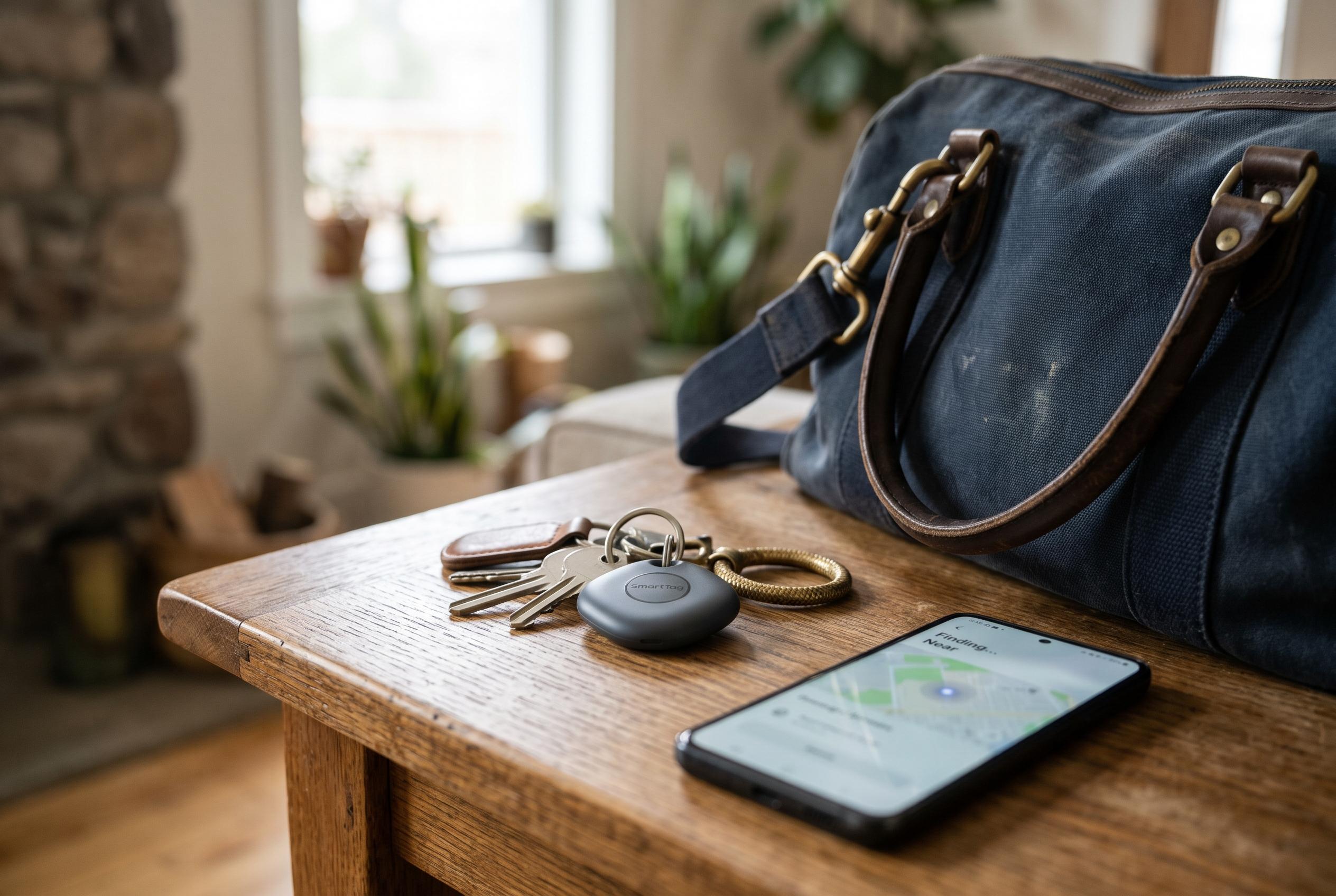

Samsung’s guidance covers the SmartTag2, not a verified SmartTag 3. The tracker can help locate belongings over Bluetooth or through nearby Galaxy devices, but its reach depends on conditions and the finding network.
The device described as the Galaxy SmartTag 3 in the supplied guide should be treated with caution: Samsung’s documentation cited here covers the Galaxy SmartTag2, and does not verify a SmartTag 3 or the guide’s claims about its colours and features.
For the SmartTag2, Samsung’s pairing instructions begin with updating the SmartThings app and activating the tag by removing its battery film or pressing its button. The app can detect the tag and guide the user through setup; alternatively, Samsung says it can be added manually or by scanning the QR code on its packaging. A Samsung account and compatible mobile device are required. Once paired, the tag’s position can be viewed through SmartThings Find.
SmartThings Find provides a map and tools that can include ringing a tag, searching for it nearby over Bluetooth, and viewing location history. SmartThings Support says SmartTag location history covers the previous seven days. The available options vary by device, so not every function applies to every tag or phone.
Location tracking has important limits. Samsung lists a Bluetooth range of up to 120 metres in unobstructed conditions for the SmartTag2. Beyond Bluetooth range, finding it depends on Samsung’s Galaxy Find Network: nearby participating Galaxy devices must detect the tag for its location to be updated. Samsung’s Offline Finding feature can help with this, but it does not provide continuous or GPS-level tracking.
The SmartTag2’s button can also be configured to start a SmartThings automation. Samsung’s instructions say users can choose an action in the tag’s Automation settings and trigger it by pressing or holding the button. What that action can do depends on the connected devices and the user’s setup; the guide does not establish that every suggested function, such as controlling particular lights or locks, is supported in all configurations.
Samsung lists a replaceable CR2032 battery for the SmartTag2, with typical battery life of up to 500 days in Normal Mode. Its launch announcement gives a maximum of 700 days in Power Saving Mode, with actual performance dependent on use and operating conditions. The announcement also describes a metal loop intended to make it easier to attach accessories such as clips and keyrings.
For keys, bags or other belongings, a SmartTag2 can help users locate an item when it is within Bluetooth range or when a participating Galaxy device detects it. It may also be attached to a pet’s collar, but the available information does not establish it as a dedicated pet-tracking system. Its usefulness therefore depends on the device, the surrounding conditions and the reach of Samsung’s finding network.
Disclaimer: This content is intended for informational purposes only. Readers are advised to exercise their own judgement, conduct due diligence, or consult a qualified expert before acting on any information provided.