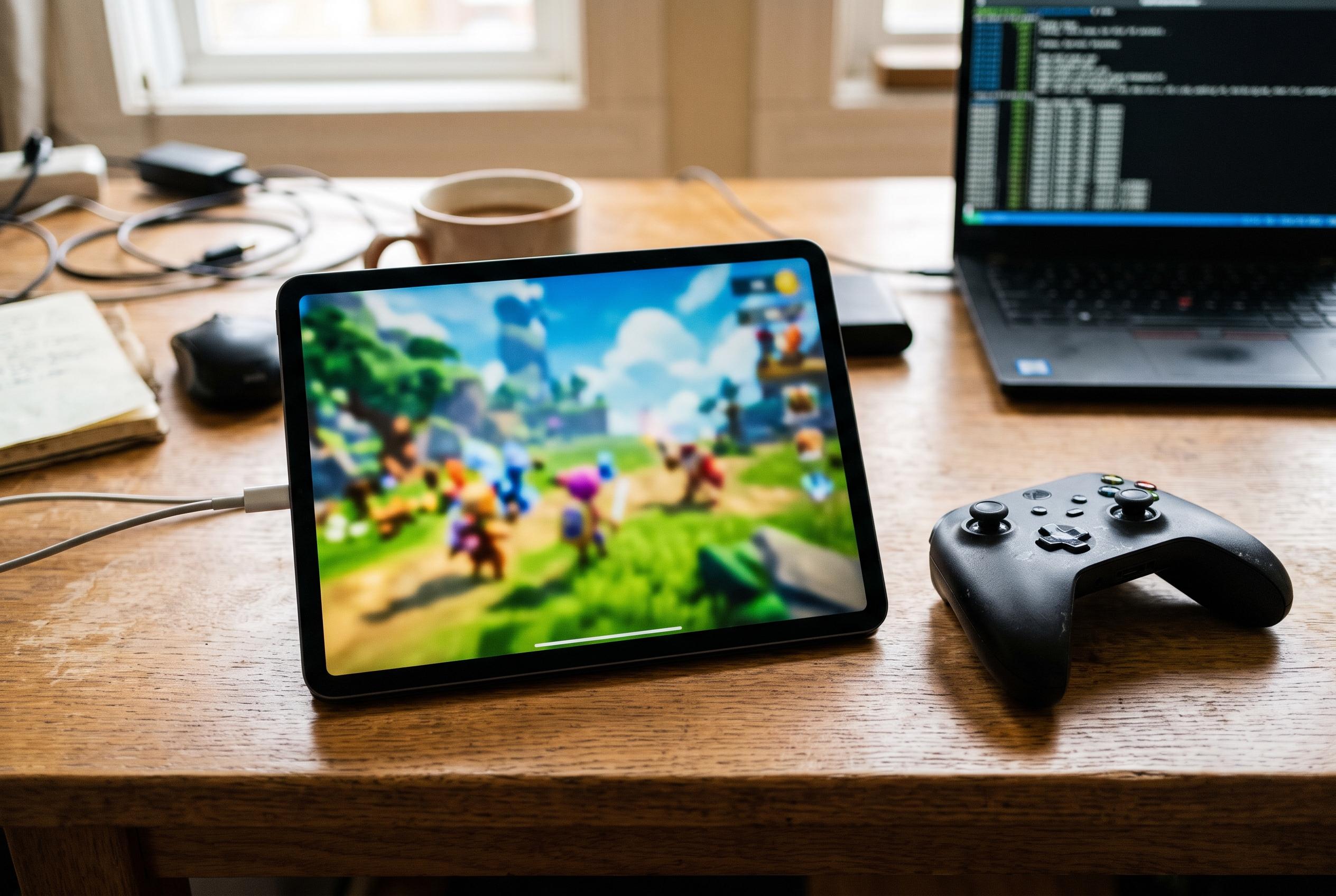

Ryubing, MeloNX and nxnative work in different ways, so performance depends on the game and device. Start with each tool’s recommended defaults, then test sustained frame rates against image quality, responsiveness and heat.
There is no single setting that can make every Nintendo Switch game run at a steady 60 frames per second on an iPhone or Mac. The right starting point depends on the software: Ryubing and MeloNX are emulators, while nxnative builds separate native Apple apps for supported games. Their settings and requirements are different, so a configuration for one should not be assumed to work in another.
On a Mac using Ryubing, begin with the established defaults, leave disk shader caching enabled and use native resolution as a baseline. Ryubing’s documentation describes options including resolution scaling, anti-aliasing and filtering, but they are adjustable controls rather than a universal performance preset. Compare changes in the same game and scene, and allow for first-run stutter while graphics are compiled or cached.
On an iPhone using MeloNX, check the installation requirements and confirm that Just-In-Time compilation, or JIT, is available before changing graphics settings. MeloNX’s documentation identifies it as an iOS emulator requiring JIT, but does not establish a graphics configuration that will sustain 60 frames per second across different games and iPhones. Treat graphics changes as tests for a specific problem, not as guaranteed improvements.
With nxnative, use the profile and defaults for the particular supported game. The project describes its approach as building native Apple applications rather than emulating a Switch, so its requirements and settings do not transfer to Ryubing or MeloNX. Its settings guide likewise presents frame-rate targets and graphics options as game-specific choices.
A 60 fps option is a target, not proof that a game will consistently reach that rate. Use an FPS counter or performance display where available, and observe a repeatable gameplay scene rather than relying on a menu selection or a brief peak. Ryubing’s configurable graphics options and MeloNX’s lack of a universal performance prescription reinforce the need to assess each game on the actual device.
For nxnative, lowering the render scale or switching to handheld mode may reduce graphics demands, but can make the image less sharp. The project’s settings guide also warns that frame buffering may improve delivery while adding input delay, and that MetalFX upscaling can increase GPU workload and heat. Change one option at a time, compare it with the tested default, and restore the original setting if the trade-off is unwelcome.
Apple’s Game Mode may help supported games by prioritising performance-related resources, but it is a system feature, not a setting that removes a game’s limits or guarantees a stable frame rate. Low Power Mode serves a different purpose: Apple says it reduces background activity and certain power-consuming functions to extend battery life. It should not be treated as a method for increasing frames per second.
The practical approach is to establish a baseline, test the game in a consistent scene and keep track of any changes. For Ryubing, that means starting with defaults, shader caching enabled and native resolution. For MeloNX, resolve JIT and installation prerequisites first. For nxnative, use the supported game’s own profile. In each case, judge the result by sustained performance, image quality, responsiveness and heat, not the selected target alone.
Disclaimer: This content is intended for informational purposes only. Readers are advised to exercise their own judgement, conduct due diligence, or consult a qualified expert before acting on any information provided.