

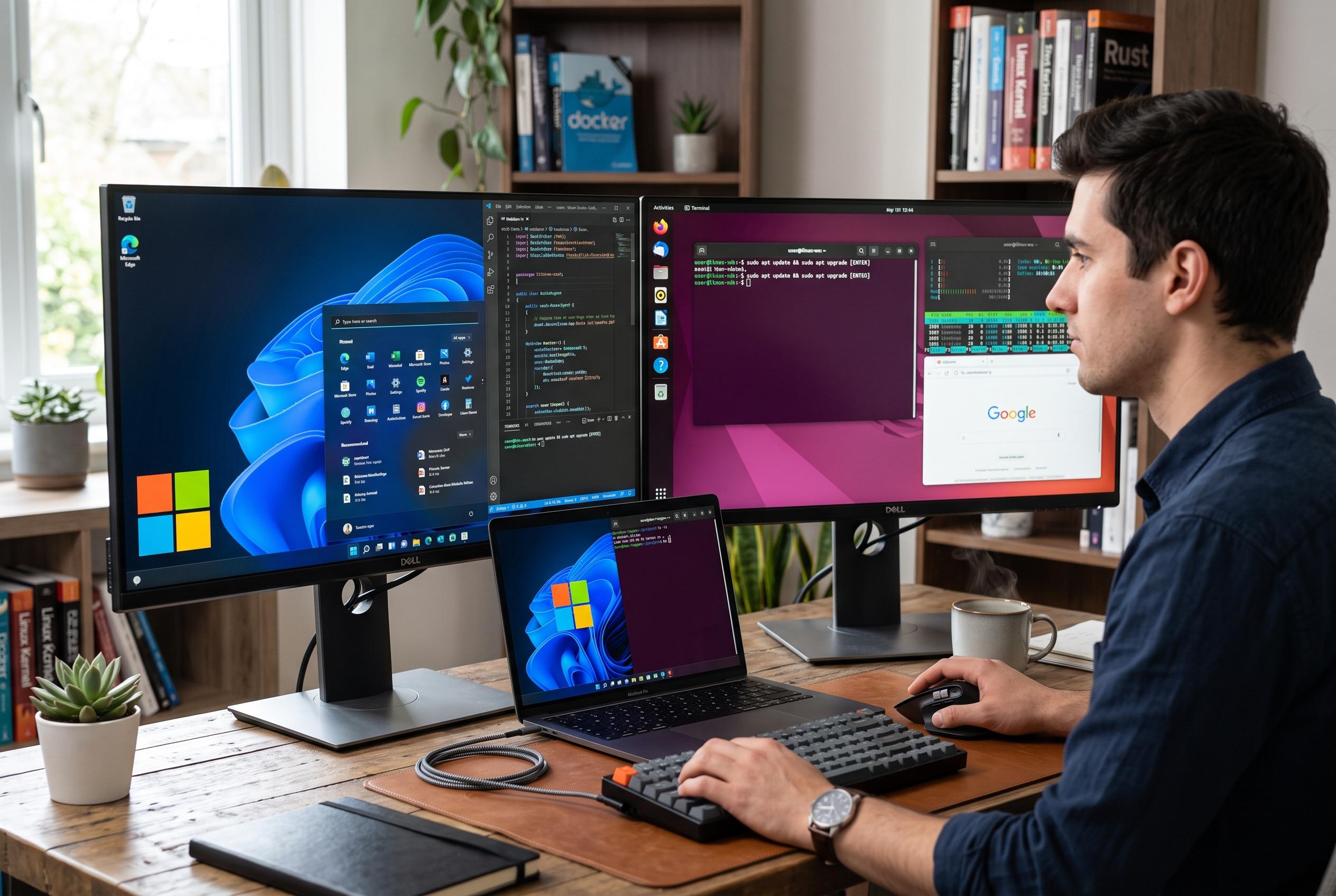

Microsoft’s latest updates to WSL and native utilities blur the lines between Windows and Linux, enabling seamless development workflows without reboots or separate partitions.
For years, the cleanest way to keep a Linux workflow and a Windows desktop in the same house was to keep them in separate rooms. That meant dual-booting, with one partition for everyday Windows tasks and another for the shell-heavy work that still felt more at home on Linux. Today, that trade-off has largely disappeared for many developers, with Windows increasingly acting as the host for Linux tools rather than the rival to them.
The change is easiest to see in Windows Subsystem for Linux. Microsoft says WSL is now generally available through the Microsoft Store on Windows 10 and Windows 11, which lets the company ship updates more quickly than when it was tied to the Windows release cycle. In practice, WSL 2 gives users a real Linux kernel inside a lightweight virtual machine, so services such as systemd can run normally and Linux distributions behave much more like they would on native hardware.
That matters because the tasks many developers actually perform have not changed. Bash scripts, SSH sessions, text-processing tools such as grep and awk, and container workloads all still belong to the Linux world. But on Windows 11, those tasks can now sit alongside browser tabs, office documents and games without a reboot. Microsoft’s documentation also shows that WSL can be installed and updated in a relatively straightforward way, which lowers the barrier for people who once treated Linux as a separate destination rather than a feature of their main machine.
Microsoft has also widened the overlap with native tools. The company recently released Coreutils for Windows, a set of more than 75 Unix-like commands compiled to run as Windows binaries, so familiar utilities such as find, grep, sort and uniq are available directly from PowerShell. For lighter work, that removes the need to switch into a WSL session at all. For heavier work, tools such as Visual Studio Code can connect to WSL and to remote hosts in a single workflow, reinforcing the sense that Windows has become a delivery mechanism for Linux development rather than an obstacle to it.
That does not mean the old suspicion around Microsoft has vanished. The company’s history of “embrace, extend, extinguish” still shapes how some users read its Linux-friendly moves. Yet the current picture looks less like a trap and more like a concession to reality: Microsoft has open-sourced much of the Linux-related work around WSL, and tools built on open standards are portable if a user decides to move to another Linux distribution later. The bigger shift is simpler than any corporate strategy debate: developers can now stay on Windows without giving up the Linux habits they rely on, and that has made the reboot itself feel outdated.
Disclaimer: This content is intended for informational purposes only. Readers are advised to exercise their own judgement, conduct due diligence, or consult a qualified expert before acting on any information provided.



