

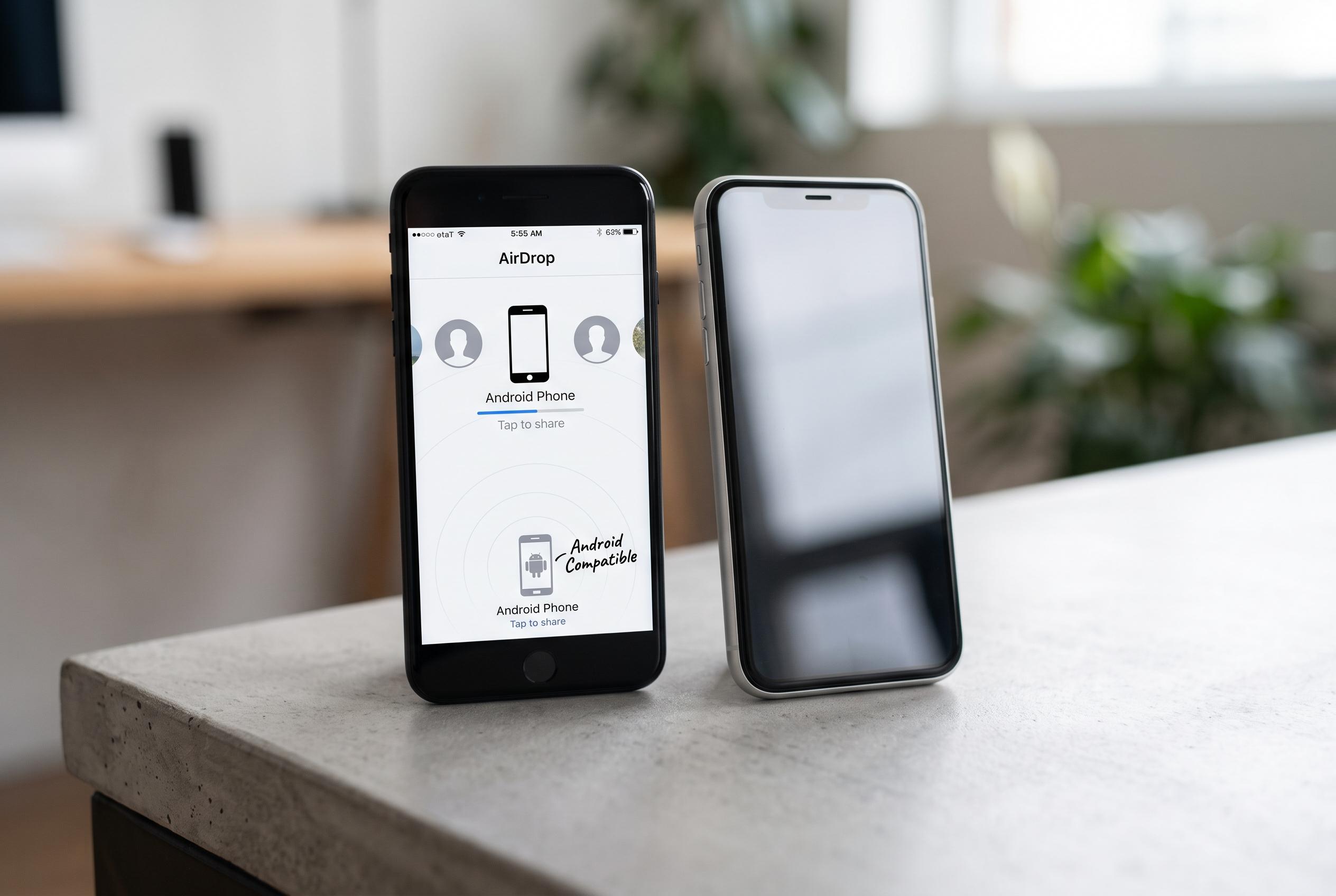

Apple’s AirDrop, traditionally exclusive to its ecosystem, now offers expanded compatibility with Android devices, signalling a major shift in native file sharing across platforms.
AirDrop has become one of Apple’s most useful tools for moving photos, videos and documents between devices without relying on email attachments, messaging apps or cloud storage. It works across iPhone, iPad and Mac, and the appeal is straightforward: a file can be sent directly to another Apple device and opened almost immediately, with no extra upload or download step. According to AppleInsider’s guide, the feature now sits at the centre of Apple’s short-range sharing ecosystem, and recent software changes have made it more flexible than it used to be.
Technically, AirDrop uses Bluetooth to discover nearby devices and a direct Wi‑Fi link to transfer the file itself, which is why it can work without an internet connection or shared network. AppleInsider says supported hardware includes iPhone 5 and later, iPad models from the fourth generation onwards and Macs released from 2012 that run the relevant operating systems. The guide also notes that Apple has continued to refine the service in recent updates, including broader visibility options and newer sharing behaviours.
The latest change with the biggest practical impact is cross-platform sharing with Android. MacRumors reported in February that Google began adding AirDrop compatibility to Pixel 9 and Pixel 10 devices through Quick Share, but only when Apple devices are set to allow everyone for 10 minutes. By May and June, that support had widened further to include newer Samsung, Google, OPPO, Vivo, OnePlus, HONOR and Xiaomi handsets, with Google indicating that still more models will follow later in 2026. The result is a broader, if still limited, bridge between Apple and Android file sharing.
For Apple users, the main settings remain simple. AirDrop can be set to receive nothing, to accept from contacts only or to allow everyone nearby for 10 minutes, and AppleInsider recommends keeping the more open setting switched off unless it is needed. On iPhone and iPad, the option is available through Control Centre or in Settings under General, while Mac users can manage discovery from Finder or Control Centre. If the sender and recipient are both in each other’s contacts and the device is unlocked, the recipient should appear automatically in the share sheet.
Sending a file usually takes only a few taps. Open the photo, document or webpage, tap Share, choose AirDrop and select the recipient. Apple’s newer proximity-based sharing gestures can also make the process faster on recent iPhones, although they do not work in every situation, and AppleInsider notes that CarPlay and Personal Hotspot can interfere. If AirDrop fails to find another device, the usual fixes are basic ones: check compatibility, ensure Wi‑Fi and Bluetooth are on, keep both devices awake and close together, confirm visibility settings and update the software. If problems persist, restarting the device or resetting network settings may help, though the latter will remove saved Wi‑Fi passwords.
Disclaimer: This content is intended for informational purposes only. Readers are advised to exercise their own judgement, conduct due diligence, or consult a qualified expert before acting on any information provided.



