

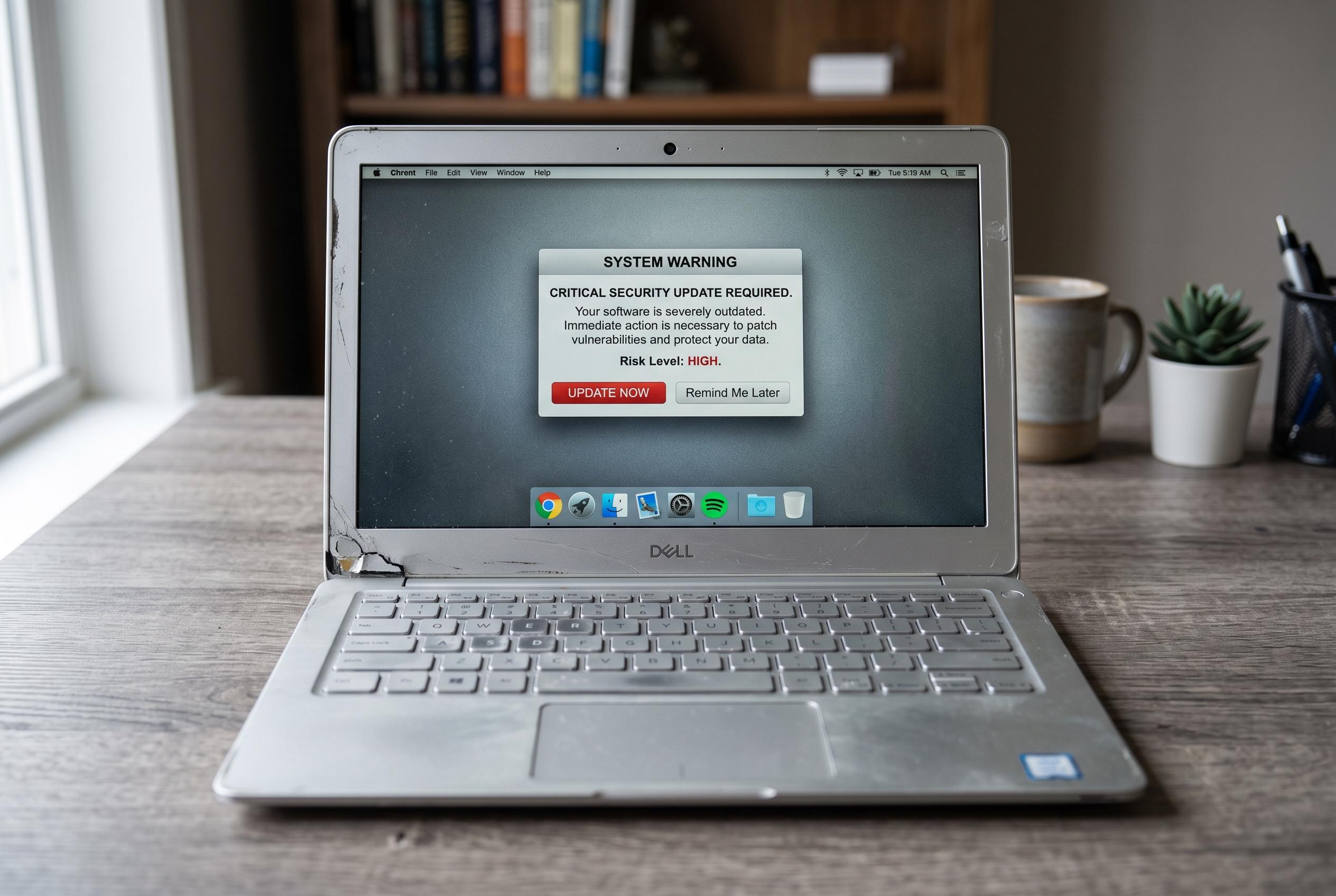

As laptops age, key indicators such as lack of updates, poor performance, and hardware failures signal it’s time to consider replacement, ensuring security and efficiency are maintained.
A laptop can soldier on for years with minor upgrades, but there comes a point when repairs stop making financial sense. PCWorld says one of the clearest warning signs is that the machine no longer receives updates, which leaves it more exposed to security threats. Another is a storage drive that is always full, making it hard to install software or keep the system current. When those problems are paired with everyday frustration, replacement is often the smarter option.
Performance is usually the first thing users notice. TechTimes says slow startups, sluggish browsing, repeated freezes and crashes can mean the hardware is struggling to keep up with modern demands. Adding a solid-state drive or more memory can help older machines, but only up to a point. If the processor and other core components are already worn out, even a well-timed upgrade may not restore reliable performance.
Battery trouble is another major clue. Asurion says rapid power loss, random shutdowns and heat buildup can all indicate a failing battery, and a swollen battery can even cause the case to bulge or the keyboard to lift. In older laptops, replacing the battery may cost more than it is worth once parts and labour are added. Persistent overheating and noisy fans are also red flags, since they can point to clogged cooling systems, dried thermal paste or failing hardware.
There is also a practical limit to how much an ageing laptop can handle. Windows 101 Tricks and Storeshoppe both note that many older devices can no longer run essential software smoothly, especially as websites, video calls and productivity tools become more demanding. DCC Workshop adds that display faults, keyboard problems, connectivity issues and other hardware failures can push repair bills beyond the value of the machine. Before buying a new laptop, experts also advise backing up important files so a sudden breakdown does not turn into a data loss problem.
Disclaimer: This content is intended for informational purposes only. Readers are advised to exercise their own judgement, conduct due diligence, or consult a qualified expert before acting on any information provided.



