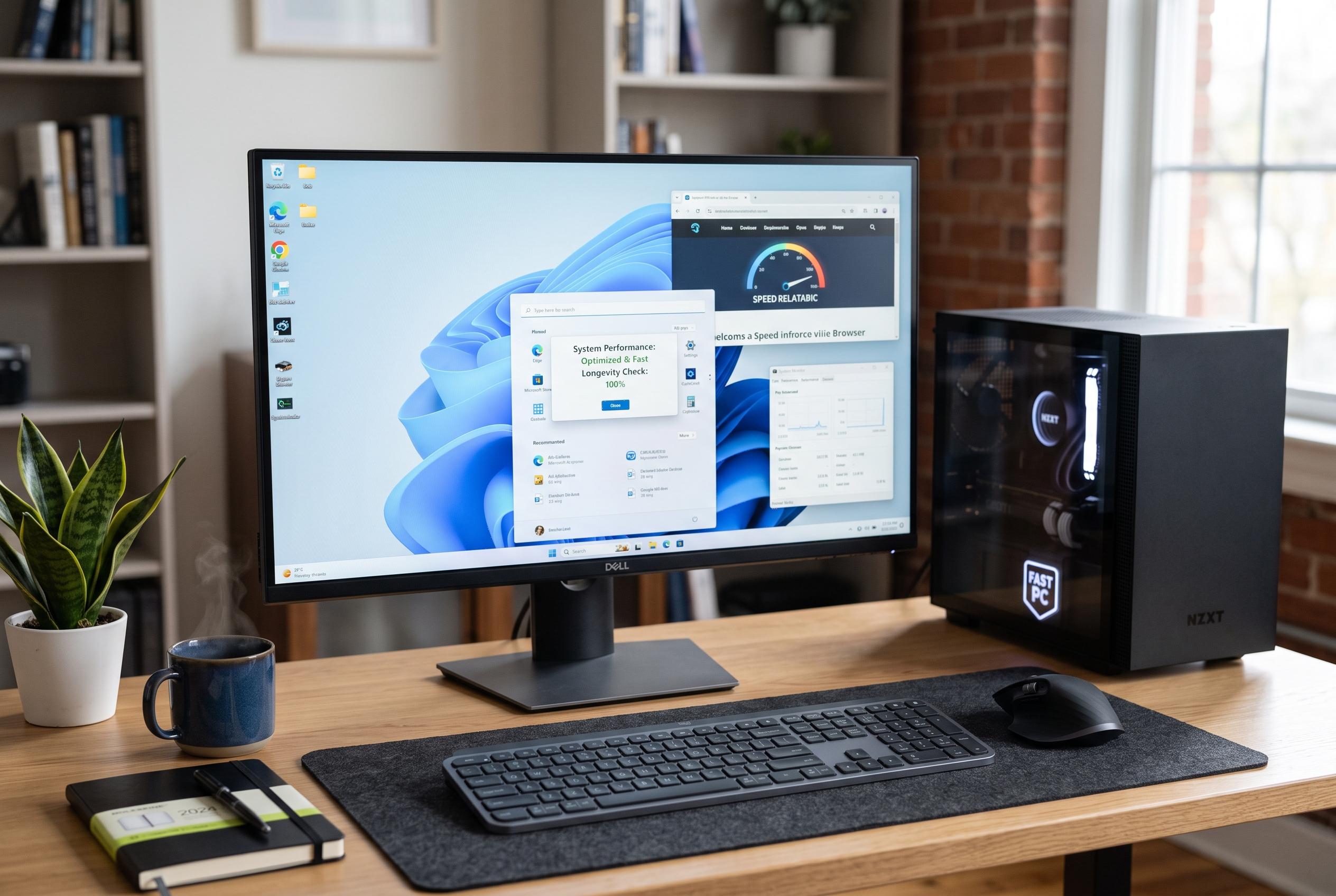

XDA reveals four straightforward habits to improve Windows PC performance, emphasising the importance of personalised setup, scepticism towards third-party cleaning tools, regular shutdowns, and SSD care, aligning with Microsoft’s official guidance.
XDA has outlined four simple habits that can make a Windows PC feel noticeably faster, and the advice largely echoes long-standing guidance from Microsoft and other technical outlets. The first step is to spend a few minutes customising a freshly installed system: remove apps you do not use and trim the list of programmes that launch automatically, because unnecessary background tools can slow boot times and consume memory.
The second recommendation is to be sceptical of third-party “clean-up” utilities that promise to sweep away junk files and fix the Windows registry. Microsoft’s own support guidance focuses instead on built-in tools, such as uninstalling unused apps, managing startup items and using performance settings already available in Windows. In other words, basic maintenance is usually enough without relying on software that claims to do more than it realistically can.
XDA also advises shutting down the computer regularly rather than leaving it in sleep mode all the time. A full shutdown closes running processes and gives the machine a clean start next time it powers on. Windows Central and PCWorld have made similar points in maintenance guides, noting that reducing unnecessary background activity can improve responsiveness and help prevent sluggish behaviour over time.
The final tip is to look after the solid-state drive, or SSD, which is the fast storage device used in many modern PCs. Keeping at least 10% to 15% of the drive free can help performance, while periodic checks can spot issues early. Tom’s Hardware and other specialists say SSDs should not be overfilled and should be maintained with the right built-in optimisation tools rather than old-style disk utilities designed for mechanical hard drives. According to Microsoft, regular drive optimisation and attention to resource usage remain among the most effective ways to keep Windows running smoothly.
Disclaimer: This content is intended for informational purposes only. Readers are advised to exercise their own judgement, conduct due diligence, or consult a qualified expert before acting on any information provided.