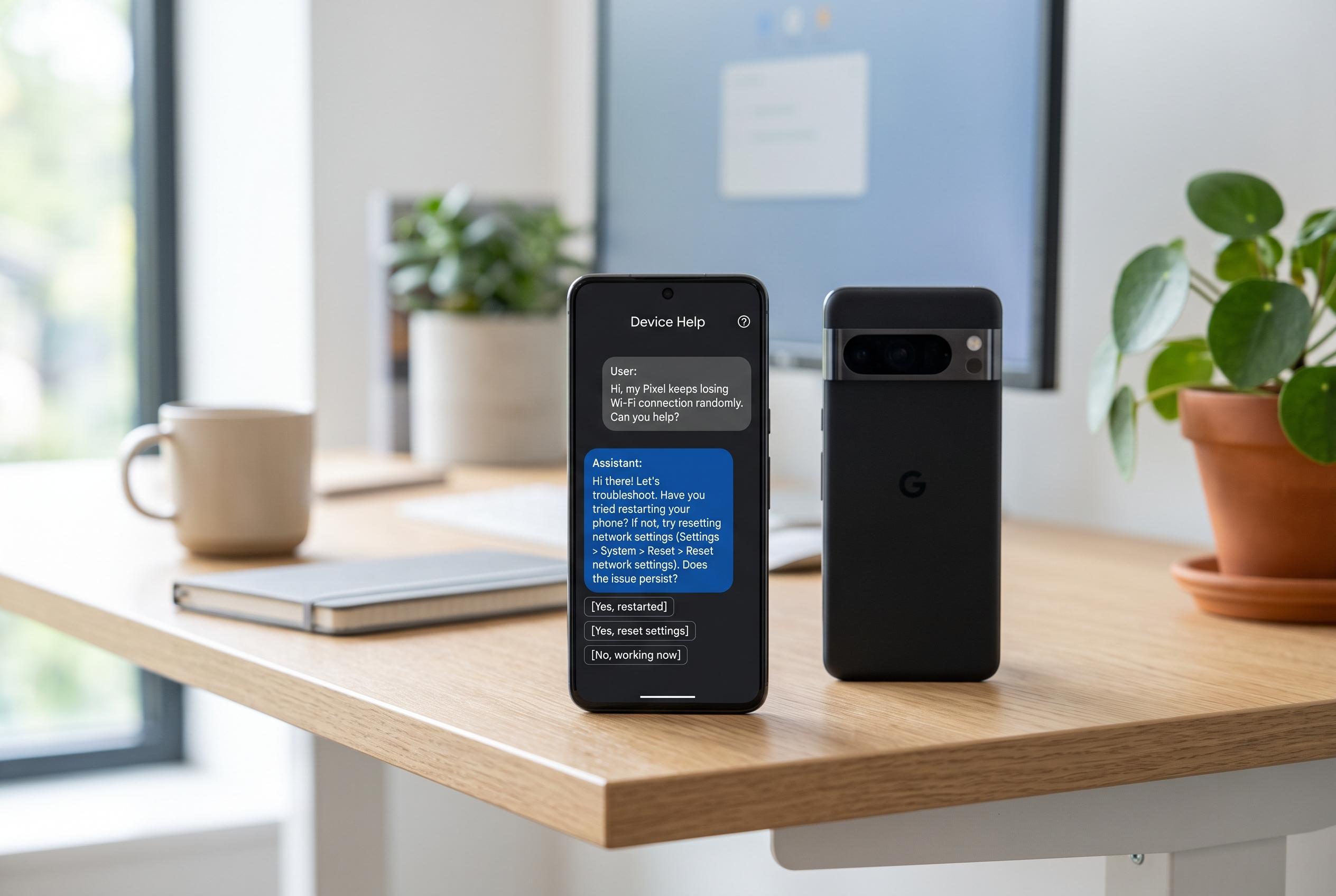

Google is experimenting with a ‘Device Help’ tool inside Gemini on Pixel devices, enabling users to describe issues in plain language and receive automated, guided troubleshooting suggestions, signalling a deeper integration of AI into Android’s core experience.
Google is testing a new “Device Help” feature inside Gemini that could make Pixel phones easier to troubleshoot without digging through menus. The experimental tool lets people describe a problem in plain language, then checks the device’s settings and suggests a likely fix.
In one example seen by Android Authority, a user saying “My screen is too yellow” prompted Gemini to look through display-related settings via Google’s Utilities extension. It then flagged Night Light as the probable cause and suggested switching it off. That makes the assistant feel less like a general chatbot and more like a guided repair tool built into the phone itself.
The feature was spotted on a Pixel 9 running the stable version of Android 17, and it carries a Labs label, which usually means Google is still testing it. Android Central has reported that Gemini is already receiving broader interface changes on Android, including a blurred overlay design that is rolling out gradually and appears to be controlled on Google’s servers rather than by a standard app update. Taken together, the changes suggest Google is pushing Gemini deeper into the Android experience, not just as a separate app but as a more native layer of the system.
That fits with Google’s wider direction for Gemini on Pixel devices. Google’s own Pixel support pages say Gemini is available on Pixel 9 and newer phones, with access through voice, text, images and the camera, while Android 17 has been presented as part of a shift towards a more context-aware “intelligence system” for the operating system. If Device Help expands beyond simple display issues, it could become one of the quickest ways for users to solve common problems without learning where every setting lives.
Disclaimer: This content is intended for informational purposes only. Readers are advised to exercise their own judgement, conduct due diligence, or consult a qualified expert before acting on any information provided.