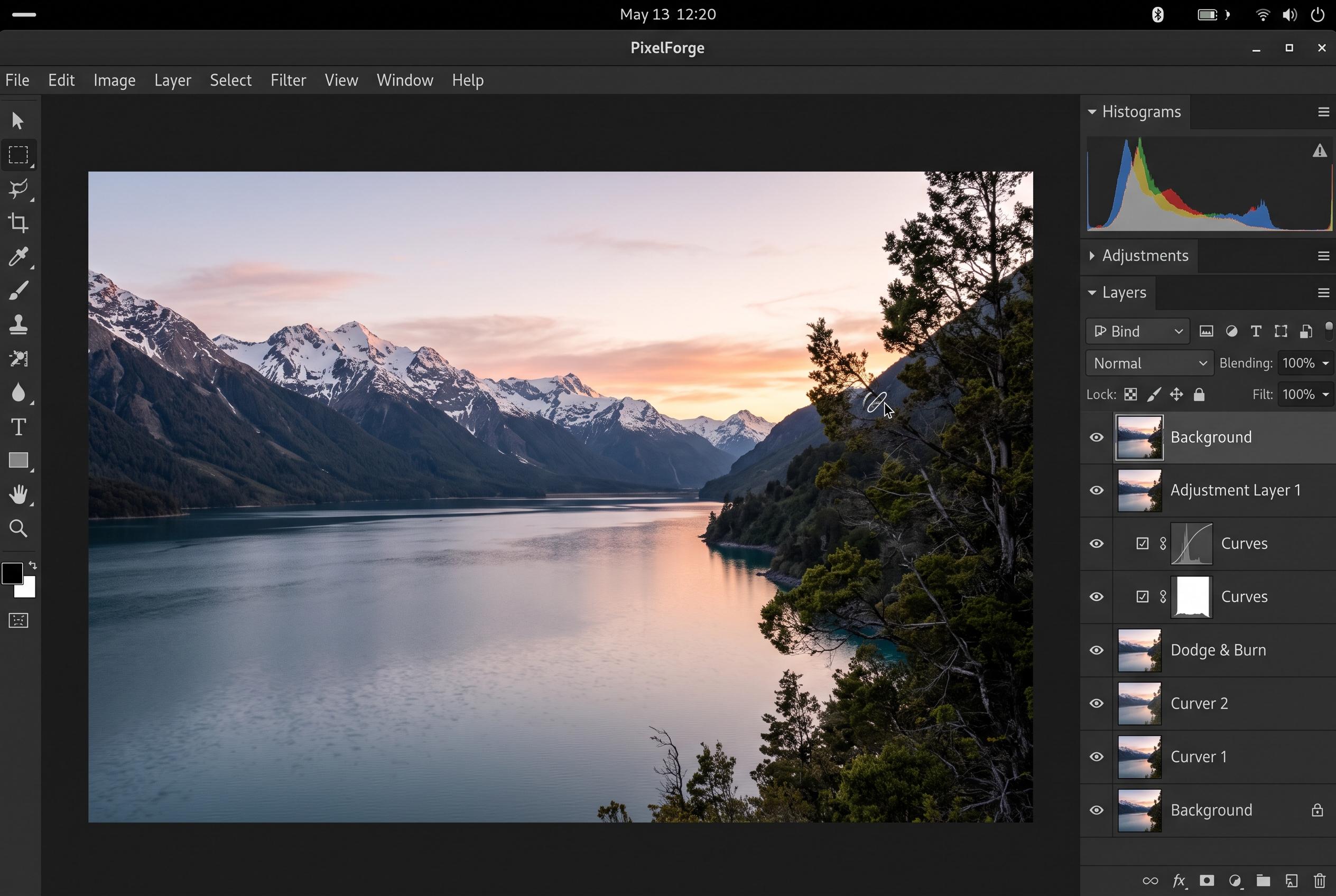

Although without an official native build, Affinity is gaining recognition as a leading free Photoshop alternative on Linux, thanks to community-made AppImages and scripts that bring professional photo editing to the platform, despite some setup challenges.
Affinity has become one of the strongest Photoshop alternatives for Linux users, even though it still does not have an official native build for the platform. ZDNET’s Jack Wallen found that the software can be run unofficially either as an AppImage or through a more involved installer script, with each route carrying trade-offs. The appeal is obvious: Affinity now combines professional-level photo editing, design and layout tools in a single package, and can be obtained free, making it a far more attractive option than many long-standing rivals.
That broader shift has helped put Affinity at the top of several 2026 Photoshop alternative round-ups. Digital Camera World named it the best overall replacement, while Creative Bloq also placed it first, noting that its all-in-one feature set and free access make it stand out in a crowded field. Both guides point to the same conclusion: for users who want serious editing power without Adobe’s subscription model, Affinity is now a leading choice, even if some advanced AI features remain tied to a Canva Premium subscription.
On Linux, the easiest route remains the community-made AppImage. According to a separate guide from Gadgeteer, that method bundles the necessary Wine components and can run reasonably well after an initially slow first launch. Wallen reported a similar experience, saying the AppImage is simpler to set up but can suffer from sluggish performance and visible screen tearing. A second installation path, using a Python-based script and a Wine environment, can deliver better speed and stability, but it is more demanding and took Wallen much longer to complete.
There are still rough edges. Wallen said sign-in attempts were unsuccessful, with the app opening Affinity’s website and then failing to launch properly. He also found that some Linux distributions handled the installer better than others, with Ubuntu 26.10 proving troublesome while Fedora and Zorin OS performed more reliably after extra manual steps. For now, the AppImage appears to be the safer recommendation for most Linux users, but the fuller installation may suit those willing to spend the time for a smoother day-to-day experience.
Disclaimer: This content is intended for informational purposes only. Readers are advised to exercise their own judgement, conduct due diligence, or consult a qualified expert before acting on any information provided.