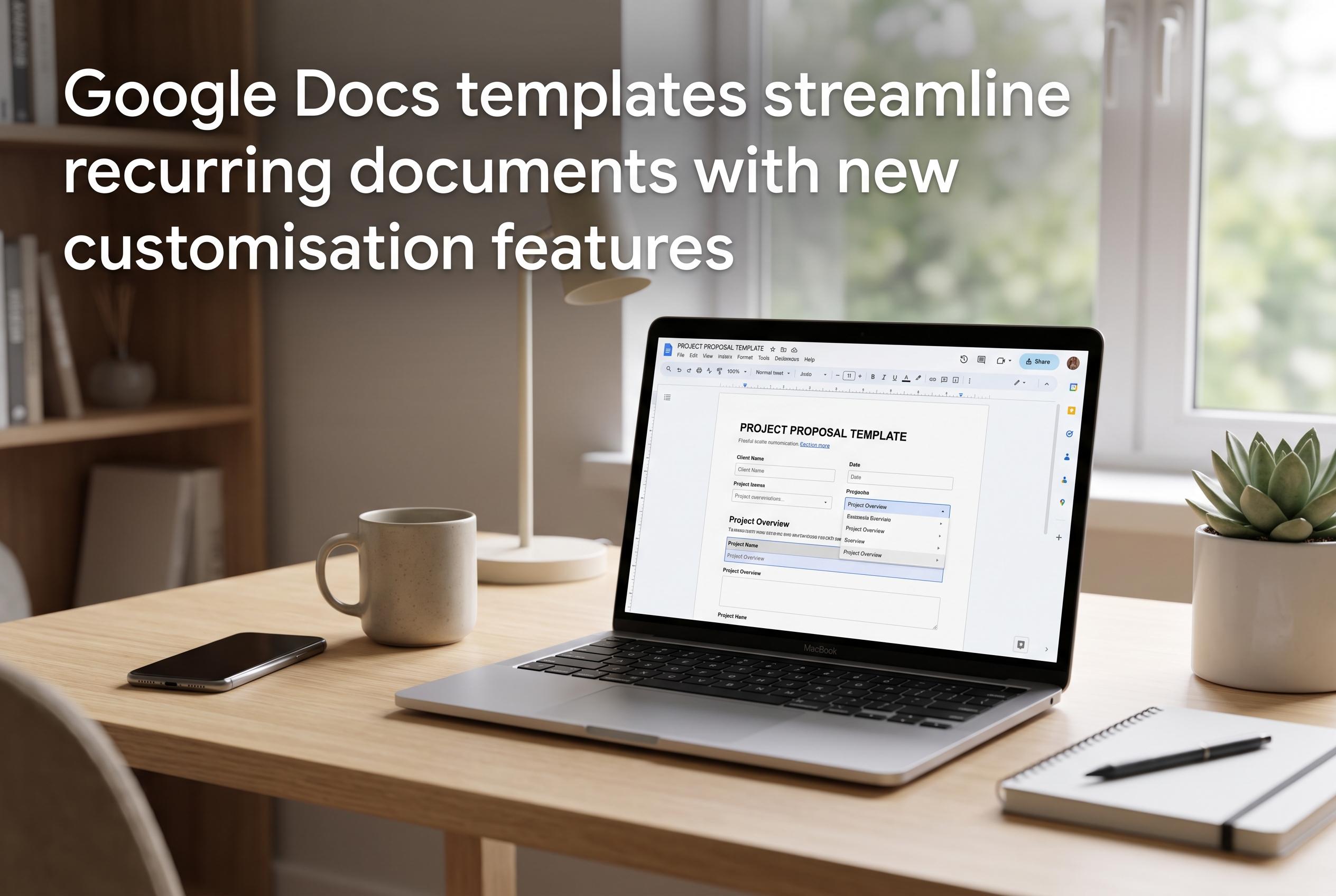

Google Docs templates are evolving to offer more customisation options, enhancing efficiency and consistency for individuals and teams in creating professional documents across various tasks.
Google Docs templates are more than a convenience. They are a practical way to remove the initial friction that often slows writing, particularly when a document needs to look polished as well as contain the right information. The template gallery gives users a ready-made structure for common tasks, from job applications and proposals to reports and notes, so the writer can concentrate on content rather than page design. Google’s wider collaboration tools also make these templates useful for shared work, especially when several people need to edit the same document at once.
For job seekers, the strongest benefit is consistency. Resume and cover letter templates provide a clear framework for experience, skills and contact details, which helps users produce application materials quickly without losing presentation quality. Third-party template libraries also show how broad the format choices have become, with options ranging from minimalist resumes to more distinctive cover letter layouts. That matters because a document that is orderly and easy to scan can make a better first impression than one that is heavily customised but harder to read.
Project proposals are another area where templates save time and reduce mistakes. Free Google Docs proposal templates highlighted by specialist template sites typically include sections for the project overview, objectives, scope, deliverables, timeline, methodology, budget estimate, responsibilities, risks and conclusion. A minimalist business proposal version adds client details, a problem statement, pricing, terms and next steps. That structure is useful because it guides the writer through the elements decision-makers usually expect, while leaving room to tailor the argument to a specific client or internal audience.
The same logic applies to reports, meeting notes and planning documents. Templates for reports help keep long material organised with headings, summaries and supporting sections. Meeting note formats usually include attendees, agenda items, action points and deadlines, which makes follow-up easier. In practice, the value of a template is not simply speed. It also acts as a checklist, reducing the chance that an important section is omitted or that a document becomes inconsistent from one use to the next.
Google Docs templates are also well suited to broader workflow use, including brochures, newsletters, lesson plans, invoices, event checklists and content planning outlines. For teams, that consistency can be especially useful because it standardises recurring work and makes handovers simpler. Custom templates can be copied, edited and reused, and many can be exported to PDF or Word when needed. For organisations already using Google Workspace, that makes the system adaptable enough for both individual users and shared internal processes.
The main limitation is that templates work best when treated as starting points rather than finished products. Users still need to adapt sections, update branding and review the layout for the specific task at hand. But for most recurring documents, that is a small price to pay for saving time and improving clarity. Used well, Google Docs templates provide a straightforward way to produce documents that are faster to create, easier to read and more consistent across a team or project.
Disclaimer: This content is intended for informational purposes only. Readers are advised to exercise their own judgement, conduct due diligence, or consult a qualified expert before acting on any information provided.