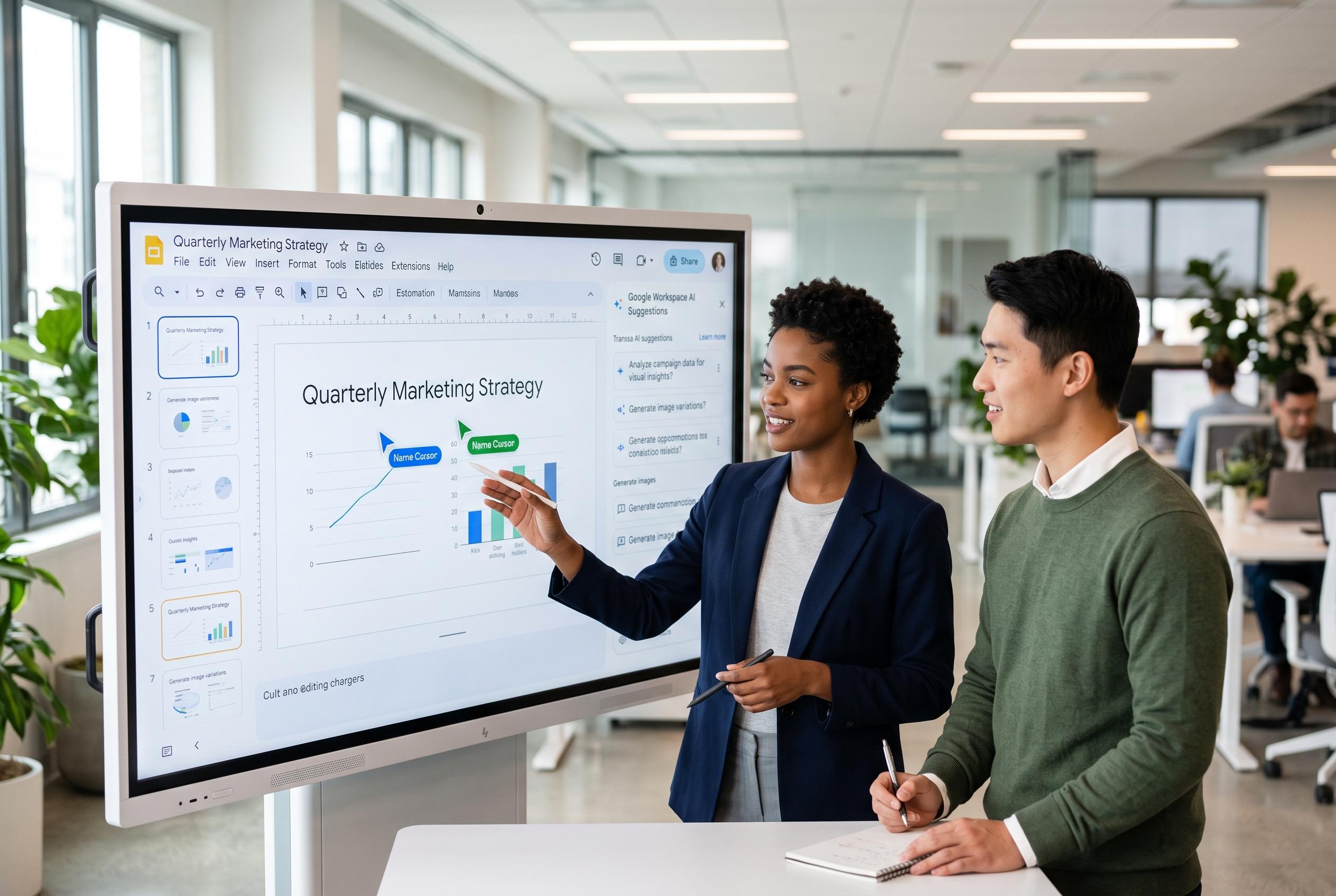

Google Slides has evolved into a key tool for seamless real-time collaboration in hybrid work environments, integrating advanced sharing controls and AI-powered content suggestions to accelerate and streamline presentation workflows.
Google Slides has become one of the clearest examples of how cloud software has changed everyday office work. Instead of circulating presentation files by email and merging competing drafts, teams can now open the same deck at once, edit together and watch changes appear live. Google’s own Workspace material says that real-time editing is built across Docs, Sheets and Slides, with instant visibility of changes, permission controls and full version history.
That matters because presentation work is often iterative and messy. Designers, managers and subject specialists rarely move at the same pace, and traditional file-based workflows can slow review cycles and increase the risk of conflicting edits. Google Slides reduces that friction by keeping the work in one shared cloud file, where contributors can see one another’s pointers, comments and updates as they happen. Google’s support documentation also confirms that live pointers can be shown or hidden during presentation work on a computer.
The sharing controls are central to how the product is used in practice. Google Slides lets owners assign viewer, commenter or editor access, so the same presentation can support drafting, review and final approval without changing tools. For teams that need tighter control, that permission model allows drafts to stay editable only for a small group while wider audiences are limited to comments or viewing.
Real-time co-authoring is supported by automatic saving and revision tracking. Google says collaborators can edit together, inspect previous versions and roll back changes when needed. That makes the platform useful not only for brainstorming but also for governance, since teams can see who changed what and restore earlier states if a slide is accidentally altered or deleted.
Communication features add another layer. Slides supports comments for asynchronous feedback and chat-style discussion for live sessions, which helps teams keep decisions attached to the presentation itself. A newer follow function, announced on Google’s blog, lets one user track another collaborator’s movements within the deck, which is especially useful in remote review sessions where multiple people need the same visual reference.
TechRadar’s review of Google Slides described the service as especially strong on collaboration, while noting its familiar interface, low cost and support for templates and add-ons. The review also pointed to integration with Google’s Gemini assistant, which can help with drafting, slide suggestions and image generation. That positions Slides as more than a simple presentation editor: it is part of a broader Workspace environment that supports content creation, storage and live meetings.
That ecosystem matters in hybrid work. Google Slides can be used alongside Google Drive for storage and Google Meet for live calls, allowing teams to discuss a deck and present it without leaving the Workspace suite. Offline editing is also available, with changes syncing once a connection returns, which makes the platform more resilient for travel or weak connectivity.
The practical result is a faster and more transparent workflow. Teams can split up content creation, comments and design tasks without losing track of version control, and they can tighten permissions as a presentation moves from rough draft to client-ready copy. For many organisations, that combination of live editing, shared context and controlled access is what makes Google Slides useful rather than merely convenient.
Google’s broader direction suggests that this model will become even more capable. AI-assisted content creation, stronger integrations and richer collaboration controls are already shaping the way presentation tools are positioned, and Slides sits near the centre of that shift. For teams that need to build, review and present quickly, real-time collaboration is no longer an add-on feature. It is now the baseline expectation.
Disclaimer: This content is intended for informational purposes only. Readers are advised to exercise their own judgement, conduct due diligence, or consult a qualified expert before acting on any information provided.