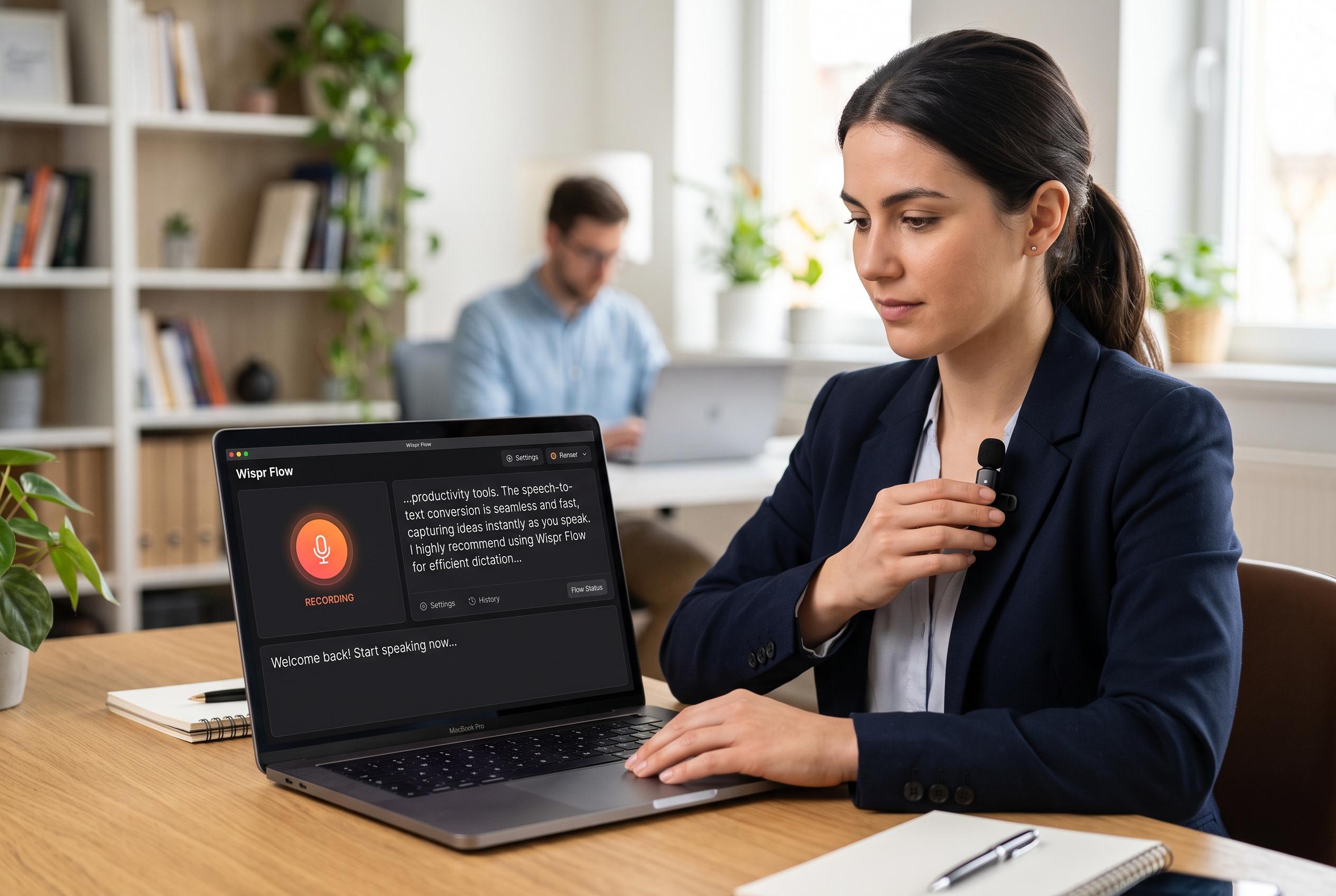

Wispr Flow revolutionises dictation by enabling fast, seamless speech-to-text across multiple apps and devices, potentially transforming daily communication routines with AI-enhanced features and broad compatibility.
Wispr Flow is positioning itself as a faster way to write by speaking rather than typing, and the premise is simple: use the microphone on a phone or computer to turn speech into formatted text across everyday apps. MakeUseOf’s review says the software is available on Windows, Mac, iPhone and Android, with support for more than 100 languages and built-in features such as automatic punctuation, custom vocabulary and voice-based editing. The app also includes a free tier, while its Pro plan costs $12 a month and adds unlimited dictation and longer storage for recordings.
That broad compatibility is part of the appeal. According to the App Store listing, Wispr Flow works across common text fields in apps such as Slack, Messages, email, WhatsApp, ChatGPT and Docs, which makes it more useful than a standard voice memo tool. Independent reviews also describe it as a system-level dictation layer, meaning it can input text into many different programmes rather than locking users into a single interface. Several reviewers say the software is designed to cut writing time substantially, with marketing material and third-party assessments claiming it can be up to four times faster than typing.
The strongest case for the app is its workflow convenience. Once activated, it keeps pace with spoken language, logs dictated text for later review and can store repeated phrases as snippets. That makes it useful for people who send the same details often, such as email addresses or standard replies. Wispr Flow also offers a personal dictionary for names and specialist terms, which helps reduce the kind of transcription errors that can make dictation feel clumsy. MakeUseOf says these features helped the reviewer move between email, team chat and drafting without needing to stop and type.
The software also tries to go beyond transcription. Its Transform tools can polish selected text, rewrite it or turn it into prompts, and the company has added a Claude integration for users who want AI-assisted drafting inside the same workflow. Wispr Flow Notetaker is another part of the package, aimed at meetings and call summaries, with reviewers comparing it to tools such as Otter.ai and Granola. At the same time, some reviews flag privacy concerns and the lack of a fully offline mode as drawbacks, which may matter to users handling sensitive work.
For people who spend much of the day moving between messages, notes and drafts, Wispr Flow appears to be less about novelty than compression: fewer pauses, fewer keystrokes and less friction. The review on MakeUseOf says the biggest surprise is not that dictation works, but that it can become a central part of daily computer use. That may be the clearest argument for the app: not that it replaces typing entirely, but that it makes speaking into text a practical default for many routine tasks.
Disclaimer: This content is intended for informational purposes only. Readers are advised to exercise their own judgement, conduct due diligence, or consult a qualified expert before acting on any information provided.