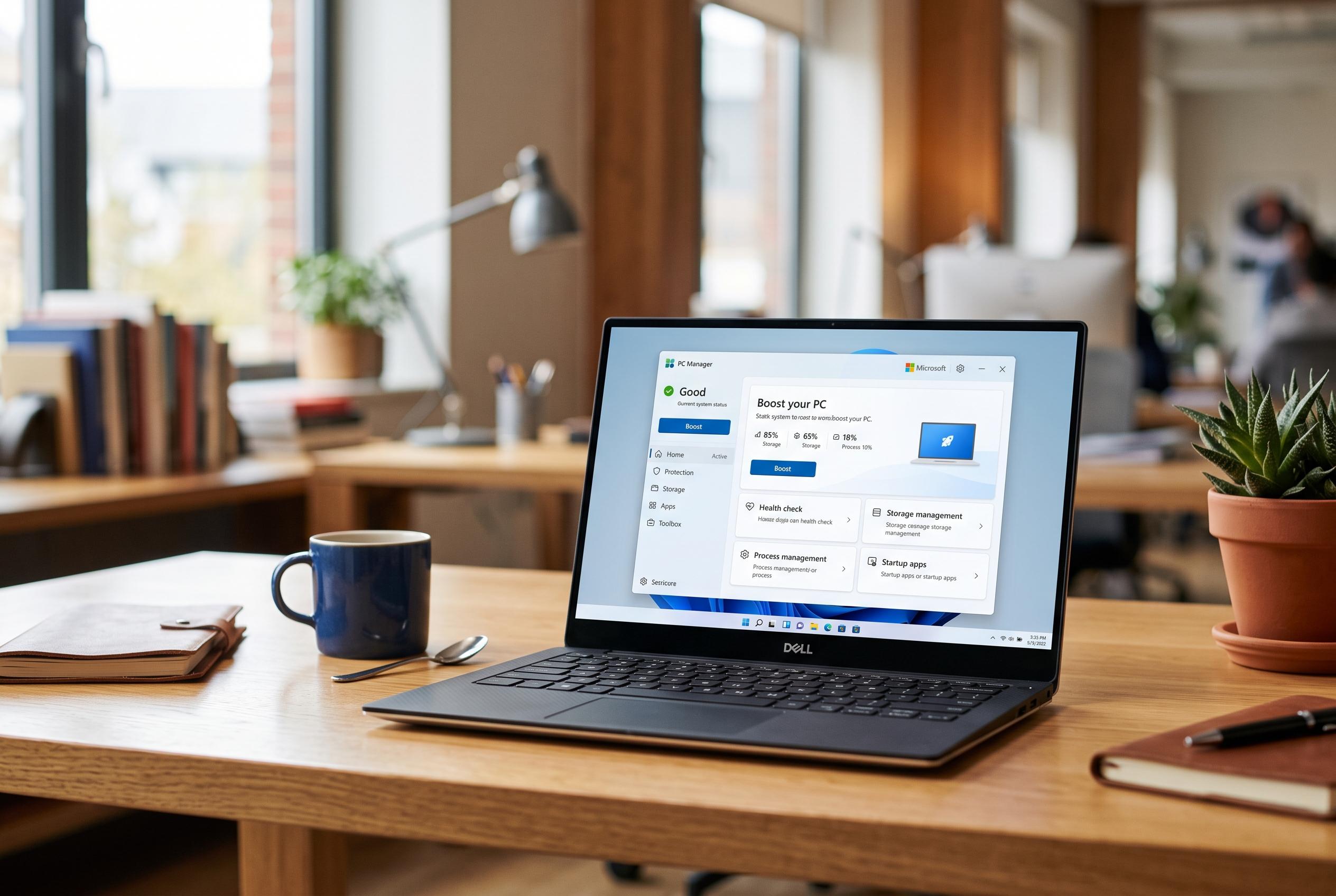

Microsoft launches PC Manager, an all-in-one utility designed to simplify system maintenance, boost performance, and enhance security for Windows users, replacing multiple third-party tools with a single integrated solution.
Microsoft PC Manager is Microsoft’s own utility for Windows users who want a simpler way to keep a machine running smoothly. The app brings together a set of maintenance tools that can clear unnecessary files, manage storage, monitor running processes and tighten basic system security. Microsoft says the aim is to give users a single place to handle routine optimisation without relying on multiple third-party utilities.
At the centre of the app is a one-click boost function that clears temporary memory and removes some unneeded files, which can make a sluggish PC feel more responsive. The Health Check feature adds a broader scan of the system and suggests fixes such as cleaning junk files, reviewing startup items and addressing common performance issues. Microsoft also includes storage cleanup tools for temporary data, cache and other clutter, plus a large-files view that helps users find space-hogging items they may want to move or delete.
The utility also reaches into areas that often affect day-to-day speed. It lets users inspect and disable apps that launch with Windows, which can reduce boot times, and it provides process management so resource-heavy tasks can be identified and closed. According to Microsoft’s support guidance on improving PC performance, updating Windows and managing startup apps remain among the most effective maintenance steps, and PC Manager is presented as part of that approach.
Security and convenience features round out the package. The app includes browser protection, pop-up management and virus scanning through Microsoft Defender, while deep cleanup is meant to find leftover system files and update residue. Microsoft also offers a floating toolbar for quicker access to common tools, and some versions include file recovery links and Windows Update management. For users who want a basic maintenance suite built into the Windows ecosystem, PC Manager is positioned as a practical all-in-one option rather than a replacement for deeper system administration tools.
Disclaimer: This content is intended for informational purposes only. Readers are advised to exercise their own judgement, conduct due diligence, or consult a qualified expert before acting on any information provided.