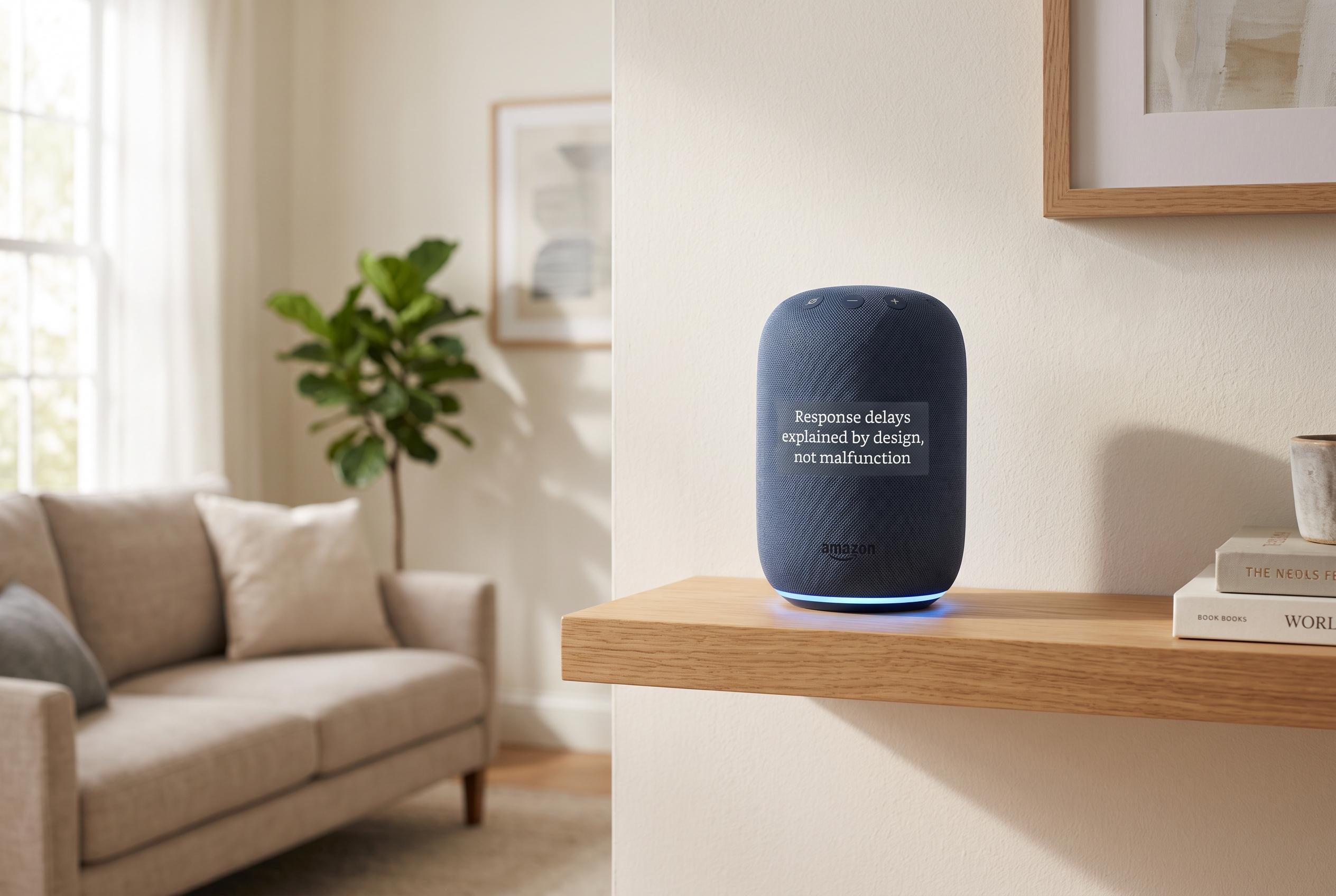

Many perceived Echo device glitches are actually intentional timing features, with Amazon’s added settings like Follow-Up Mode and Adaptive Volume enhancing user experience in busy environments.
Amazon Echo devices can seem to freeze for a moment after answering a request, but the behaviour is usually not a fault in Alexa’s core system. The more likely explanation is that the assistant has already ended its active listening phase and is waiting for a fresh wake word, even if the user has already started speaking again.
That design can make everyday use feel inconsistent. In kitchens, sitting rooms and other busy spaces, people often issue commands in quick succession, only to find that the second request is missed. As The Automated Home explained, the problem is less about voice recognition failing than about the brief handover between one listening session and the next.
Alexa’s default model is built around short, separate exchanges rather than continuous listening. After a wake word, the device opens a narrow window, processes the request and then returns to idle. If a follow-up sentence begins too soon, it may fall outside that window, which makes the system appear unresponsive even though it is functioning as designed.
Amazon has added settings that soften this effect. According to TechRadar and MacRumors, Follow-Up Mode keeps Alexa listening for a few seconds after it finishes speaking, so users can issue another command without repeating the wake word. Amazon says this is meant to make conversations feel more natural, and it can be enabled in the Alexa app or by voice command.
A separate feature, Adaptive Volume, addresses a different but related problem: clarity. TechRadar, Android Central and Reviewed report that the setting raises or lowers Alexa’s speaking volume according to background noise, which can help in louder rooms or stop responses sounding unnecessarily loud in quiet ones. The feature can also be switched on with the command “Alexa, turn on Adaptive Volume.”
Amazon appears to leave both settings off by default because longer listening windows can create unintended activations. In shared homes, background speech and overlapping conversations can be mistaken for commands. The result is a trade-off between convenience and caution, with the default configuration prioritising predictability over ease of use.
For smart home users, the practical lesson is that many Echo frustrations are timing issues rather than hardware defects. Commands that control timers, alarms or routines are especially sensitive to delays between speech, device state and cloud processing. Enabling Follow-Up Mode and Adaptive Volume will not change the underlying architecture, but they can make Alexa feel more responsive in day-to-day use.
Disclaimer: This content is intended for informational purposes only. Readers are advised to exercise their own judgement, conduct due diligence, or consult a qualified expert before acting on any information provided.