

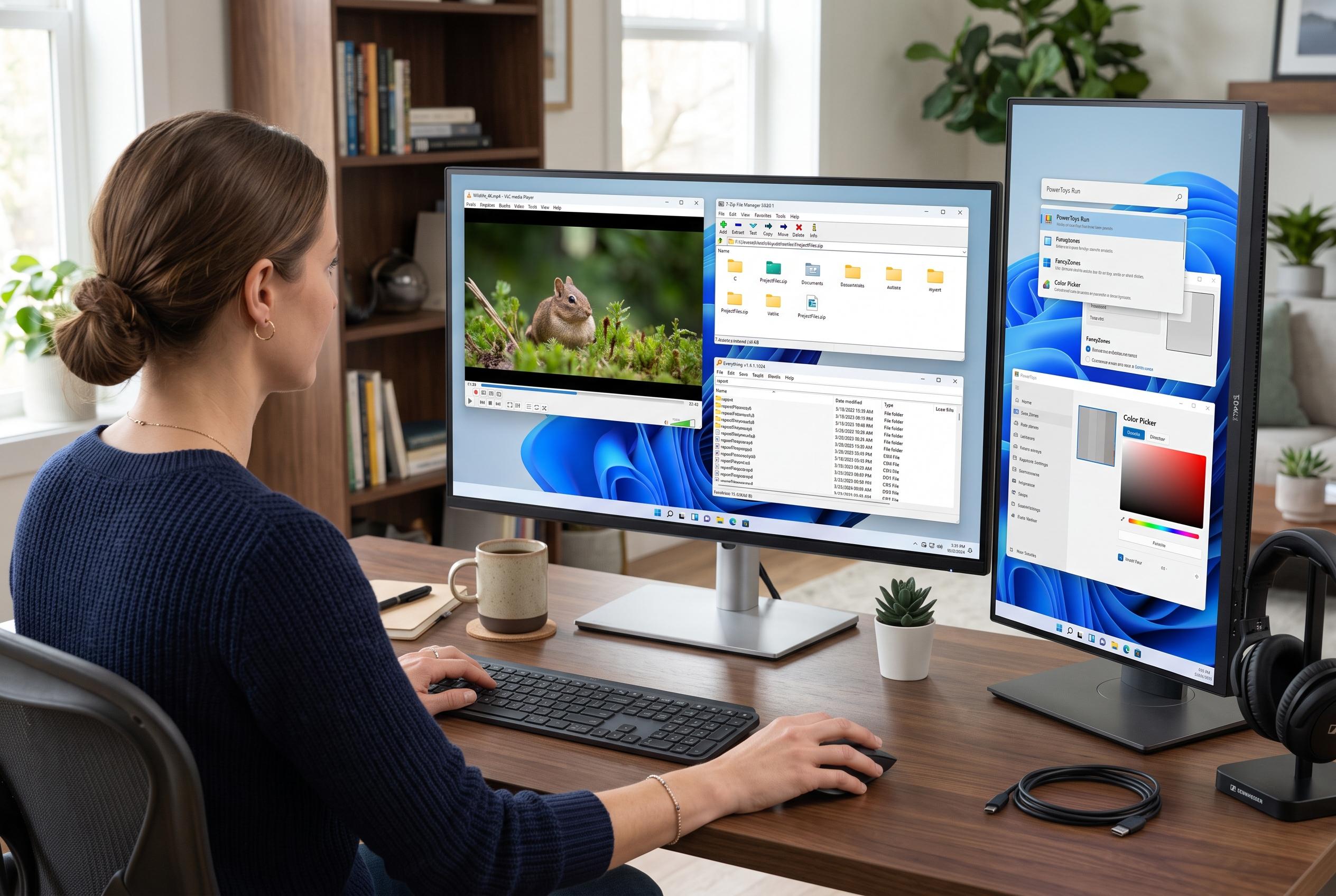

Long-standing free applications like VLC, 7-Zip, Everything, and PowerToys remain essential tools for Windows users, offering reliability, speed, and solutions to OS shortcomings that persist through multiple Windows versions.
For many Windows users, a handful of free utilities have done more to shape daily computing than most bundled Microsoft tools ever have. How-To Geek argues that four long-standing applications stand out because they solved problems Windows handled badly, were easy to install and remained useful across several generations of the operating system. The appeal is not novelty. It is reliability, speed and the sense that these programmes still earn their place on a new PC.
VLC is the clearest example. According to the VLC project’s own description, the player supports a broad range of audio and video formats across Windows, macOS, Linux, iOS and Android, and it does so without extra codec packs. That matters because Windows users once faced a common frustration: a file might open in one player and fail in another depending on the missing codec. VLC removed much of that friction by becoming a dependable default for awkward files, discs and less common formats.
7-Zip fills a similarly practical gap in file compression. Windows can create and extract ZIP archives, but Microsoft’s own support pages make clear that built-in tools do not extend to formats such as 7z or RAR. 7-Zip offers support for a much wider range of archive types and is designed to work directly from the Windows context menu, which keeps compression and extraction close to everyday file handling. That combination has helped it remain a standard installation on machines where users want more control than the operating system provides on its own.
Everything addresses another long-standing Windows weakness: search speed. Built-in search has improved, but the appeal of Everything is its immediacy. Rather than waiting for an index to catch up or navigating folder by folder, users can begin typing a filename and see results almost at once. That makes the whole drive feel searchable in a way Windows search still does not consistently match.
PowerToys is the most unusual entry because it comes from Microsoft itself. The modern open-source suite adds features such as window management, bulk renaming, keyboard remapping, colour picking and previews for extra file types. In effect, it gives power users a collection of small fixes for everyday annoyances that Windows still does not address well enough. The broader point, as How-To Geek notes, is that the best Windows apps often outlive the problems that created them. These four have done exactly that.
Disclaimer: This content is intended for informational purposes only. Readers are advised to exercise their own judgement, conduct due diligence, or consult a qualified expert before acting on any information provided.



