

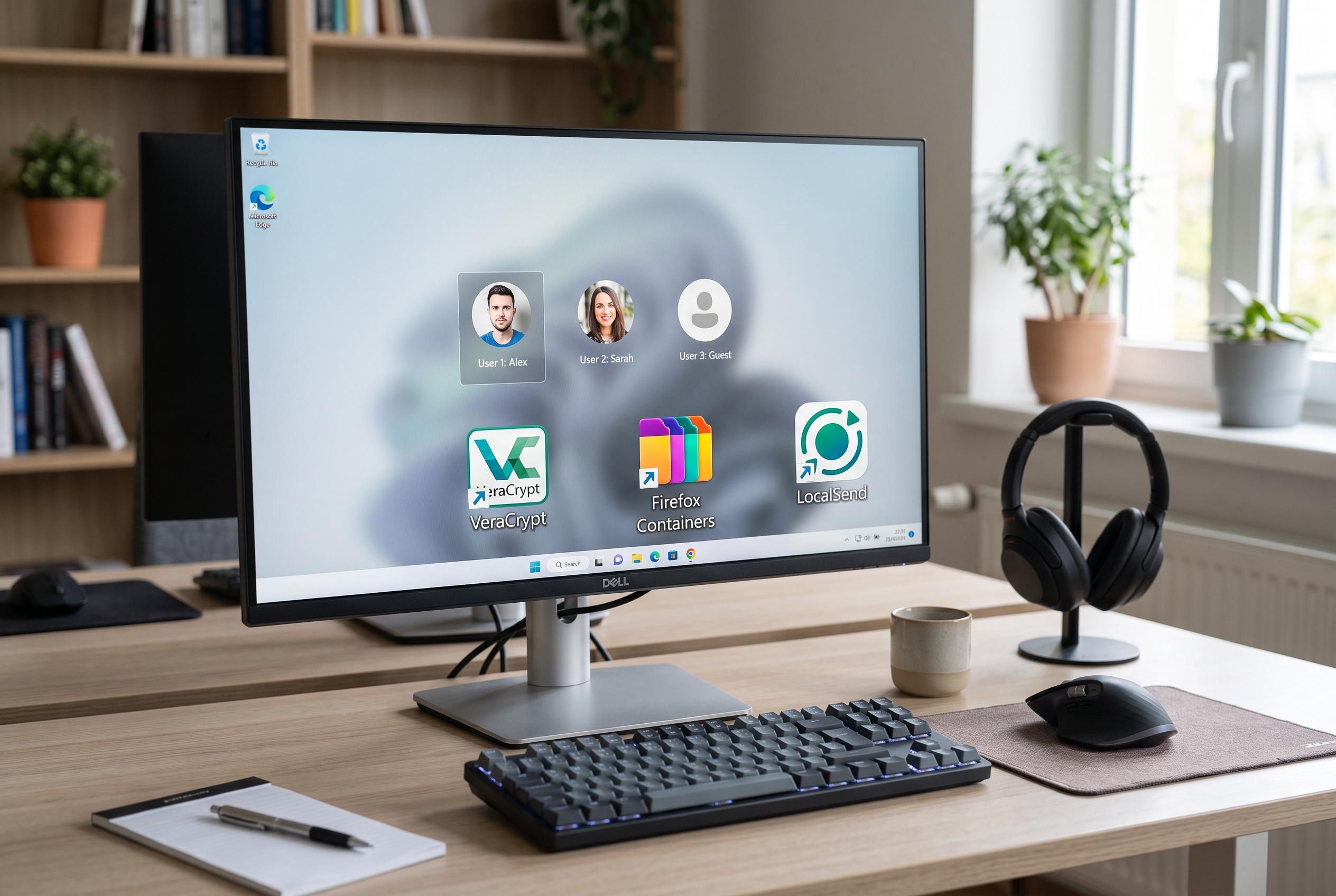

As more users share computers, free tools like VeraCrypt, Firefox Multi-Account Containers, and LocalSend help safeguard privacy, organise data, and improve file sharing, highlighting their vital role in multi-user environments.
Sharing a PC tends to expose problems that are easy to ignore on a machine used by one person alone. Privacy becomes a practical concern. Storage fills faster. Files move between devices more often. And the need to keep children or other users away from distracting sites or sensitive material becomes harder to avoid. In that environment, a few free utilities become much more than optional extras.
VeraCrypt is one of the clearest examples. According to its project documentation, it is free, open-source encryption software for Windows, macOS and Linux that can create encrypted containers, encrypt partitions and protect system drives. For a shared computer, that matters because it lets a user keep tax records, password backups, recovery codes and work files inside a locked virtual drive rather than scattering them across ordinary folders. The practical benefit is simple: the files remain hidden until the drive is mounted with a password, then disappear again when it is unmounted.
Browser separation can be just as valuable. Mozilla’s Firefox Multi-Account Containers extension is designed to isolate cookies and site data inside colour-coded tabs, which helps keep different identities apart on the same browser. In practice, that means one person’s bookmarks, saved logins, history and autofill suggestions do not bleed into another’s session. It is a small change that reduces accidental sign-ins, mixed browsing data and the friction of constantly clearing a shared browser.
Local file transfer also becomes more important on a shared machine. The LocalSend project says its app moves files directly between devices over local Wi-Fi, avoiding cloud uploads, USB drives and account creation. That makes it useful for sending photographs from a phone to a PC, sharing a document with another laptop or moving videos around the house without extra steps. Because the transfer stays on the local network, it is also faster and more private than many cloud-based alternatives.
Storage management is another area where sharing a computer quickly reveals weakness. WizTree, which is available for personal use, scans a drive and highlights the largest files and folders in a visual view. That gives users a fast way to find duplicate downloads, oversized video files or folders that have quietly expanded in the background. Instead of guessing what is consuming space, they can see it immediately and clean up without risking important data.
For families, blocking distractions can be as useful as protecting files. Cold Turkey Blocker is a desktop tool for Windows and macOS that can restrict websites, applications and entire categories of content, with schedules that switch those blocks on during study periods or late at night. Its value lies partly in its resistance to easy bypasses, which makes it more reliable than a basic browser extension. It is not a full parental control suite, but on a shared computer it adds a useful layer of structure.
The wider lesson is that software often looks unnecessary when a device is private and simple. Once other people depend on the same PC, the priorities change. Privacy, storage, file sharing, organisation and control start to matter more than convenience alone. That is why a handful of free tools can remain installed long after the first test: they solve everyday problems that only become visible when one computer has to serve more than one person.
Disclaimer: This content is intended for informational purposes only. Readers are advised to exercise their own judgement, conduct due diligence, or consult a qualified expert before acting on any information provided.



