
Chuwi’s UniBook enters the market as an affordable, lightweight Windows laptop built on Intel’s Wildcat Lake platform, featuring long battery life and broad connectivity, but with limited multitasking capabilities due to hardware constraints.
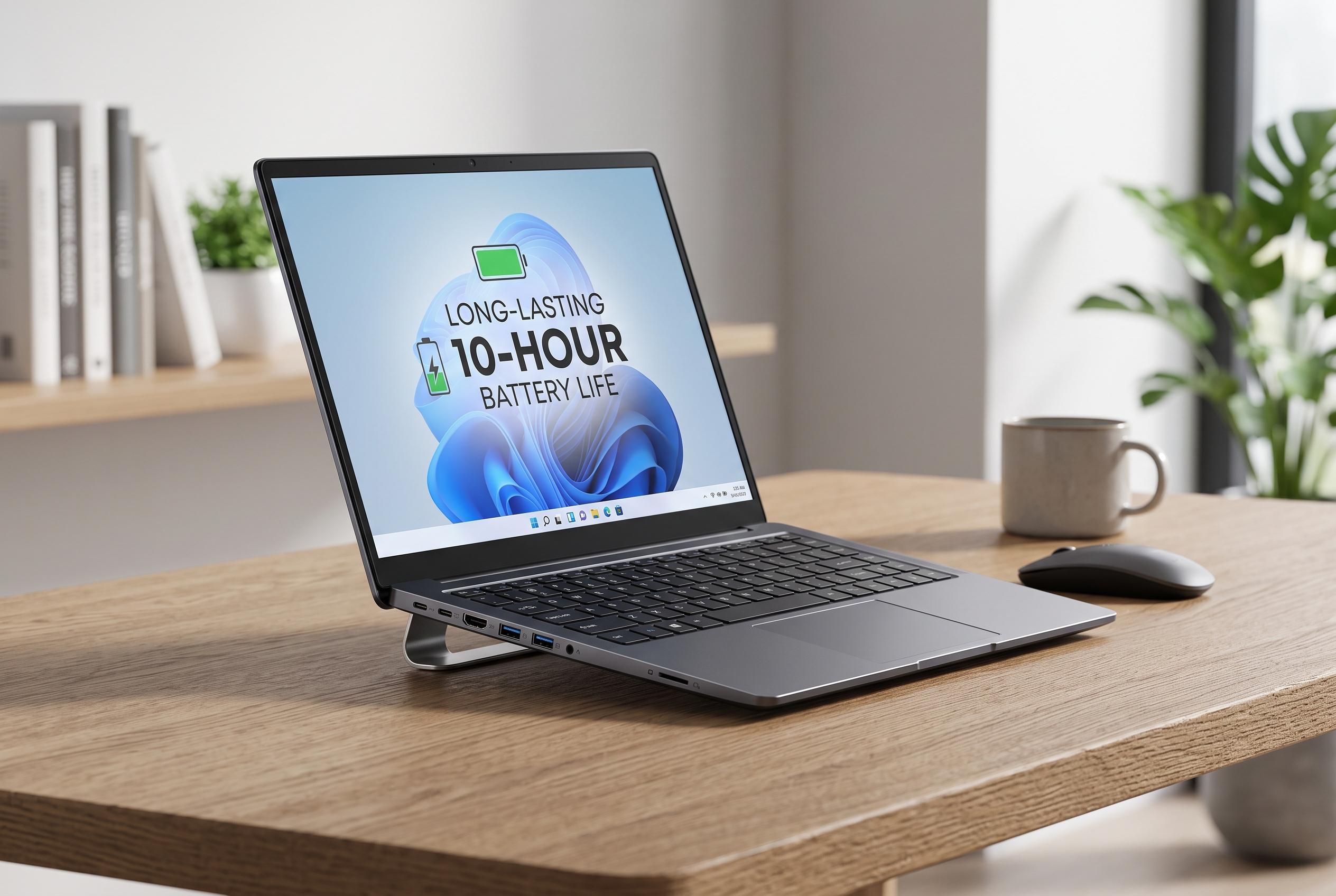
Chuwi’s UniBook arrives as a rare example of a budget Windows laptop built on Intel’s new Wildcat Lake platform, and on paper it makes a strong first impression. TechRadar describes it as a 14-inch machine with a 1.2 kg aluminium chassis, a 16:10 IPS screen, 8GB of LPDDR5 memory and a 256GB SSD, all sold at a price that undercuts Apple’s MacBook Neo by about $250 while offering a larger display and more ports. Chuwi’s own materials add that the laptop measures 16.4 mm thick and is intended as a lightweight, low-cost portable for everyday use.
That value proposition is the UniBook’s clearest selling point, but it also defines its limits. The single configuration uses an Intel Core 3 304 processor with one performance core and four efficiency cores, plus integrated Xe3 graphics and a 15 TOPS NPU. According to TechRadar’s review, the chip is promising for cheap single-core performance, yet the machine does not meet Microsoft’s Copilot Plus standard and is not designed for demanding multitasking. The more serious constraint is memory: the 8GB of RAM cannot be upgraded, and Windows 11 quickly consumes much of it before any real workload begins.
The chassis specification is more generous than many low-cost laptops. Chuwi includes two USB-C ports, two USB-A 3.2 ports, a USB-A 2.0 port, HDMI, Gigabit Ethernet, a TF card slot and a 3.5 mm audio jack, which gives the UniBook an unusually broad set of connections for the price. TechRadar also notes a full-size keyboard with two-level backlighting and a relatively small trackpad, while Chuwi says the display is rated at 100% sRGB. In review testing, however, the panel fell well short of that claim, even if contrast and brightness balance were judged acceptable.
Performance follows the same pattern of compromise. TechRadar found the machine suitable for light work, but not for heavy browser use or serious multitasking. A cheap PCIe 3.0 SSD, fitted into a slot that supports faster PCIe 4.0 storage, further limits responsiveness, while the 8GB memory ceiling makes the UniBook a poor fit for users who like to keep many apps open at once. The upside is battery life: the review unit lasted more than 20 hours in testing, well beyond a normal working day and enough for extended travel.
That combination of low price, long battery life and practical connectivity makes the UniBook an interesting option, but not a universal recommendation. TechRadar’s conclusion is that the laptop represents good value only if the buyer’s expectations are modest. Chuwi’s own marketing positions it as a compact, AI-capable Windows machine, yet the hardware is better suited to basic office work, web use and streaming than to education or business tasks that demand consistent multitasking. In short, it is affordable for a reason, and the trade-off is clear from the specification sheet.
Disclaimer: This content is intended for informational purposes only. Readers are advised to exercise their own judgement, conduct due diligence, or consult a qualified expert before acting on any information provided.