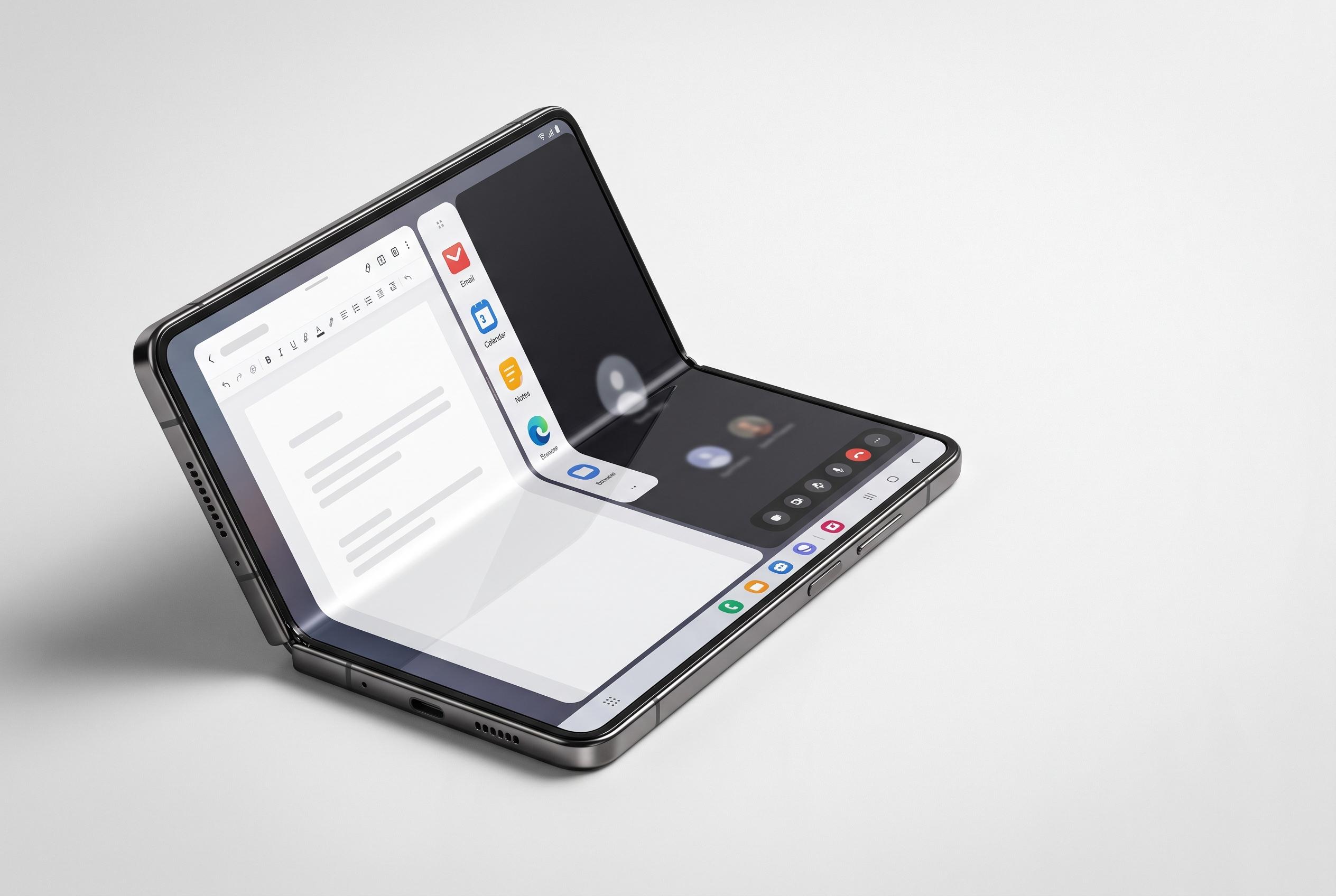

The Galaxy Z Fold 8 introduces a wider, more tablet-like design and new software features centred on boosting productivity and media consumption, marking a significant shift in foldable device usability.
Samsung’s Galaxy Z Fold 8 is being positioned as more than just another premium foldable. According to Android Authority, its wider, shorter design is meant to make the device feel less like a narrow phone that bends and more like a small tablet that still slips into a pocket. Samsung’s own material describes the handset as a productivity device built around multi-window use, with One UI 9 tuned for split-screen workflows and Galaxy AI prompts designed to move users from the outer screen to the main display with less friction.
That change in shape is central to how the phone should be used. Samsung says the Fold 8 supports two-way and three-way split view, while Android Authority argues that owners should begin by setting up app pairs and learning the 90:10 multitasking layout, which lets one app stay visible while another takes most of the screen. The wider panel also makes portrait use more practical than on older book-style foldables, especially for social apps such as Instagram and Threads, where scrolling feels more natural in vertical orientation.
Samsung’s software also gives users more control than many may realise at first glance. Android Authority recommends opening the Labs section in Settings to enable multi-window support for all apps and to force landscape mode on applications that do not always scale well by default. That advice reflects a broader point about foldables: the hardware can only do so much if the software is not adjusted to take advantage of the extra space. Samsung’s own guidance for the device similarly frames One UI 9 as a productivity layer rather than a simple phone interface.
Media consumption is another area where the Fold 8 is meant to stand out. Samsung has highlighted the device’s wider display as a better fit for video, vertical content and general entertainment, while Android Authority says tent mode is more useful here than Flex Mode was on earlier models. The tighter 16:10 outer screen, combined with the lighter 201g body described by SamMobile, appears to make casual viewing and hands-free use more appealing than on previous Galaxy Z Fold generations.
The final adjustment, according to Android Authority, is to treat the cover display and inner screen as two different environments. Samsung disables screen mirroring by default, which avoids the frustration of having the same home-screen arrangement duplicated on both panels. A cleaner outer screen for quick access and a more tablet-like internal layout for email, browsing and paired apps is the most sensible starting point. With a starting price of $1,899 in the US, the Galaxy Z Fold 8 is not a mainstream purchase, but Samsung is clearly betting that its wider format, One UI 9 features and improved multitasking will make the premium easier to justify.
Disclaimer: This content is intended for informational purposes only. Readers are advised to exercise their own judgement, conduct due diligence, or consult a qualified expert before acting on any information provided.