

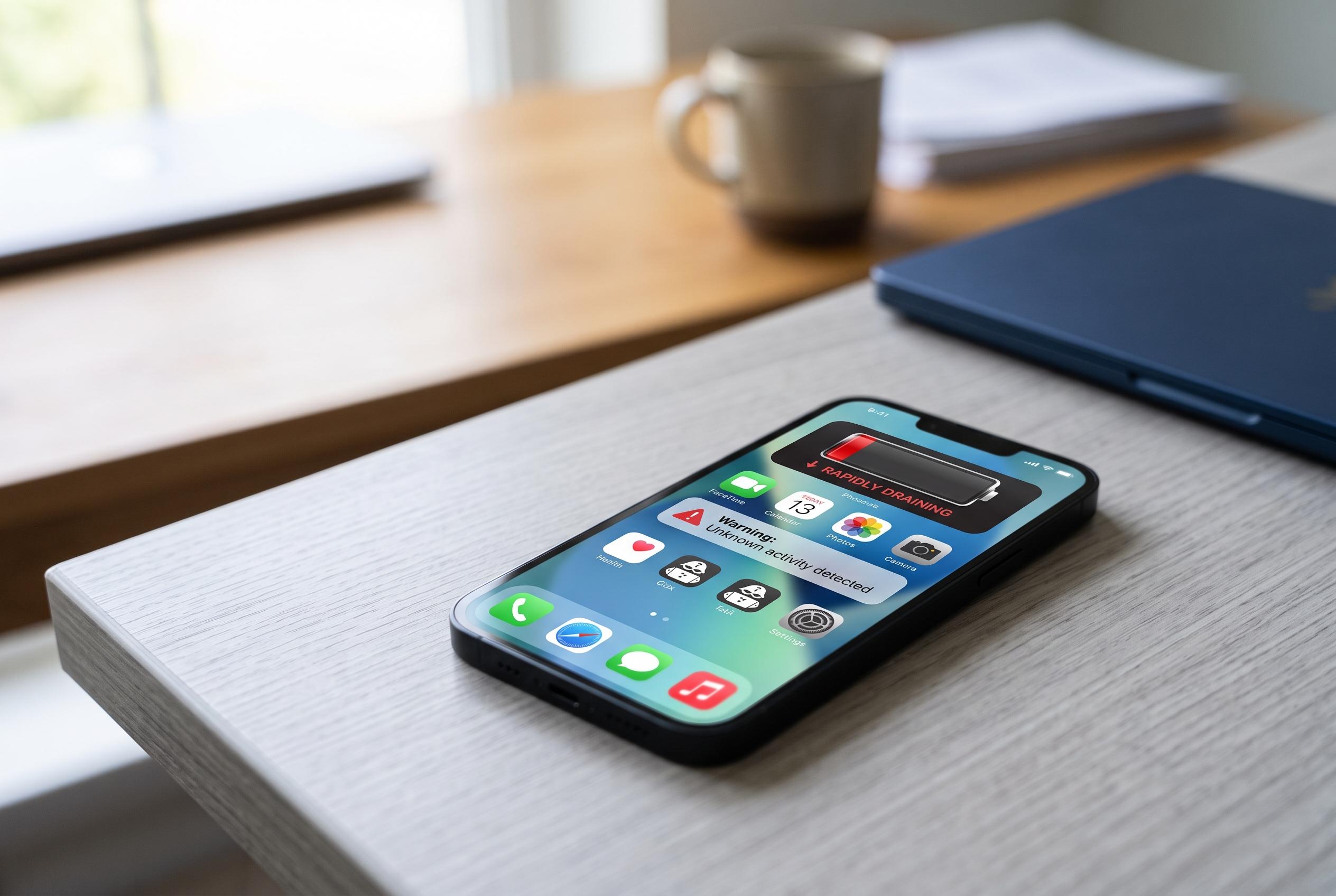

Security experts highlight common symptoms , from rapid battery drain to unrecognised apps , as vital clues indicating potentially compromised smartphones, urging immediate action to protect personal data.
Smartphones now store personal photos, messages, banking details and account credentials, which makes them a valuable target for fraud and unauthorised access. Security guides from Beebom, McAfee and Tom’s Guide all point to the same warning signs: a sudden fall in battery life, abnormal overheating, sluggish performance, unfamiliar apps and unusual data use. Those symptoms do not prove a handset has been compromised, but they do justify a closer check.
A rapid battery drain can be one of the first clues. If a phone starts losing charge much faster than usual, a background process may be running continuously and consuming power. The same is true of heat: a device can warm up during gaming or video use, but persistent overheating with light use may indicate unwanted software running behind the scenes. SamMobile and McAfee say these performance changes are among the most common indicators that something is wrong.
Another warning sign is the appearance of apps the user does not recognise. Security advice from Beebom, McAfee and Tom’s Guide says users should review installed applications carefully and remove anything that was not deliberately added, while making sure not to delete essential system tools. A separate red flag is data consumption that rises sharply without an obvious reason, which can suggest that an app is sending information in the background.
The problem may also show up in online accounts rather than on the handset itself. Suspicious logins, password changes, messages sent without authorisation or repeated pop-up adverts can all indicate that a device or account has been tampered with. McAfee also notes that unexplained slowness, app crashes and odd account activity should be treated seriously, especially when they appear together rather than in isolation.
If a phone looks compromised, the recommended response is straightforward but urgent. Change important passwords from a trusted device, starting with email, banking and social media accounts. Turn on two-factor authentication wherever it is available, then review app permissions for access to the camera, microphone, location, messages and contacts. Security guidance from McAfee, Beebom and SamMobile also recommends updating the operating system and apps, removing suspicious software and avoiding links from unknown messages. If the warning signs continue, a factory reset may be the safest option, provided important files, photos and contacts are backed up first.
Disclaimer: This content is intended for informational purposes only. Readers are advised to exercise their own judgement, conduct due diligence, or consult a qualified expert before acting on any information provided.



