

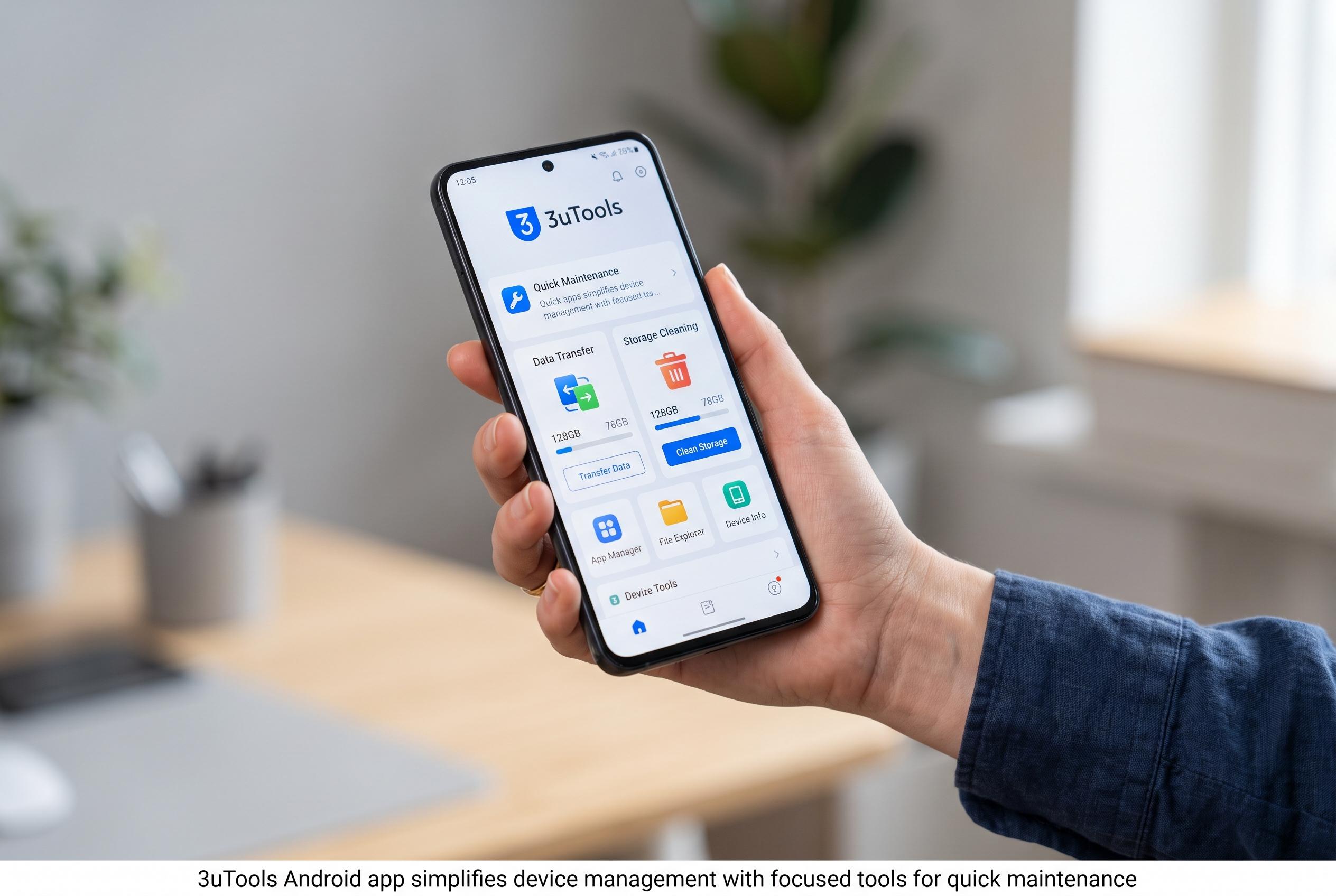

The 3uTools Android app offers a streamlined, user-friendly utility for data transfer, storage cleaning, and device info, positioning itself as a lightweight companion for Android device upkeep.
The 3uTools Android app is positioned as a companion for users who already know the desktop software as an iPhone management utility. According to the project’s own Android overview, the mobile version is built around a small set of practical tasks: moving data between devices, scanning a QR code, clearing storage, showing device details and reducing background load. That is a narrower brief than the Windows programme, but it makes the app easier to understand for ordinary Android users who want maintenance tools without a complex setup.
The first strength is simplicity. The app opens into a plain interface, with the main functions visible without digging through layered menus. That matters because many utility apps try to do too much at once and end up feeling cluttered. Here, the design appears aimed at quick access rather than technical depth. The result is a tool that is straightforward to navigate whether the user is upgrading a handset or just checking how much space is left.
One of the more practical features is data migration. The Android page describes a transfer process for moving supported content between compatible devices, with the app identifying the sending phone and the receiving phone clearly. That makes it more useful during a handset upgrade than a manual file-by-file transfer. The app also includes device information screens that bring together battery status, storage use, RAM, CPU activity, Android version and model details in one place, reducing the need to jump between system settings.
The storage tools are equally direct. The phone slimming function scans for unnecessary files and groups them for removal, which is a faster approach than hunting through folders manually. There is also a mobile acceleration tool intended to limit memory use by controlling background applications. Android already handles memory management at the operating-system level, but bundling a one-tap optimiser may still appeal to users who want a quick refresh when a phone begins to slow down.
Taken together, the Android app looks less like a full replacement for the desktop edition than a lightweight maintenance companion. The wider 3uTools ecosystem is still best known for iPhone management on Windows, but related material on the company’s sites suggests the software family now spans multiple platforms and includes a broader toolbox on the desktop side. For Android users, the appeal is more modest but still clear: a simple utility for checking device health, trimming storage and handling basic transfer tasks without much friction.
Disclaimer: This content is intended for informational purposes only. Readers are advised to exercise their own judgement, conduct due diligence, or consult a qualified expert before acting on any information provided.



