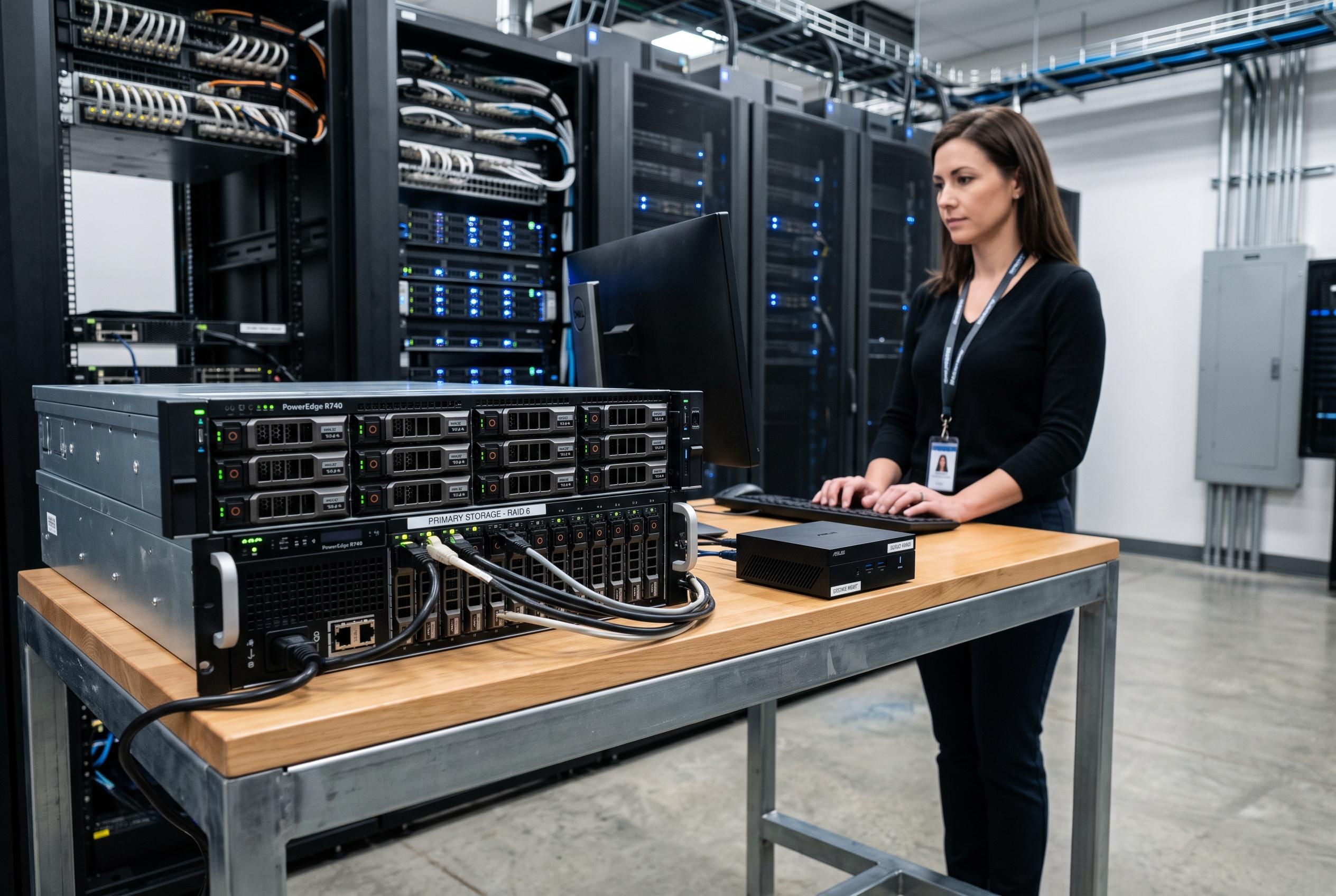

While mini-PCs excel as low-cost, energy-efficient backup nodes, their limited storage capacity and reliability issues make them unsuitable as primary archives or large-scale storage systems, according to experts at XDA Developers and industry guides.
Mini-PCs can work well as lightweight file servers, but they are a poor fit for a true primary archive. XDA Developers argues that the main constraint is physical storage: most compact systems offer only one or two M.2 slots, and some add a single 2.5-inch bay at best. That leaves little room for the multi-drive layouts that serious backup systems usually depend on. Related guides from PC Build Advisor, Starry Hope and ComputingForGeeks reach the same conclusion, noting that mini-PCs lack the internal bays and expansion headroom needed for large hard-drive arrays or demanding ZFS builds.
The other problem is cost. High-capacity NVMe drives remain expensive, and filling a mini-PC with solid-state storage quickly becomes less economical than buying a proper NAS chassis. XDA Developers also warns that SSDs are not ideal for long-term cold storage because data retention can degrade when drives sit unpowered for extended periods. For that reason, SSD-only pools may be convenient for active workloads, but they are a weaker choice for deep archival use.
External storage does not fully solve the issue. USB-based direct-attached storage can expand a mini-PC’s capacity, but several of the related guides caution that it introduces extra failure points and can be unreliable for filesystem operations that expect stable connectivity. That matters most for ZFS scrubs, scheduled replication jobs and other backup tasks that should not be interrupted by a brief disconnect.
Where mini-PCs do make sense is as secondary backup servers. XDA Developers says their low power draw and small size make them useful in a 3-2-1 backup setup, especially when paired with a separate primary NAS. In that role, a mini-PC can sit in another location and pull snapshots or replicated files over the network, adding geographic separation without much running cost. Mini PC Lab’s power-consumption guide supports that use case, pointing out that even modest differences in wattage can add up over a year of 24/7 operation.
For home users, the practical takeaway is straightforward: a mini-PC is a sensible backup companion, not a replacement for a storage-first server. If the job is remote replication, modest file sharing or a low-power always-on endpoint, it can be an efficient choice. If the goal is to hold large media collections, long-term archives or a redundant disk pool, a proper NAS or tower server remains the more durable option.
Disclaimer: This content is intended for informational purposes only. Readers are advised to exercise their own judgement, conduct due diligence, or consult a qualified expert before acting on any information provided.