

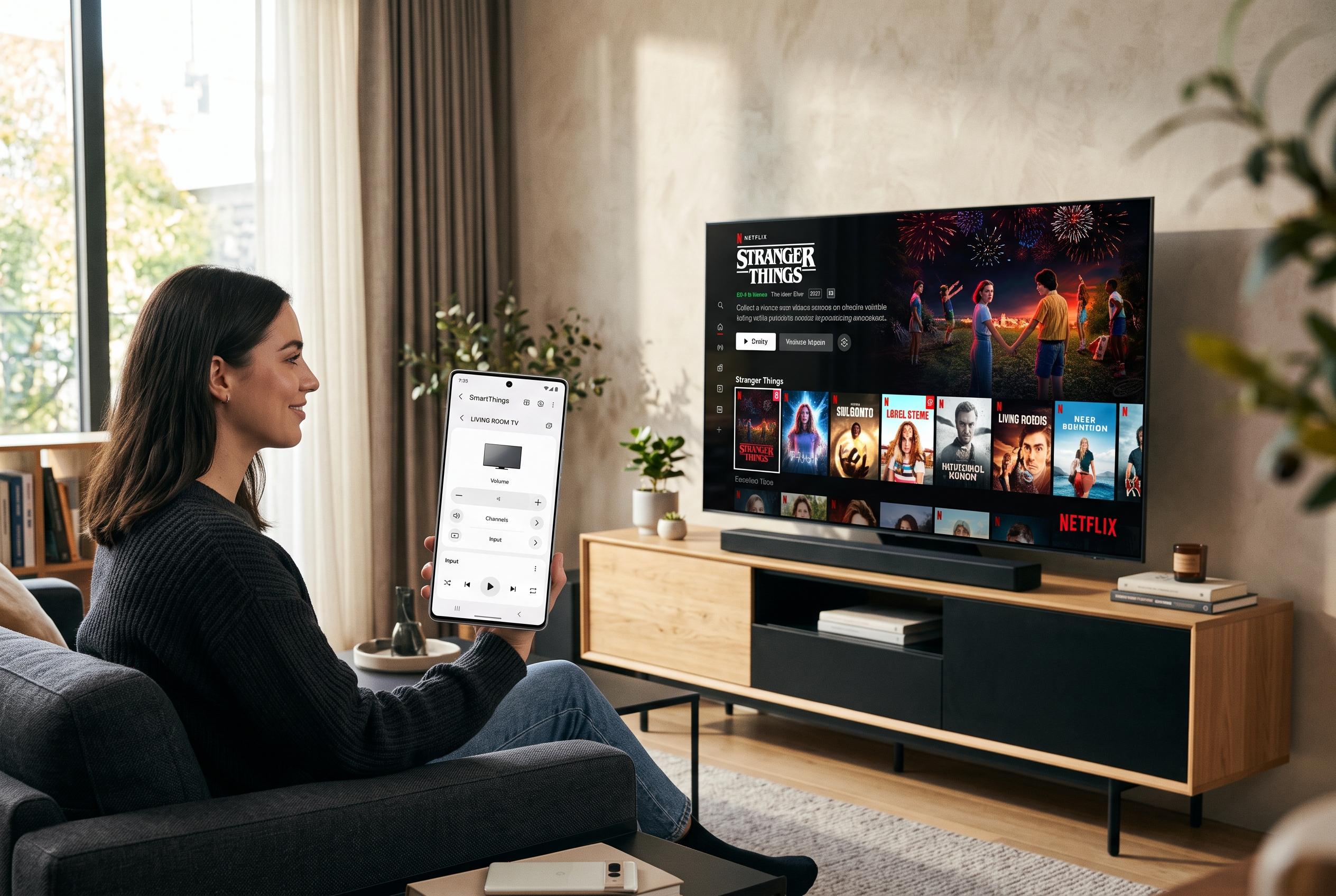

With most modern smart TVs supporting mobile control via various platforms like Roku, Google TV, and VIDAA, changing the way households manage their televisions , especially when remotes go missing , has become a seamless software task, provided the devices are connected to the same network.
A missing television remote is no longer the inconvenience it once was. For many smart sets, a phone can step in within minutes, provided the television is already on the same Wi-Fi network. Roku, Google TV, Fire TV and Hisense’s VIDAA platform all support some form of mobile control, and several third-party remote apps now extend that convenience across brands. The practical limit is simple: if the set has not yet joined the network, the phone cannot take over until initial setup is complete.
The first task is to identify the platform the television actually uses. A brand name on the front is not enough, because manufacturers such as Hisense and TCL ship different software depending on the model and market. The most reliable check is inside the TV’s own settings menu, where the system name is usually listed under About. If that is not accessible, the home-screen layout is often revealing. Roku typically shows a left-side menu, Google TV places content tabs across the top and Fire TV usually opens with a row beginning with Find and Home. On many Hisense sets sold in Nigeria, VIDAA remains the default.
Roku is the easiest platform to recover with a phone. The official Roku app can control compatible sets over the local network, and browser-based remotes provide another route when installing an app is not convenient. Independent remote apps also support Roku and often add features such as touch control, text entry and direct channel launching. The key requirement is that the phone and the television must be on the same local network, not merely the same internet connection. A guest network, a different Wi-Fi band or router isolation settings can prevent discovery.
Hisense’s VIDAA platform works a little differently. Mobile apps for Hisense TVs generally discover the set over Wi-Fi and then ask the user to confirm a short code displayed on the screen. That extra step is useful because it confirms the app has actually found the television. Applications such as HiRemote are designed for that ecosystem and support Hisense models running VIDAA, Roku TV, Google TV and Fire TV. They also tend to include full button layouts, input switching and number pads, which makes entering Wi-Fi passwords less awkward.
Google TV and Fire TV are equally manageable once the television is online. Google Home provides remote controls for Google TV sets, including a touchpad-style interface and voice search. Fire TV uses Amazon’s own mobile app, which mirrors the physical remote and adds a keyboard for typing. For older Android TV devices, standalone remote software remains available. Other universal apps, including MagiConnect T-Cast, RemoteX and similar tools, also support a wide mix of platforms across Android and iPhone.
If the television is not connected to Wi-Fi yet, the phone approach stops there. In that case, the fastest alternatives are an Android handset with an infrared blaster, a universal remote or the buttons built into the TV itself. Once the set is on the network, the phone can usually do the rest. When a remote goes missing, that turns what used to be a household problem into a routine software task.
Disclaimer: This content is intended for informational purposes only. Readers are advised to exercise their own judgement, conduct due diligence, or consult a qualified expert before acting on any information provided.



