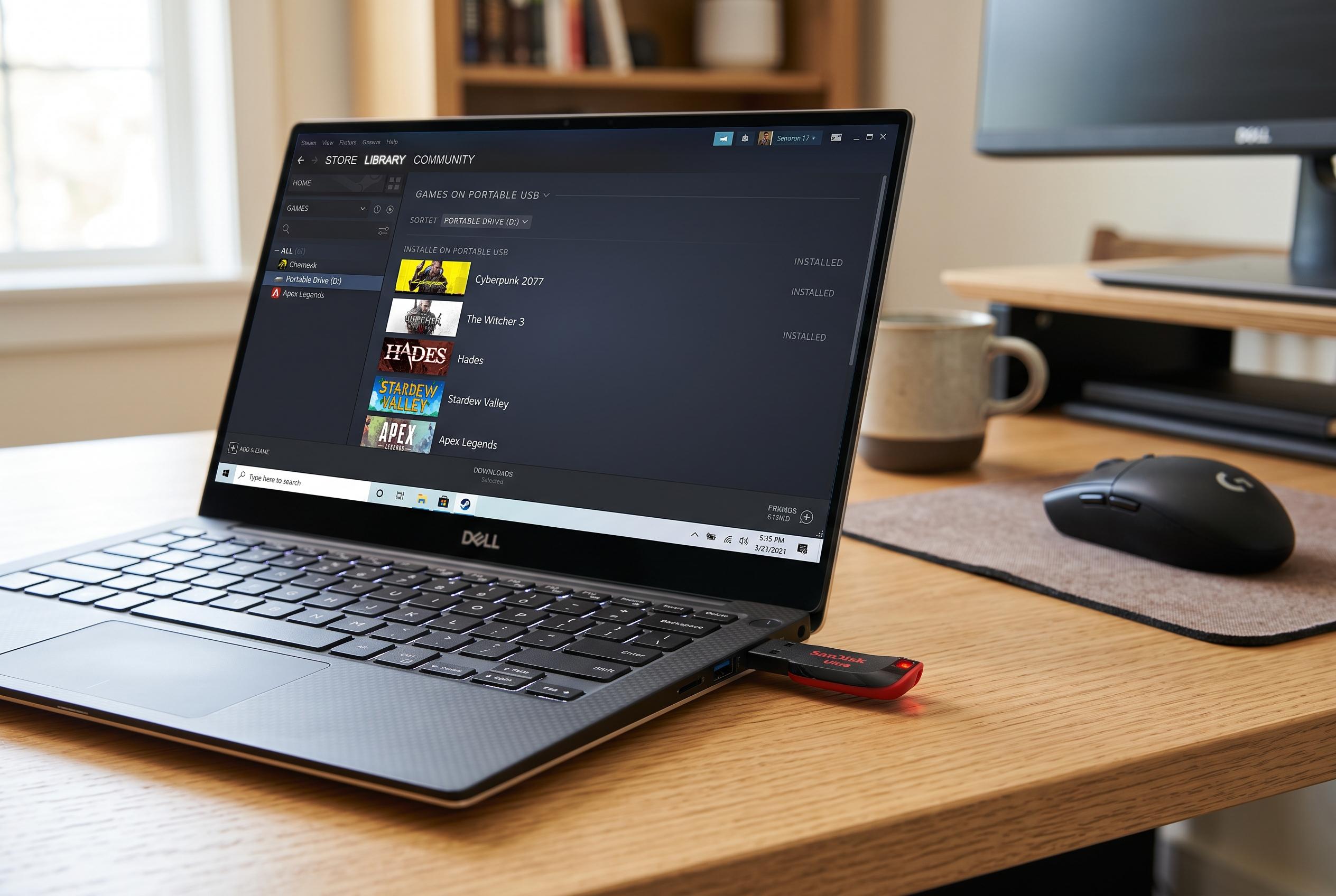

Experimenting with a low-cost USB drive demonstrates that PC gamers can use affordable external storage for a range of titles, reshaping expectations around game portability and storage hierarchy.
A cheap USB stick is not the obvious place to keep a Steam library, but that is exactly what one XDA Developers writer tried after running out of space on a main SSD and wanting a way to take a few games between home and a weekend house. The setup was meant as a workaround rather than a recommendation, yet it exposed a useful truth about PC game storage: not every title needs premium flash storage to be playable, and portability can matter as much as raw speed.
The process itself is simple enough. Steam’s storage tools allow a library to be created on another drive, and Steam Support says games can be moved to a different location without reinstalling them. The catch is format and connection speed. TechRadar notes that external storage works best over USB 3.0 or faster, preferably on an external SSD, while the XDA experiment used a far humbler USB 2.0 stick formatted as NTFS because FAT32 cannot handle files larger than 4GB. Steam then treated the stick as another valid library, letting the user install or move titles there in the same way it would on an internal drive.
The results were better than the hardware suggested. Initial installation was painfully slow, so the writer moved existing games from an NVMe drive instead. Even so, Portal 2 cold-booted in under 20 seconds and Deep Rock Galactic launched in roughly 16 seconds, with play loading only modestly slower after that. Once the games were running, the storage difference was far less visible. Short hitches appeared during asset streaming, but gameplay was otherwise close to an SSD experience. That is consistent with the fact that many games mainly need fast storage during launch and level loading, not for every frame once data is in memory.
The more interesting outcome was organisational rather than technical. By moving a small set of active games onto the USB stick, the writer separated titles that were genuinely being played from the much larger group that had simply accumulated on the main drive. That reduced the temptation to skip a game because it would need a long download first. It also made the library more portable, since the stick could be plugged into another machine and Steam would recognise the existing installation without trouble, provided the library folder was intact.
Still, the article is careful not to oversell the idea. A portable SATA SSD is a better choice for most people, and Steam’s own guidance makes clear that moving libraries between drives is meant to be convenient, not a substitute for sensible storage planning. The USB stick worked because the use case was narrow: a few modest games, an existing habit of moving between two machines and a willingness to accept slow installs in exchange for zero-waste portability. For readers facing the same sort of space problem, the broader lesson is simple. Steam makes it easy to treat storage as a tiered system, and even a cheap flash drive can be useful when the games on it do not need to live on the fastest drive in the PC.
Disclaimer: This content is intended for informational purposes only. Readers are advised to exercise their own judgement, conduct due diligence, or consult a qualified expert before acting on any information provided.