

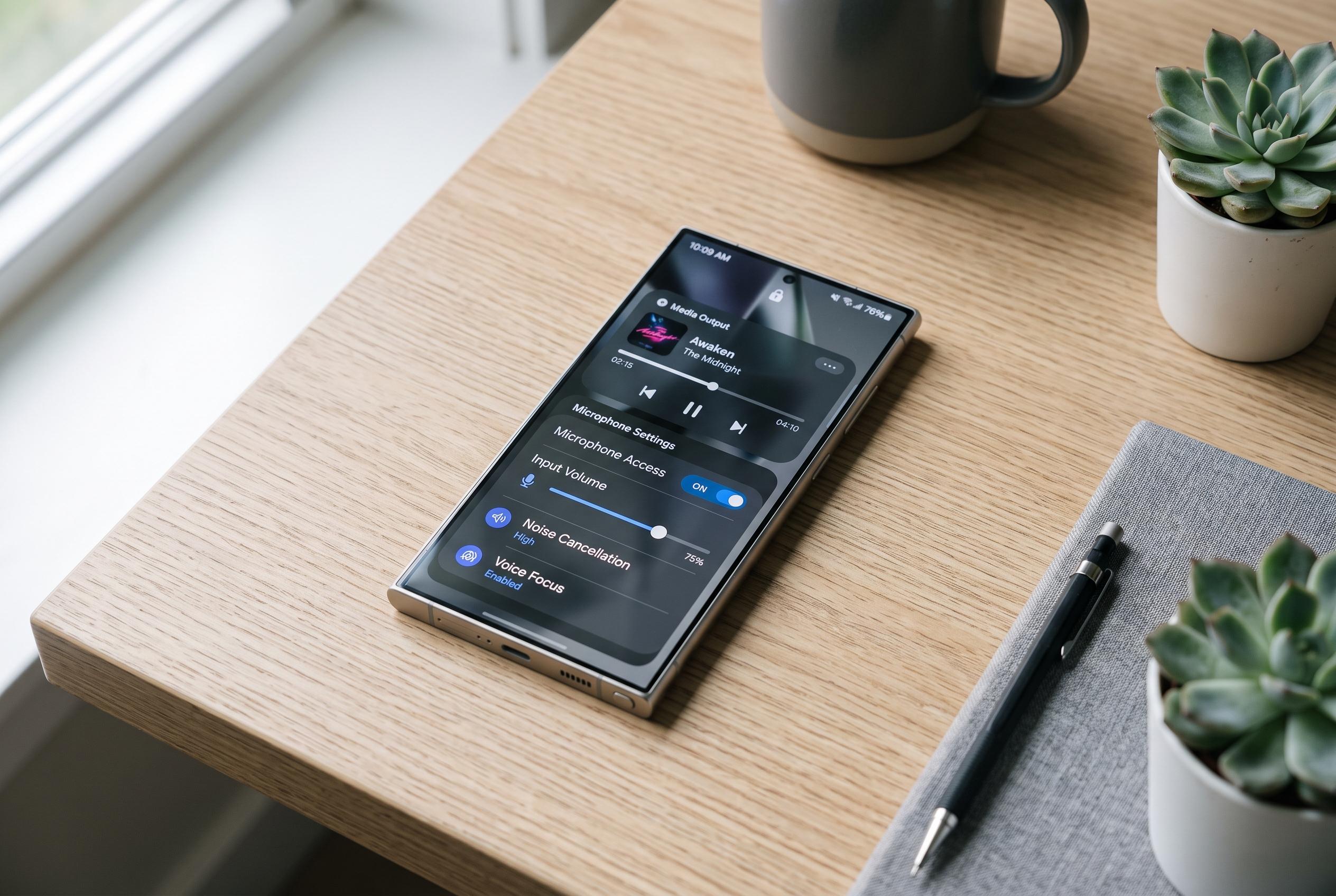

Samsung Galaxy owners can now unlock a range of practical hidden features, from customised media controls to noise-reducing microphones, with Samsung’s own software tools designed for enhanced control and convenience.
Samsung Galaxy phones arrive with a broad set of useful tools already enabled, but some of the most practical functions remain buried in menus that many owners never explore. For users who want more control without installing third-party software, Samsung’s own software offers several overlooked options that can improve audio control, call quality, camera handling and notification management. According to Thanh Nien, these features must usually be switched on manually. Samsung’s broader Good Lock suite, meanwhile, is built around deep customisation and Sound Assistant in particular adds several audio controls that are not part of the standard interface.
One of the most useful additions is media control through the volume keys. Through Good Lock’s Sound Assistant module, Galaxy owners can assign the physical volume buttons to skip tracks or move backwards in playback without waking the screen. SamMobile says Sound Assistant also lets users tune the number of volume steps for finer control, set separate volume levels for individual apps and customise the appearance of the volume panel. That makes it especially practical when the phone is in a pocket or when touch input is inconvenient.
Samsung also includes an automatic restart tool inside Device care. The feature is designed to refresh the system on a schedule chosen by the user, but only when the phone is idle, the display is off and the battery has enough charge. That can help clear minor performance issues without requiring manual intervention. The setting does have an important limitation: after the device restarts, the owner must unlock it again before some core functions resume normally, including alarms and incoming-call alerts.
For calls in noisy places, Galaxy devices may offer a microphone option called Voice Focus. Thanh Nien describes it as a way to reduce background noise so speech sounds clearer during conversations. The feature can be useful in mobile calls and in supported meeting apps, although Samsung notes that availability can vary by model and software build. It is meant as a quick toggle rather than a complex audio filter, which makes it practical for everyday use when environmental noise is a problem.
Samsung’s camera software also includes a floating shutter button, a small but handy aid for one-handed shooting. Instead of being fixed in one place on the screen, the button can be dragged to a more comfortable position, which helps when taking selfies or holding the handset at an awkward angle. Thanh Nien notes that it is limited to still photography modes, and does not replace the standard shutter for gestures such as burst shooting or video capture. Finally, the notification categories menu gives users a more granular way to manage alerts by app. Rather than silencing an app entirely, Galaxy owners can silence some alert types while keeping others active, such as allowing comments but muting birthday reminders in Facebook. That level of control is not available in every app, but where it is supported it offers a cleaner balance between convenience and interruption.
Disclaimer: This content is intended for informational purposes only. Readers are advised to exercise their own judgement, conduct due diligence, or consult a qualified expert before acting on any information provided.



