

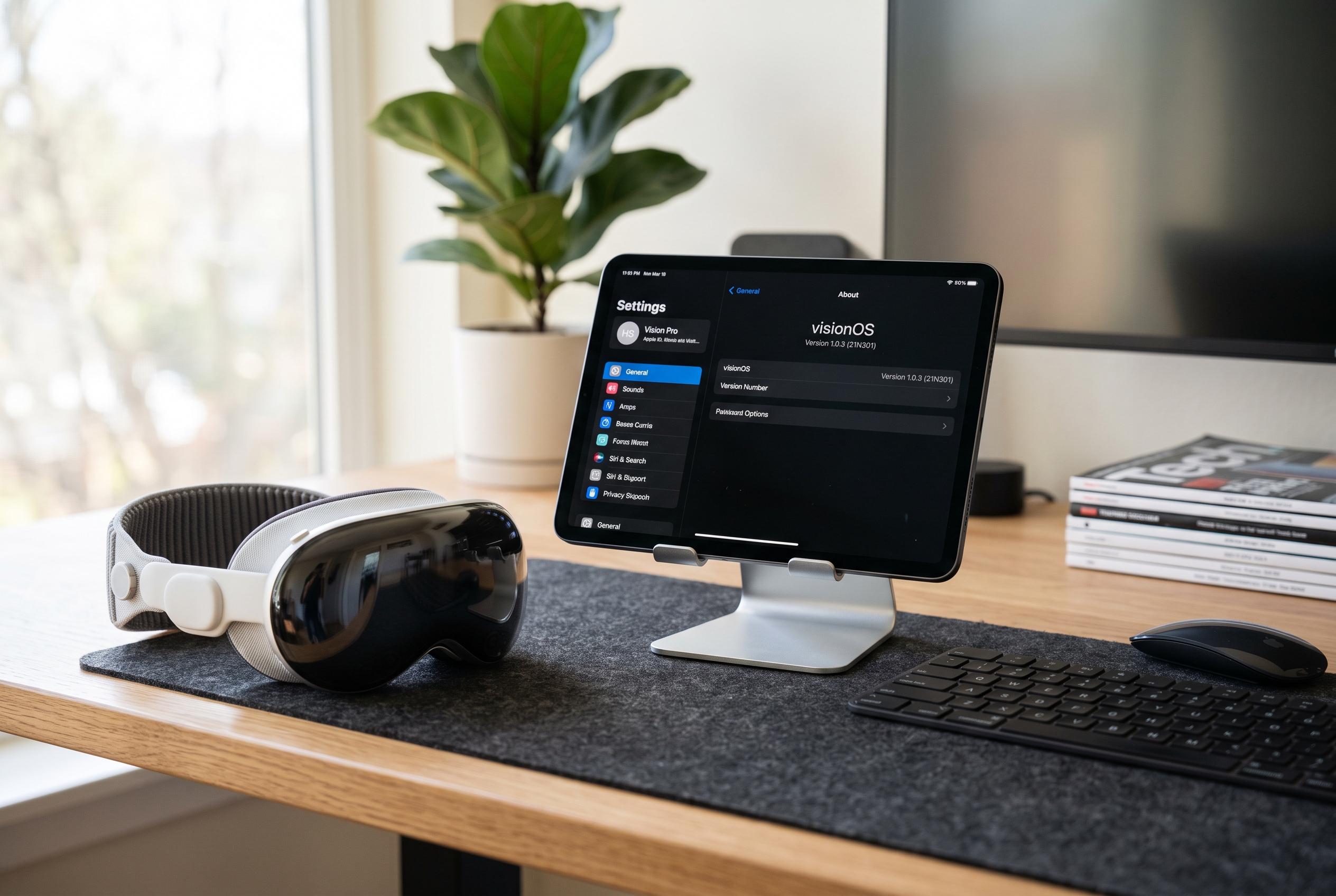

Regularly verifying the installed version of visionOS on the Apple Vision Pro ensures users access the latest features, bug fixes, and compatibility updates, highlighting the importance of staying current with incremental releases.
If you use Apple Vision Pro regularly, knowing the exact version of visionOS on the headset matters. It is the quickest way to confirm whether a feature should be available, whether an app requires a newer build and whether an update has already been installed. Apple’s developer documentation says visionOS is the platform that powers Vision Pro and supports spatial apps built with tools such as SwiftUI.
MacMagazine says the simplest way to check the software version is to open Settings, go to General and then select About. That screen shows the current visionOS release installed on the device. The same basic path sits alongside Apple’s own update flow, which uses Settings, General and Software Update for checking and installing newer versions.
That check can be useful because Apple has continued to issue incremental visionOS releases with fixes and improvements. MacRumors reported visionOS 2.3.1 in February 2025, visionOS 2.4.1 in April 2025 and visionOS 2.5 in May 2025, each described as a maintenance update with bug fixes, security changes or small feature additions. In other words, even minor version differences can affect behaviour and app compatibility.
Apple also recommends keeping the headset updated through the Software Update menu, with automatic updates available and troubleshooting steps for cases where storage or network conditions block installation. For users trying to confirm support for a particular app or feature, checking the version in About is the first step; for users who need the latest fixes, Software Update is the next one. EveryMac’s compatibility reference is useful as a further guide, since it tracks the maximum visionOS version supported by different Vision Pro models.
Disclaimer: This content is intended for informational purposes only. Readers are advised to exercise their own judgement, conduct due diligence, or consult a qualified expert before acting on any information provided.



