

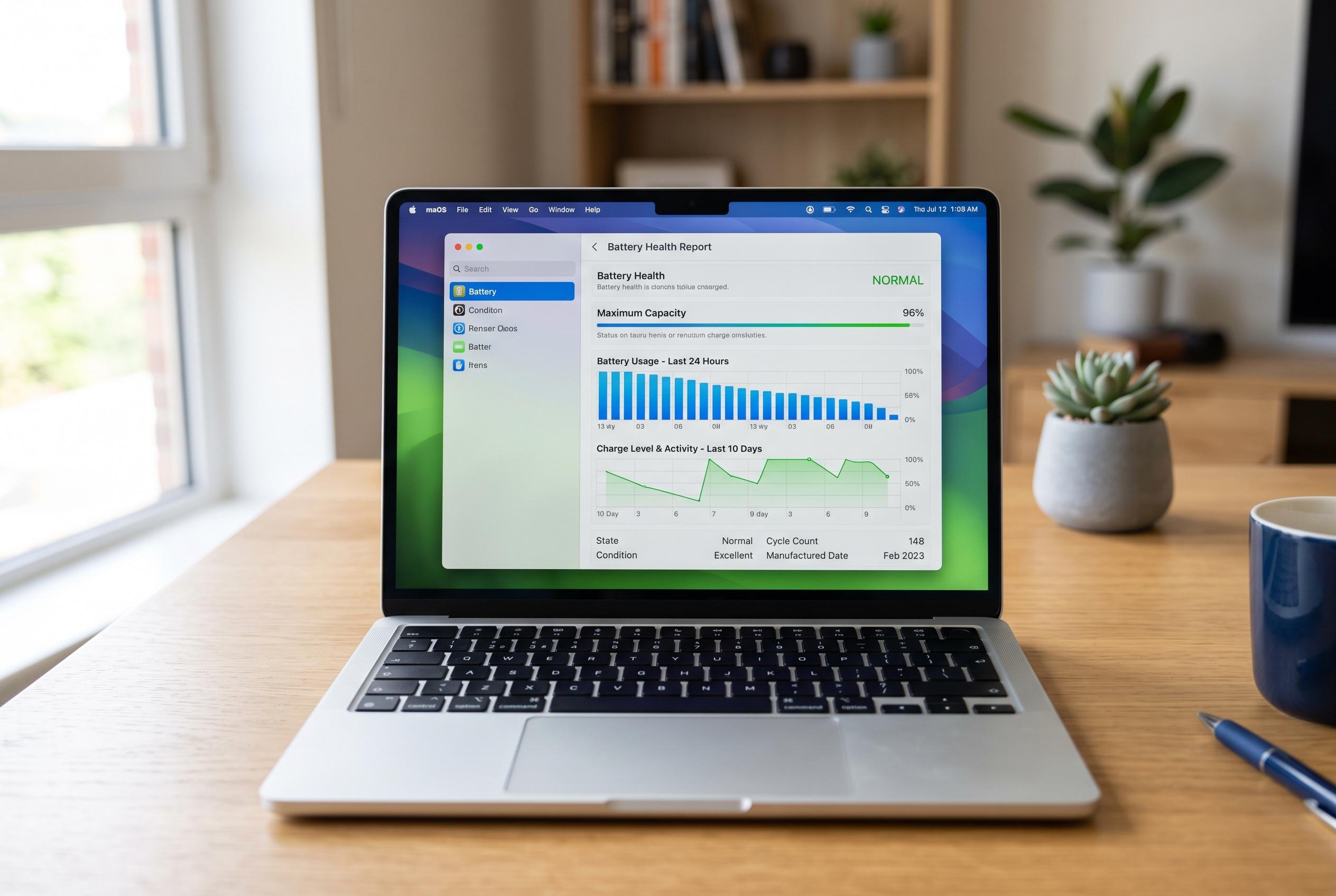

Learn how to generate a Windows battery report to evaluate ageing hardware, identify decline, and adopt habits to prolong your laptop’s battery life before a costly replacement is needed.
A laptop that drains faster than it used to does not always need a software fix. In many cases, the issue is ageing battery hardware. Windows already includes a built-in battery report that can show how much usable capacity remains, how the battery has worn over time and whether replacement may be approaching.
The report is easy to generate on Windows 10 and Windows 11. Tom’s Hardware, Windows Central and Microsoft’s support guidance all describe the same basic process: open Command Prompt or Windows Terminal as an administrator, then run the command powercfg /batteryreport. Windows creates an HTML file and tells you where it has been saved. Open that file in a browser to review the battery data.
The two most important figures are Design Capacity and Full Charge Capacity. Design Capacity is the amount the battery could hold when new. Full Charge Capacity shows how much power it can now store at a full charge. If those numbers are close, the battery is still in reasonable condition. If the gap is wide, the battery has deteriorated. The report can also show cycle count, which helps indicate how heavily the battery has been used. Laptop Mag and Tom’s Guide note that these figures are the most useful starting point for judging battery health.
Battery wear is normal, but several habits can slow it down. Dell’s support guidance recommends avoiding excess heat, using a reliable charger, not repeatedly draining the battery to 0% and not leaving the laptop plugged in at 100% for long periods. Lower screen brightness, closing unnecessary background apps and using battery saver mode when needed can also help extend runtime. If a laptop switches off unexpectedly or the battery loses charge very quickly, the report can confirm whether the battery is nearing the end of its service life.
Disclaimer: This content is intended for informational purposes only. Readers are advised to exercise their own judgement, conduct due diligence, or consult a qualified expert before acting on any information provided.



