

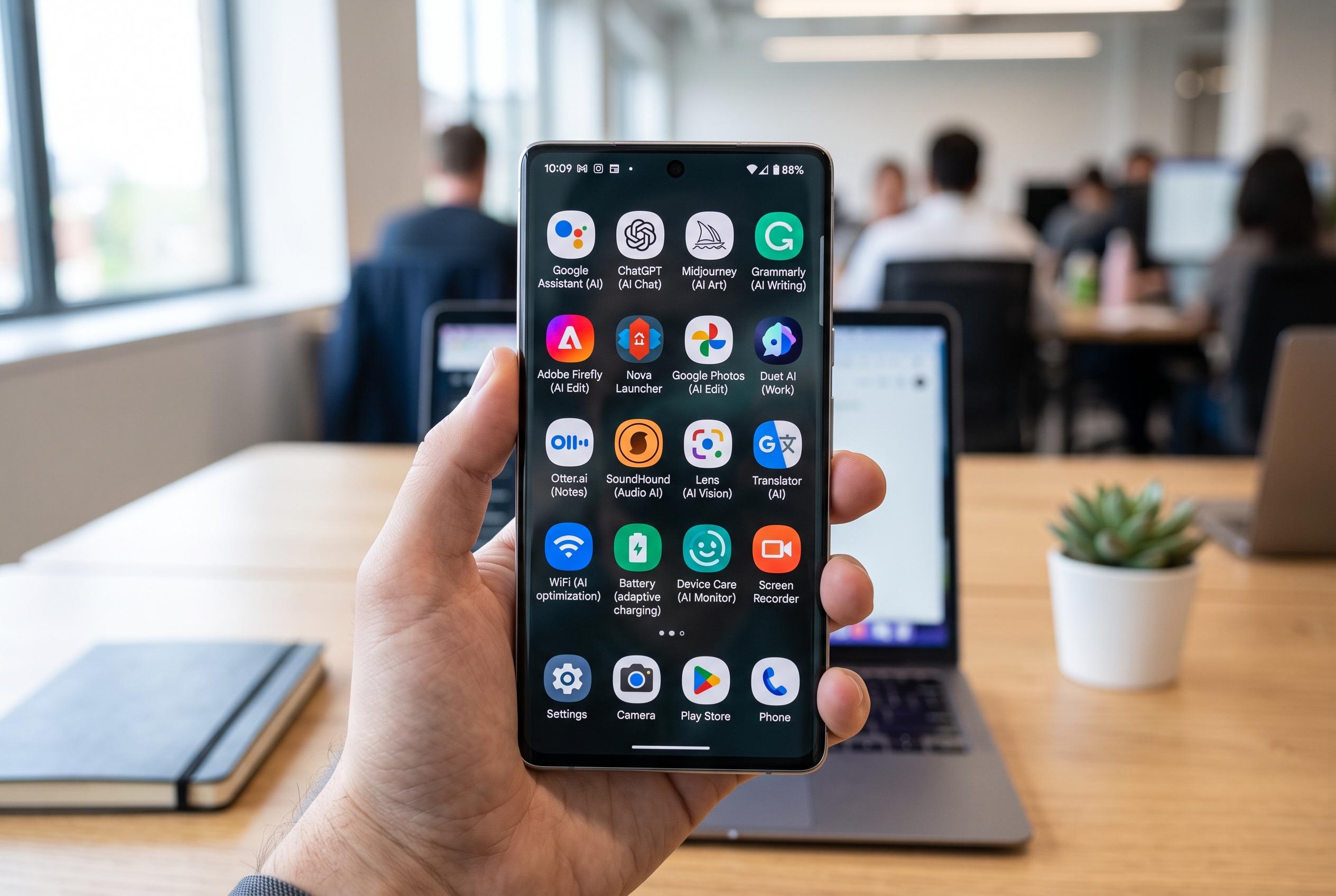

A new selection of Android applications reveals a shift towards AI integration, enhanced device control, and automation, offering users more powerful and practical features for content creation, photography, and device navigation in August.
August’s crop of Android apps shows how far the platform has moved beyond simple utilities. Some tools now rely on generative AI, while others try to expose hardware features that stock apps hide behind simplified interfaces. The result is a mixed but practical shortlist for users who want faster content creation, better camera control or more useful shortcuts on their phones. True-Tech’s round-up highlights five apps that stand out for those reasons.
Gamma is the clearest example of the new wave of AI software on mobile. According to Gamma’s own product pages, the app can turn a prompt into a finished presentation with structured slides, images and editable copy, then export the result to PowerPoint, Google Slides, PDF or HTML. A review by Tom’s Guide found that it can produce polished decks very quickly, although the output may still need human editing to avoid generic wording and thin analysis. That makes it useful for first drafts, pitch decks and internal reports, but not a substitute for careful review.
The camera pick is aimed at users who want more control than most phone makers now allow. True-Tech describes Native Camera as a way to get closer to the phone’s underlying imaging hardware, with support for manual controls, lens switching and higher-quality video capture. The broader market has moved in a similar direction: Google has rebranded its own Android camera app as Pixel Camera and now keeps it focused on Pixel hardware, while TechSpot notes that Open Camera remains a free, open-source alternative with exposure, ISO and stabilisation controls. In that context, Native Camera fits the niche between stock simplicity and serious manual shooting.
Nibble takes a different route, using short-form daily learning to rebuild general knowledge. True-Tech presents it as a trivia and knowledge app covering areas such as history, art, anatomy, statistics and science. That approach has appeal because it turns small moments into repeatable practice rather than asking users to commit to a full course or long reading session. It is a modest idea, but one that suits mobile use well.
Mechanly is the most ambitious of the five because it tries to act on the phone rather than merely advise. True-Tech says it can draft posts, open apps and carry out multi-step tasks such as helping arrange a ride or organise content. The appeal is clear: instead of treating the phone as a set of separate apps, Mechanly treats it as a system it can navigate on the user’s behalf. That may not replace direct control, but it could reduce friction for routine actions.
Notch Touch is the most immediately practical of the group. It assigns useful actions to the front-camera cutout area, turning otherwise wasted screen space into a gesture zone for screenshots, app launches, media controls and system toggles. True-Tech says it also supports multiple gesture types and integrates with Tasker, the Android automation tool, which makes it more appealing for power users. For people who prefer shortcuts over menus, that is a sensible use of an awkward part of the display.
Taken together, the five apps reflect where Android software is heading: more automation, more AI and more attempts to give users finer control over device hardware. Not every app here will suit every user, but each one addresses a clear limitation in standard Android experiences. That is what gives this list its value.
Disclaimer: This content is intended for informational purposes only. Readers are advised to exercise their own judgement, conduct due diligence, or consult a qualified expert before acting on any information provided.



