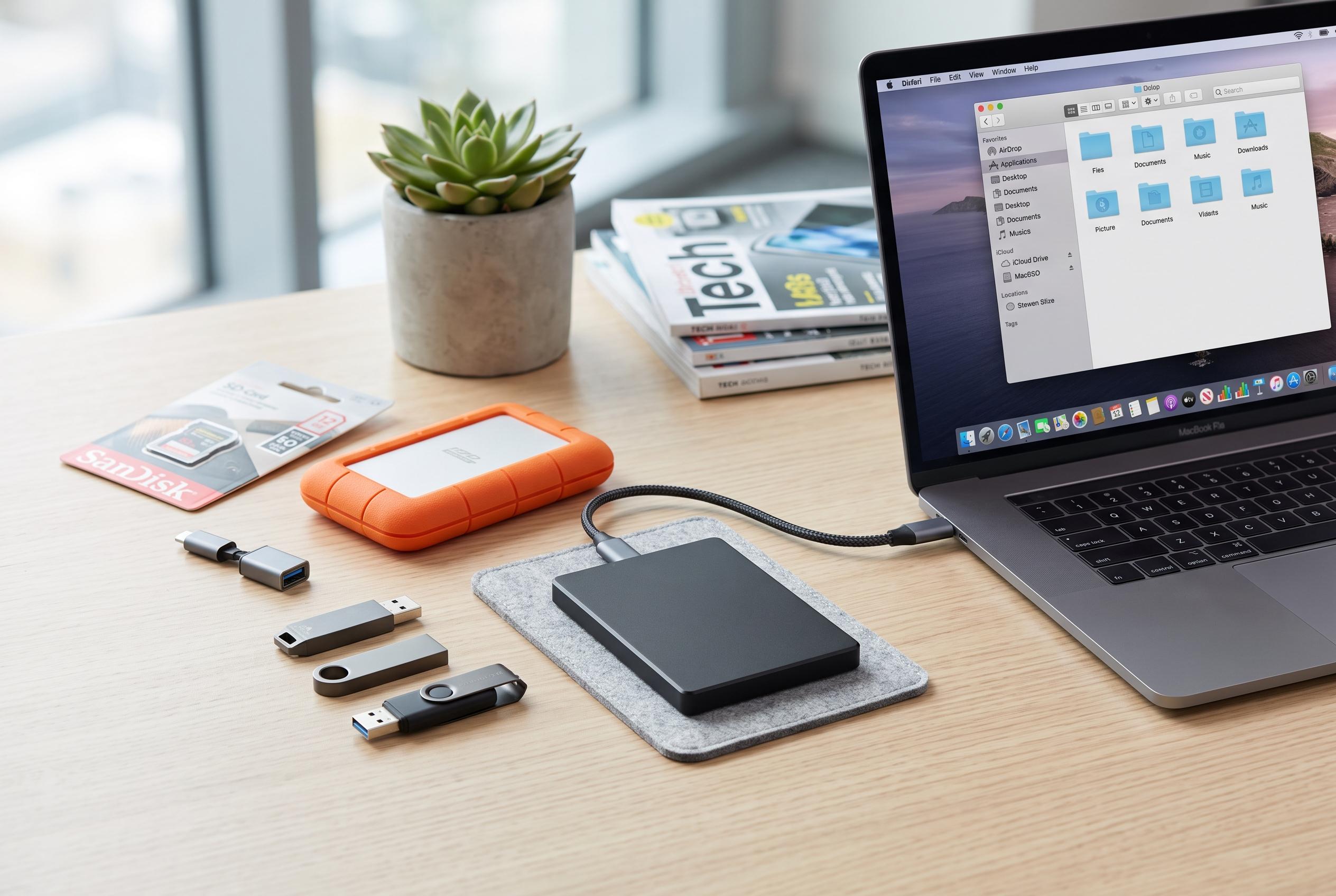

How-To Geek outlines effective methods for increasing computer storage, highlighting recent trends in external drives and versatile flash options amid growing data demands.
How-To Geek has outlined several practical ways to expand a computer’s storage when the built-in capacity is no longer enough, according to Lenta.ru. The simplest option is to install an additional drive, since most desktop PCs and many laptops still have an available slot on the motherboard for extra storage.
The guide says external drives are another route, including SATA devices connected through USB adapters. A traditional hard drive can be used in the same way, giving users a relatively simple way to add space without opening the main case or replacing the primary drive.
How-To Geek also points to compact, low-profile flash drives as a convenient choice for everyday use because they do not protrude much from the device. For laptops with a built-in card reader, memory cards can also serve as backup storage, although they are generally regarded as less reliable than other media.
The advice follows earlier reporting from MakeUseOf in late July, which noted that some Android system features can consume a significant amount of internal storage. That report said users could free space by turning off RAM Plus and deleting event logs.
Disclaimer: This content is intended for informational purposes only. Readers are advised to exercise their own judgement, conduct due diligence, or consult a qualified expert before acting on any information provided.