

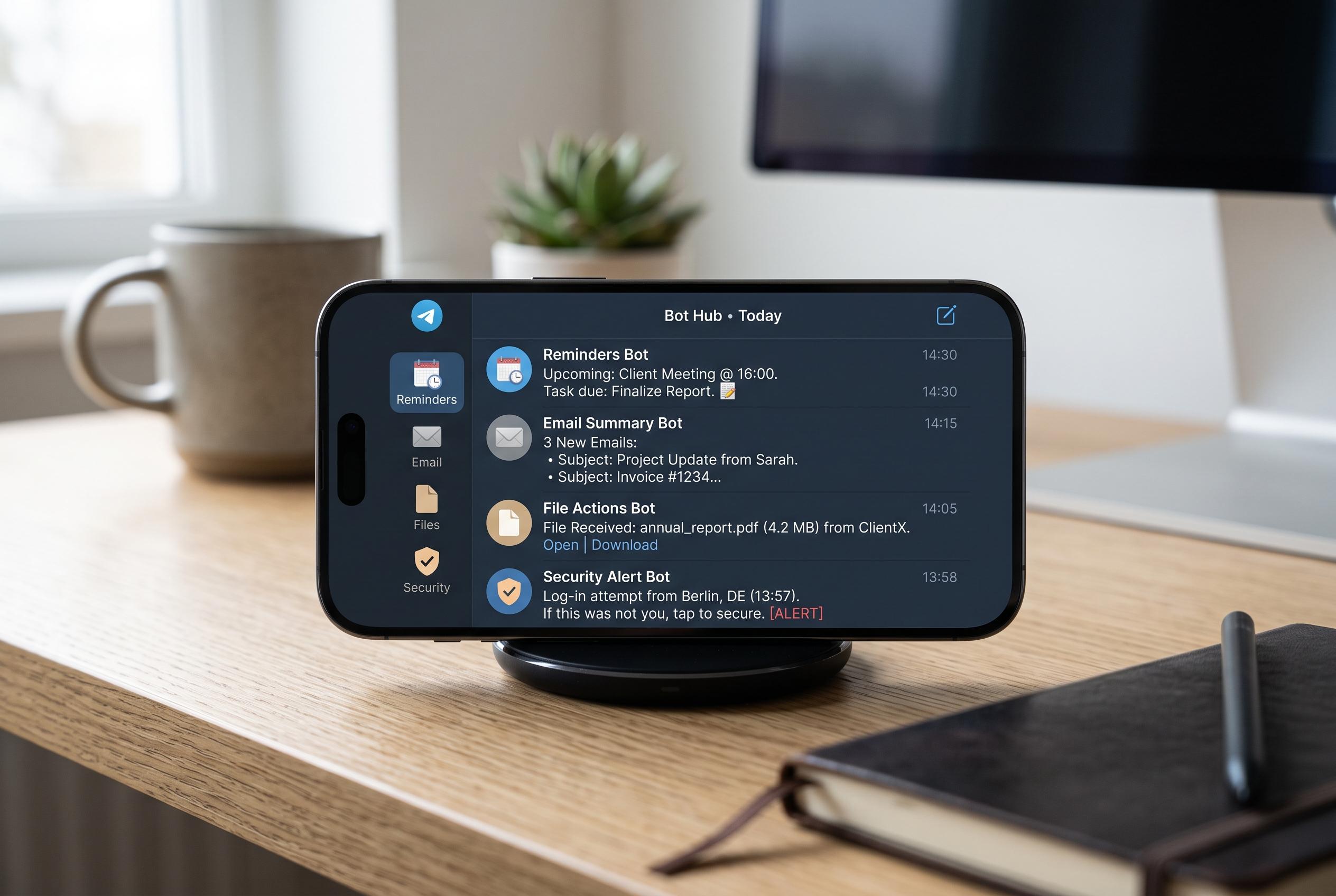

An increasing range of Telegram bots now enable users to manage reminders, emails, files, and security directly within chats, disrupting traditional app workflows and fostering a centralised workspace.
Telegram has become more than a messaging app for users who want fewer interruptions and faster task handling. Its bot system lets people pull reminders, email controls, file handling and focus tools into a single chat window, reducing the need to move between separate apps. For users trying to cut context switching, that can make a practical difference.
One of the clearest examples is Skeddy, which is built as a reminder service inside Telegram. According to Skeddy’s own site, it accepts natural-language prompts such as “call John in 20 minutes” or “send presentation tomorrow at 10am”, and it can also handle recurring tasks through a web interface. It also supports notes without fixed deadlines, which makes it useful as a light organiser as well as a reminder tool.
Email management is another area where Telegram bots can save time. The Gmail Bot described by Findmini brings inbox functions into Telegram, allowing users to receive new-mail alerts, read messages, reply and archive without leaving the app. Findmini says the service uses OAuth 2.0 for authorisation, which is important because it means access is handled through a standard secure login flow rather than by sharing a password directly.
Some newer tools push that idea further. MailSync, described by Ezy4me, uses AI to summarise Gmail messages and send the digest into Telegram, while also allowing instant replies from the chat interface. Ezy4me says the service has more than 10,000 active users and has processed over 1 million emails, claiming it has saved users more than 500 hours. That suggests demand for bots that do not just notify, but also reduce the volume of information a user must read.
Greader takes a more limited but privacy-focused approach. Its developer says the bot keeps a list of important Gmail accounts and provides quick summaries in Telegram with read-only access. That narrower permission model may appeal to users who want visibility into mail without giving a bot broad control over their inbox.
File handling is another useful category. The File Converter Bot, as described in the lead article, can convert common formats such as JPG to PNG, WAV to MP3 and DOCX to PDF without sending documents to a separate website. The same article highlights URL Uploader Bot, which can fetch files from public web links and place them into Telegram storage or forward them into chats and channels. For people who regularly handle documents or media, those functions remove several small but repetitive steps.
Security is also part of the appeal. The lead article points to Dr. Web Bot as a file scanner that can check suspicious attachments before they are opened. That matters because productivity tools are only useful if they do not create new risks. The safest approach is to use official bots where possible, check what permissions a bot requests and avoid sharing sensitive data unless the developer is clearly trustworthy.
Taken together, these bots show why Telegram remains attractive to users who want a central workspace. The strongest use cases are simple: reminders, inbox triage, file conversion, focus timers and quick security checks. The value lies less in novelty than in consolidation. If the right tools are already in the chat app, there is less reason to leave it.
Disclaimer: This content is intended for informational purposes only. Readers are advised to exercise their own judgement, conduct due diligence, or consult a qualified expert before acting on any information provided.



