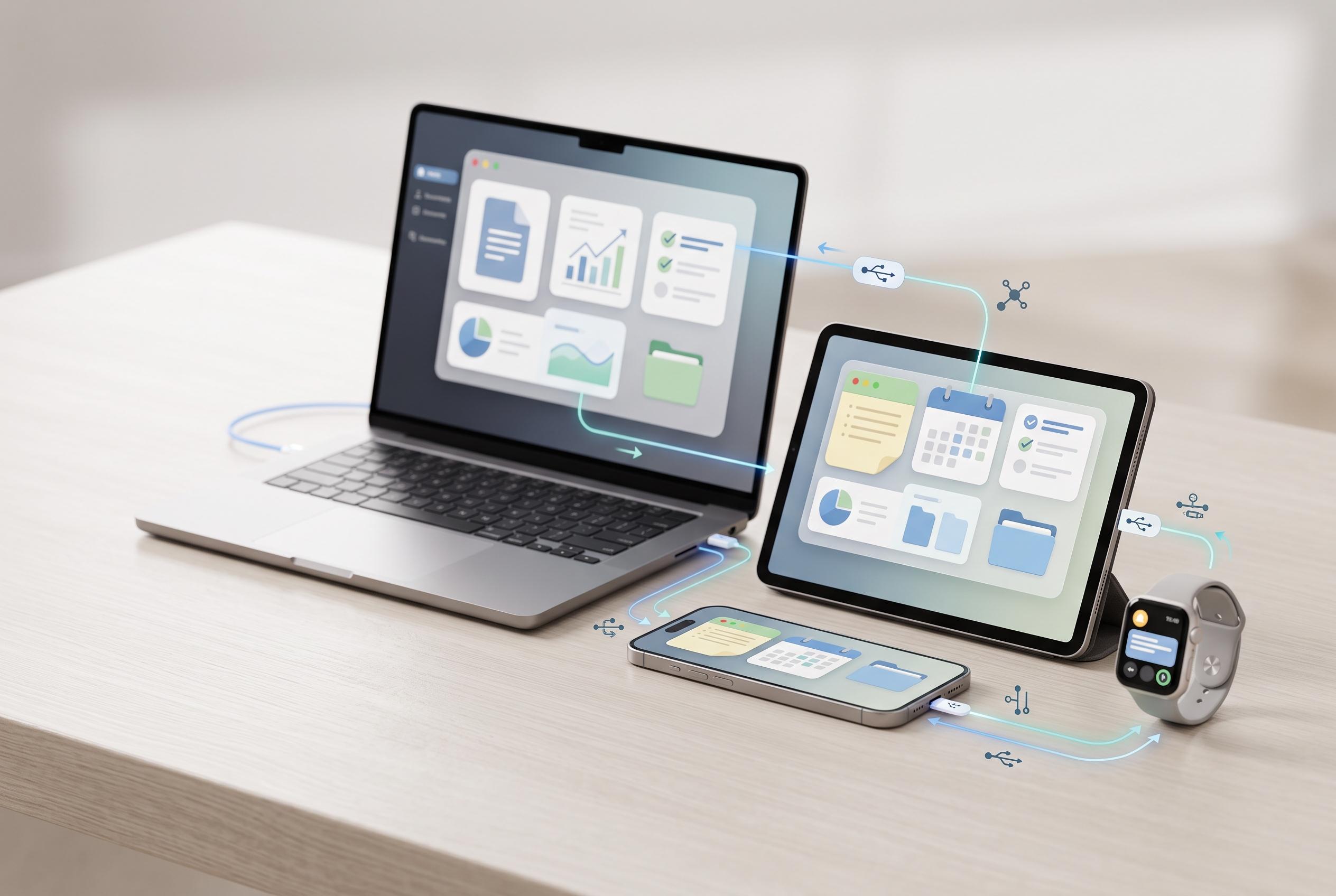

As the number of connected devices per person continues to grow, understanding how to effectively synchronise tasks, notes, and calendars across ecosystems becomes essential. Experts recommend deliberate setup and standards-based tools to maintain seamless workflows in an increasingly interconnected world.
People increasingly live across several screens at once, and that makes synchronising tasks, notes and calendars less of a convenience than a basic requirement. Statista says the average number of connected devices per person worldwide rose from 2.4 in 2018 to 3.6 in 2023, while Cisco projected billions more networked devices and connections over the same period. The practical result is familiar: a meeting booked on one device, a note saved on another and a task list stranded somewhere else.
The central problem is not that sync is broken. It is that most people mix ecosystems without a plan. Apple, Google and Microsoft each do a good job inside their own walls, but cross-platform use quickly exposes the seams. That is why the most reliable approach is to choose one primary system, then use compatible tools to bridge the gaps rather than forcing every service to do everything.
For users already committed to Apple, iCloud remains the simplest route. Calendar, Reminders and Notes all synchronise across iPhone, iPad, Mac, Apple Watch and the web, which is enough for many households. The trade-off is obvious: Apple’s tools are smooth inside the ecosystem but less flexible outside it, especially for people who also rely on Windows or Android.
Google offers a different model. Calendar is the anchor, with Tasks and Keep filling the task and notes roles. That split is less elegant than Apple’s all-in-one approach, but it works well for people who use Android phones, Chromebooks or web browsers on multiple machines. The advantage is reach. Google’s services are available almost anywhere, which makes them a practical default for mixed-device users.
Microsoft’s stack is strongest where work and personal life overlap. Outlook handles email and calendars, To Do manages tasks and OneNote covers notes, all tied together through a Microsoft account. The appeal is not glamour but integration. Flagged emails become tasks, calendar events stay in step and the system works across Windows, macOS, iPhone and Android. For many office users, that is enough to make it the most efficient choice.
For people who want one app that behaves the same everywhere, cross-platform tools remain the most useful compromise. Todoist, Notion and Obsidian each solve a different version of the same problem. Todoist is the cleanest task manager, Notion is the broadest notes-and-workspace system and Obsidian is the best fit for users who want local-first control over plain text files. None is perfect, but each reduces dependence on a single vendor’s ecosystem.
Underneath these systems sit open standards such as CalDAV and CardDAV. CalDAV handles calendar sync, while CardDAV does the same for contacts. Those standards matter because they preserve choice. They let compatible apps and servers talk to one another, which means users can move away from a platform later without rebuilding everything from scratch. For people who care about portability, that flexibility is often more valuable than a polished interface.
The more privacy-conscious route is self-hosting. Nextcloud can sync calendars and contacts through CalDAV and CardDAV, while end-to-end encrypted tools such as Standard Notes and privacy-focused calendar services from Proton keep the provider out of the contents of the data. That comes with a cost: more setup, more maintenance and fewer integrations. Still, for users who would rather own their data than hand it to a large platform, the trade-off is reasonable.
The clearest lesson is that sync works best when it is deliberate. Keep one source of truth, prefer standards-based tools where possible and avoid scattering the same information across too many apps. The growth in device ownership makes that discipline more important, not less. A well-chosen setup saves time every day, but only if it is built to survive real use across phones, laptops, tablets and watches.
Disclaimer: This content is intended for informational purposes only. Readers are advised to exercise their own judgement, conduct due diligence, or consult a qualified expert before acting on any information provided.