

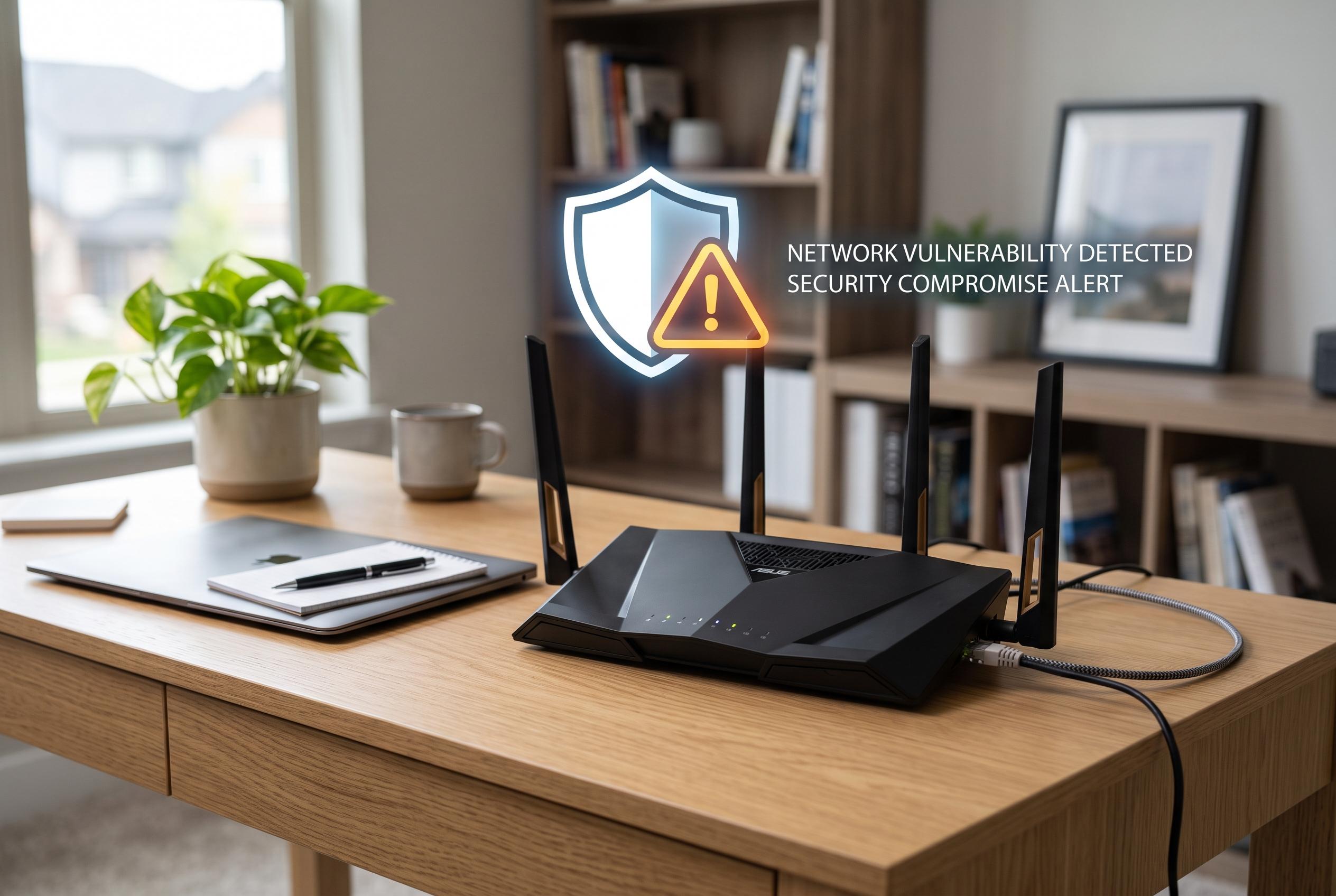

Security researchers warn that silently compromised routers threaten entire home networks, with signs including browser redirects, unrecognised devices, and slow internet performance. A quick check and reset can help restore security.
A router that is quietly compromised can expose far more than slow internet speeds. Security researchers and consumer technology guides note that the device sits at the centre of the home network, controlling traffic for phones, laptops, smart televisions, cameras and other connected hardware. If an attacker gains access to the router, they do not need to break into each device separately.
The most obvious warning sign is often a web page that appears to send you to the wrong place. Kaspersky and Forbes both point to unexpected browser redirects as a classic symptom, especially when the router’s DNS settings have been altered. DNS acts like the internet’s address book, so changing it can divert traffic without being immediately visible to the user.
Other clues are more direct. If the router’s admin page no longer accepts the usual password, that may mean someone has already taken control and changed the credentials. ESET and the United States Cybersecurity Magazine both say unfamiliar devices in the connected-devices list, unexplained changes to port forwarding, remote management or DMZ settings and weakly protected router interfaces are all signs worth investigating.
Performance can also offer a hint, though it is less conclusive on its own. Kaspersky, Forbes and ESET note that sustained slowdowns, particularly when no one at home is actively using the network, can point to unauthorised activity. A router under attack may also be sending traffic elsewhere, which can make broadband service seem erratic even when the ISP is functioning normally.
The basic check is straightforward. Log in to the router using its local IP address, usually printed on the device or found in the network settings of a connected device. Review the list of attached devices, inspect DNS entries and look for any rule that you did not set yourself. The process takes only a few minutes and does not require specialist tools.
If the router appears to be compromised, the standard response is a factory reset, followed by a firmware update and fresh passwords for both the Wi-Fi network and the admin console. Security advice from Kaspersky, ESET and the United States Cybersecurity Magazine also recommends disabling remote management, WPS and UPnP unless they are genuinely needed. Those features can be useful, but they also expand the attack surface.
Disclaimer: This content is intended for informational purposes only. Readers are advised to exercise their own judgement, conduct due diligence, or consult a qualified expert before acting on any information provided.



