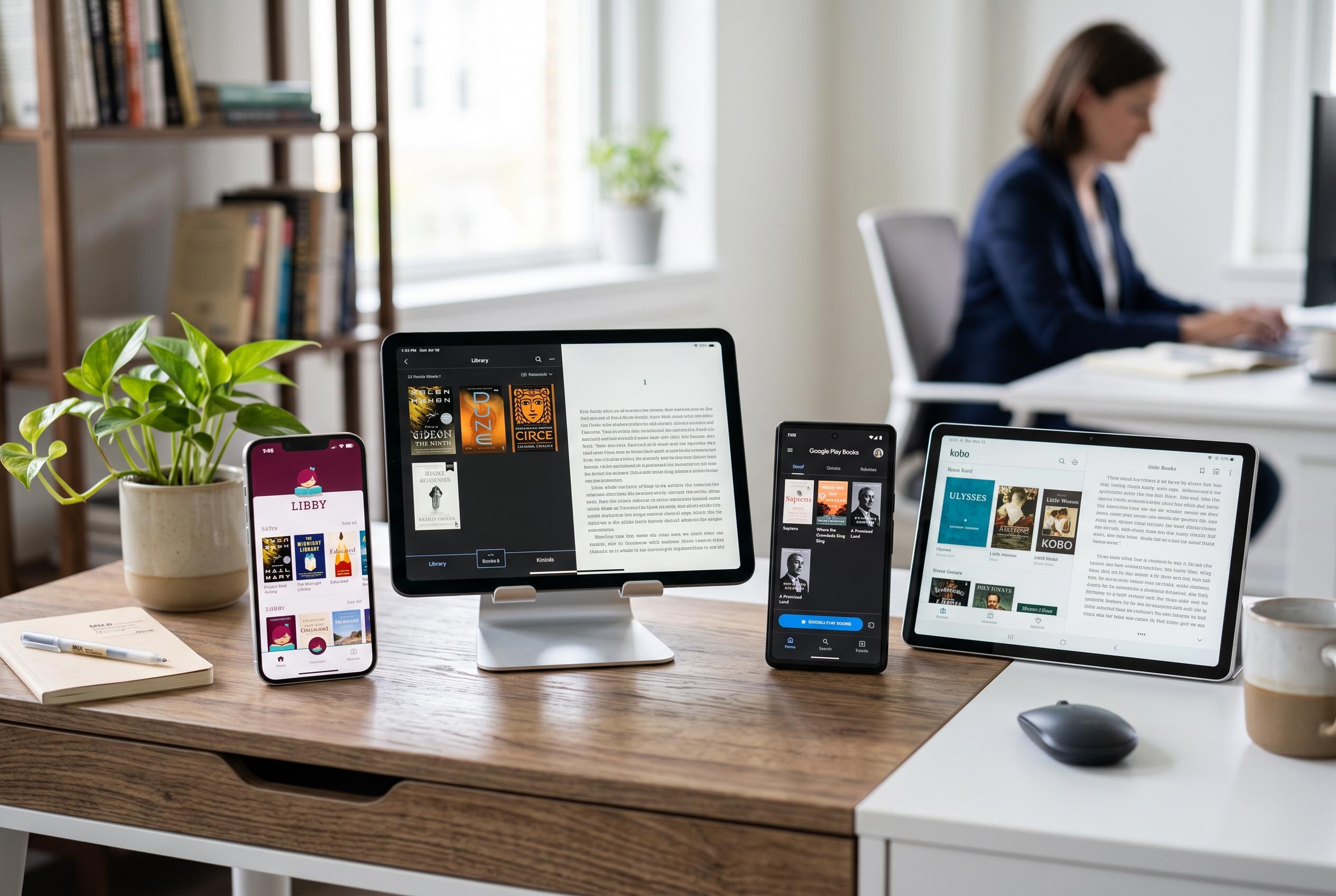

A comprehensive review uncovers how the meaning of ‘free’ varies across reading apps, highlighting which are best suited for library loans, personal files, or commercial purchases amidst a rapidly changing digital reading environment.
The best free reading app depends on what “free” means in practice. Libby is the strongest option for readers with a participating library card, because it lets libraries lend ebooks, audiobooks and magazines at no direct cost to the user. ReadEra is better for Android users who already have their own EPUB or PDF files and want an ad-free offline reader. PocketBook Reader is a more flexible file reader across Android and iPhone, while Kindle or Kobo suit readers who want a commercial ebook ecosystem that syncs across devices, even though the books themselves are usually paid for. According to OverDrive, Libby supports Android, iOS and web browsers and can send some titles to Kindle devices in eligible cases.
That distinction matters because not every free download is a free book service. Some apps provide library loans, some open files you already own, some offer a genuine free catalogue and others are simply free to install while reserving most new releases for purchase. In this ranking, the most useful way to compare them is by access model rather than by price alone. ReadEra’s Google Play listing says it is free, works offline and has no ads or registration, which makes it attractive for personal libraries on Android.
For mainstream reading, Libby remains the best starting point if your local library participates. OverDrive says the app supports ebooks, audiobooks and magazines, adjustable text, offline reading and Kindle delivery for eligible titles. The trade-off is that the library controls the catalogue, borrowing period and availability, so popular books may still involve waitlists. Kindle, meanwhile, is best understood as a store-backed reader: Amazon’s app offers cross-device syncing, notes and dictionary tools, but most current commercial titles still have to be bought separately.
Readers who already buy from a single ecosystem will likely prefer Google Play Books, Apple Books, Kobo Books or NOOK. Those apps are free to install and can include samples or selected free titles, but their main function is still to support paid ebooks and audiobooks. Kobo and NOOK are credible alternatives to Kindle for readers who want a different storefront, while Apple Books is the natural choice for users inside Apple’s hardware ecosystem. The published app pages for Kobo, Apple Books and NOOK all describe store access, device sync and reading tools rather than an unlimited free library.
If you already have books in file form, the strongest choices are more specialised. ReadEra is the simplest Android option for local EPUB, PDF and other common formats. PocketBook Reader is broader if you want one app across Android and iPhone. FBReader is useful when you also need desktop support, while Moon+ Reader is the most configurable Android option for power users. The key limitation is that these readers do not provide a large free storefront; they are tools for opening files obtained legally elsewhere.
There is also a separate group of apps for serial fiction, public-domain classics and comics. Wattpad and Inkitt focus on original stories and community discovery. Serial Reader breaks classics into daily portions, which can make long books easier to finish. WEBTOON is built for vertical-scroll comics, manga and manhwa. For readers using a library service, hoopla can add comics, manga and other media where participating libraries support it. In short, the right app is determined less by the word “free” than by whether your books come from a library, a commercial store, a public-domain archive or your own files.
Disclaimer: This content is intended for informational purposes only. Readers are advised to exercise their own judgement, conduct due diligence, or consult a qualified expert before acting on any information provided.