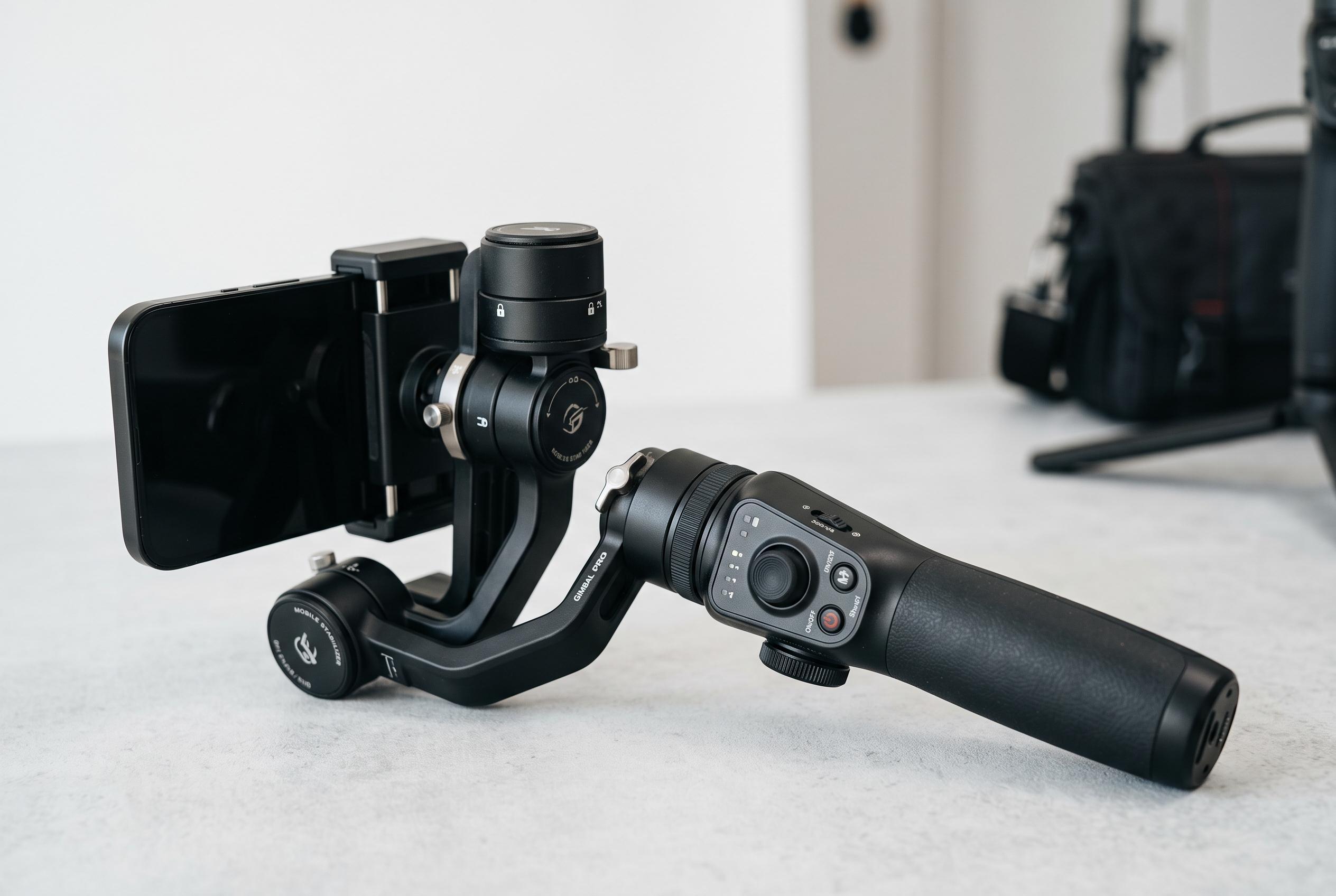

From balancing to shooting modes, discover the essential techniques and features that can elevate casual smartphone videos into controlled, cinematic footage with the latest gimbal technology.
A smartphone gimbal is one of the simplest ways to turn casual mobile footage into something that looks controlled and intentional. The device uses motors to counter hand movement on the tilt, roll and pan axes, which is why creators can walk, pivot and reframe without the constant shake that makes phone video look amateur. The basic idea is straightforward, but the difference in output is immediate once the tool is set up correctly.
The first task is balance. According to guides from Insta360, Hohem and Wedio, the phone should be mounted with the gimbal powered off, then adjusted until it stays level without drifting on its own. That matters because an unbalanced phone forces the motors to work harder, which can reduce battery life and make the stabiliser less responsive. Many manufacturers also recommend removing a bulky case before mounting, especially if it affects the centre of gravity.
Understanding the operating modes is just as important as balancing. Insta360 and Hohem describe common settings such as Pan Follow, Lock, FPV and Vortex, each of which changes how the gimbal responds to movement. Pan Follow keeps the horizon steady while allowing left-right motion, which suits walking shots. Lock mode keeps the frame pointed in one direction. FPV, or first-person view, follows more of the operator’s movement for a more immersive look. Vortex enables a spinning effect for more stylised clips.
Good technique still matters. Even the best stabiliser cannot fully compensate for abrupt body movement, so creators are advised to walk with small, deliberate steps, keep elbows tucked in and pan slowly. That practical advice appears consistently in independent guides from Wedio and Digital Camera World, both of which note that mechanical stabilisation works best when the operator keeps motions smooth and predictable.
Newer gimbals also add tracking features that make solo filming easier. Some models use a clip-on AI module, while others rely on a companion app to detect and follow a subject automatically. B&H Photo’s product information for the Zhiyun Smooth-Q highlights face-tracking, panoramic modes and quick vertical switching, features that are now common across the category and are particularly useful for vloggers and travel creators working without an assistant.
Camera settings remain the final part of the workflow. The gimbal only handles motion, so users still need to choose an appropriate frame rate, lock focus and exposure where possible and clean the lens before filming. A higher frame rate, such as 60fps, gives editors room to slow footage down later, while 24fps or 30fps is often better suited to a more cinematic result. In practice, the best gimbal footage comes from a mix of correct balance, the right shooting mode and restrained movement. Once those basics are in place, the device becomes less of a gadget and more of a reliable production tool.
Disclaimer: This content is intended for informational purposes only. Readers are advised to exercise their own judgement, conduct due diligence, or consult a qualified expert before acting on any information provided.