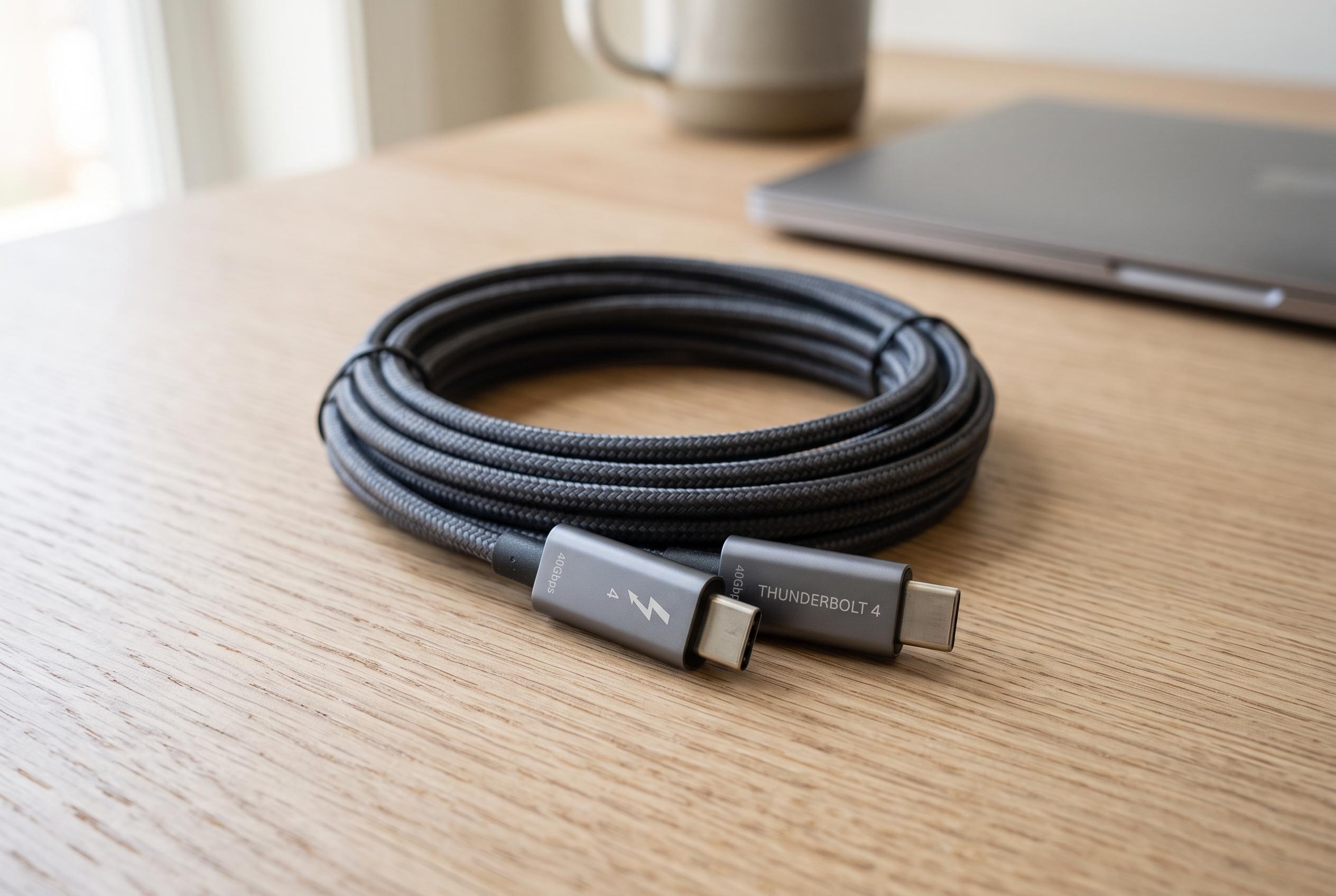

A roundup of the latest certified Thunderbolt 4 and USB4 cables tailored to different distances and power needs, highlighting the importance of matching cable specifications to specific use cases for optimal performance.
For most buyers, the simplest choice is Belkin’s Thunderbolt 4 Cable, model INZ003bt1MBK. Belkin says it is a 1-metre passive cable with Thunderbolt 4 certification, USB4 compliance, data speeds of up to 40Gbps and power delivery of up to 100W. That makes it a sensible default for a nearby dock, external drive or monitor when the goal is a short, mainstream cable rather than a specialist charging lead.
If the space between devices is tighter, CalDigit’s TB4-P08B-540 is a shorter 0.8-metre alternative. CalDigit says the exact model is Intel-certified and rated for up to 40Gbps and 100W. That extra compactness can help on crowded desks or portable setups, but the lower length is mainly a matter of convenience, not performance.
For longer desk runs, Plugable’s TBT4-40G2M is the more practical option. According to Plugable, it is a certified active 2-metre Thunderbolt 4 cable with support for up to 40Gbps and 100W. The active design matters because signal integrity becomes more difficult as cable length increases, which is why a generic 2-metre USB-C cable is not a safe substitute for a model built and documented for that use case.
Where charging demands are higher, Plugable’s TBT4-240W-80CMR and ACON’s Thunderbolt 4 EPR passive cables move into a different category. Plugable says its right-angle 0.8-metre cable supports up to 240W Extended Power Range, while ACON’s certified passive range covers lengths from 0.3 metres to 1 metre at the same 240W level. These are only useful when the charger, cable and receiving device all support USB Power Delivery EPR; a cable rating does not force a device to take more power than it is designed to accept.
The distinction between Thunderbolt certification and USB4 branding is important. Intel’s Thunderbolt programme uses model-specific certification, so buyers should verify the exact SKU rather than assume that every cable in a family carries the same status. USB-IF certification is separate from Intel’s Thunderbolt programme, and a cable marked USB4 is not automatically Thunderbolt-certified. In practice, the speed and power of the full setup are still limited by the weakest device in the chain, whether that is the computer, dock, display or charger.
That is why the safest buying rule is to match the cable to the job. For most desk setups, the Belkin model remains the most straightforward pick. CalDigit suits shorter runs, Plugable’s 2-metre cable is better when distance matters, and the 240W options are for users with compatible high-power charging hardware. The cable can preserve the capability of a Thunderbolt or USB4 system, but it cannot create one where the connected devices do not already support it.
Disclaimer: This content is intended for informational purposes only. Readers are advised to exercise their own judgement, conduct due diligence, or consult a qualified expert before acting on any information provided.