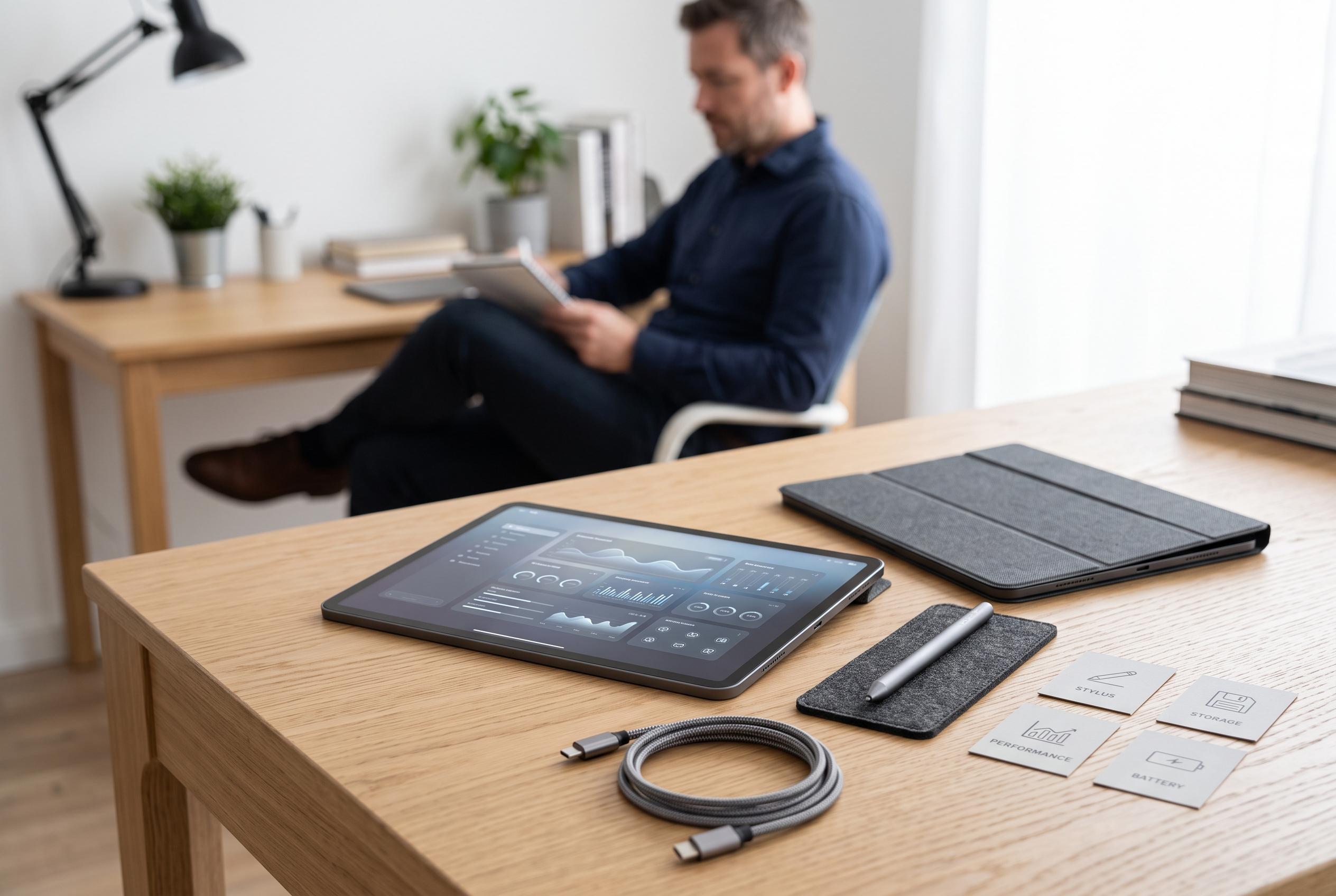

Selecting the ideal tablet requires understanding its primary use, display quality, performance, storage, battery life, and operating system. Experts recommend balancing specifications with your specific needs, whether for creativity, productivity, or leisure, to make a well-informed purchase.
Choosing a tablet starts with a clear view of what it will be used for. Consumer Reports says that artists often need stylus support, students usually benefit from lighter devices with strong battery life and business users may need better multitasking. That basic decision shapes every other specification, from screen type to memory and storage.
Display quality is one of the most important points to check. Consumer Reports and Iattock both recommend a resolution of at least 1,920 x 1,200 for crisp text and sharp images. OLED panels generally deliver deeper blacks and stronger contrast than LCD screens, while higher refresh rates, such as 90Hz or 120Hz, can make scrolling and gaming feel smoother. Quill adds that brightness also matters because it affects how well video, photos and text appear in daily use.
Performance depends on the processor and RAM. Alibaba’s buying guide advises matching the chip to the workload, with stronger processors needed for productivity, creative work and heavier apps. It also notes that 3GB to 4GB of RAM is enough for light browsing and streaming, 6GB to 8GB suits most productivity use and 8GB or more is better for demanding multitasking. PC Outlet similarly points out that the latest premium tablets can deliver laptop-class performance.
Storage is another area where it pays to think ahead. Alibaba recommends weighing app use, photos, downloads and offline files before deciding between entry-level and higher-capacity models. A microSD slot can be valuable for buyers who want extra flexibility later, although not every tablet offers one. For lighter users, 64GB may be adequate, but heavier workloads usually call for 128GB or more.
Battery life should be judged carefully, not just by manufacturer claims. Quill says many factors influence how long a tablet lasts between charges, including screen brightness, processor speed and internet use. Of Zen and Computing notes that battery capacity alone does not tell the full story because efficiency matters as much as size. Its guide suggests that fast charging is worth considering too, especially for buyers who travel or use the device throughout the day.
The operating system also affects the long-term experience. Iattock says iPadOS offers a broad library of tablet-optimised apps and strong integration with other Apple devices, while Android gives buyers more hardware choice and customisation. Windows tablets are better suited to people who want desktop-style software or legacy PC support. The right platform depends on which apps and services you already use.
Finally, build quality, connectivity and price all influence whether a tablet will remain useful. Metal bodies usually feel sturdier than plastic ones, and weight matters if the device will be carried all day. Wi-Fi 6, Bluetooth 5.0 or later, USB-C and cellular support can all improve day-to-day use. The best approach is to set a realistic budget, compare specifications within that range and read verified customer reviews for signs of battery wear, software problems or durability issues.
Disclaimer: This content is intended for informational purposes only. Readers are advised to exercise their own judgement, conduct due diligence, or consult a qualified expert before acting on any information provided.