

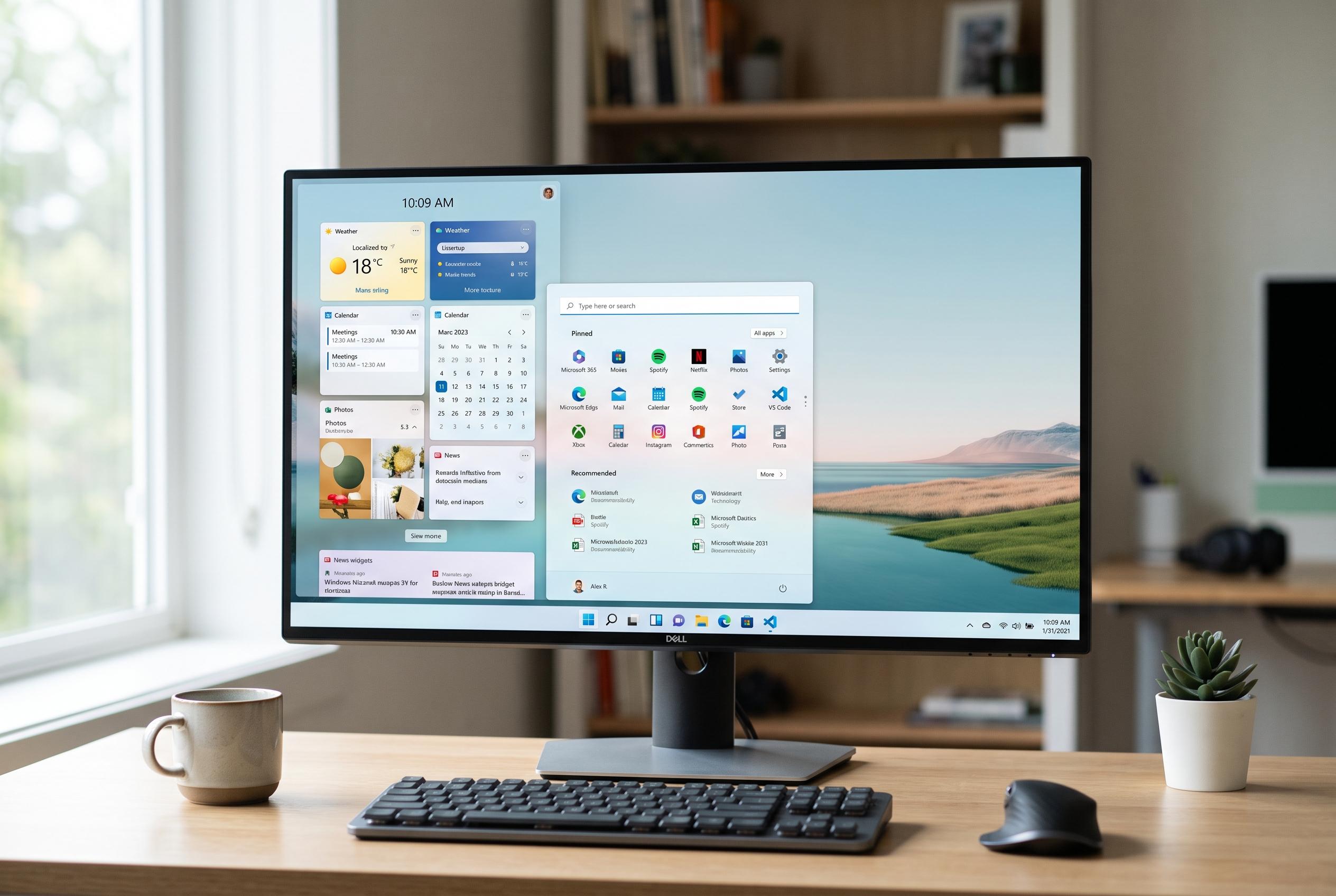

Microsoft continues to fine-tune Windows 11, emphasising a streamlined, customisable user experience and addressing longstanding grievances, while its AI features remain a work in progress.
Windows 11 remains Microsoft’s main desktop platform, and its appeal still rests on two strengths: broad software compatibility and support for a wide range of hardware. The operating system’s appearance is more restrained than Windows 10’s, with centred controls, rounded corners and translucent design elements, but it is built to feel familiar rather than revolutionary. That balance matters because Microsoft is still refining the system, adding incremental improvements to usability, performance and security rather than treating it as a finished product. PCMag also notes that the latest direction is less about hardware-tied AI and more about making Windows 11 feel cleaner and more practical for everyday use.
That shift is visible in the interface. Windows Central reports that Microsoft is modernising older parts of Windows 11 with its WinUI framework, bringing a more consistent look to components such as File Properties, AutoPlay, Print Management, Run and the Start menu. The company is also moving towards more coherent dark mode support and better customisation, including planned control over item visibility and ordering in the Start menu and compact context menus. These changes reflect a wider effort to reduce clutter and make the system feel less fragmented than previous versions of Windows.
For users who find the default setup too busy, the operating system is becoming easier to tune. Windows Central says practical changes now include disabling widgets, silencing notifications with Do Not Disturb, switching off Start menu suggestions and removing web search highlights. PCMag likewise points out that Microsoft has recently toned down some of the more distracting elements, including the news-heavy Widgets feed. The result is an OS that can be made considerably quieter without stripping away core functionality.
Microsoft is also addressing long-running complaints about updates, performance and the taskbar. According to Windows Central, the company is working towards a more restrained update model with fewer interruptions and the option to pause updates for longer periods. The same reporting says Windows 11 is regaining some customisation, including taskbar placement options and improved responsiveness in parts of the interface. PCMag adds that the system’s taskbar and file management tools have matured over time, with tabs in File Explorer and stronger window management through Snap Layouts.
Even so, Windows 11’s AI story remains uneven. Microsoft has pushed Copilot across the platform, while some features such as Recall, Cocreator and Super Resolution are tied to Copilot+ hardware. PCMag argues that this split makes the experience feel inconsistent, especially as Microsoft now wants every Windows 11 machine to count as an AI PC. At the same time, Microsoft has retired the Windows Subsystem for Android and continues to remove older features such as WordPad, underscoring a broader reset of the platform. For most users, Windows 11’s value still comes less from AI than from its combination of compatibility, security and steady polish.
Disclaimer: This content is intended for informational purposes only. Readers are advised to exercise their own judgement, conduct due diligence, or consult a qualified expert before acting on any information provided.



